
cancel
Showing results for 
Search instead for 
Did you mean: 
The Zoom Community will be placed in read-only mode January 9th, 2026 through January 22nd, 2026 to deliver you a new and improved community experience!

The community will still be accessible, however, the creation of any new discussions or replies will be temporarily unavailable. We appreciate your patience during this time.

Schedule a recurring meeting - how do I add Google Calendar and specific dates for the meeting
hicjef
Explorer
Explorer

hicjef_0-1679780185166.png

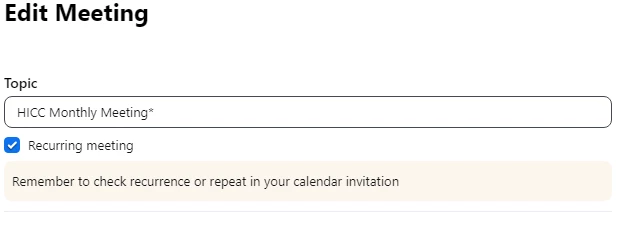
Can someone tell me how to add specific dates of meetings to include on the invitations?

1 REPLY 1

meriment
Contributor III
Contributor III

You could set up a webhook to trigger a calendar invitation for each date in the meeting occurrence. If you are not a developer there is a Zoom app, Salepager, that lets you send calendar invitations for the specific dates of each occurrence.