WHERE DID THEY MOVE SCHEDULE MEETINGS???? | Community
Skip to main content
Explorer
September 30, 2025
Solved

WHERE DID THEY MOVE SCHEDULE MEETINGS????

  • September 30, 2025
  • 55 replies
  • 8078 views

I just logged into try and schedule some meetings and the whole interface has been changed.  I go to click on meetings and it gives me the option to "host" or "join" a meeting....  Sigh.....  Where the heck did they move the dashboard when you used to log into your account and it launched right then and there.  Now it's filled with all sorts of garbage promoting more services to buy that don't interest me and clutter up my screen.


And, where do you request support to chat with a support agent?  I'm not interested in their stupid AI bots.


I don't understand why they have to make things harder.
Best answer by Bri

Hi there,

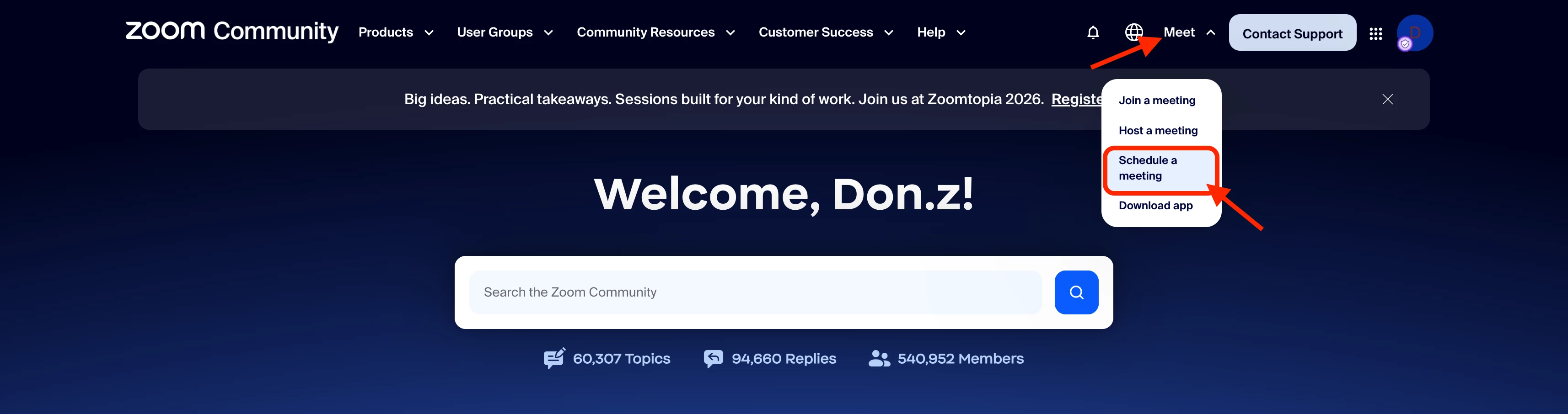
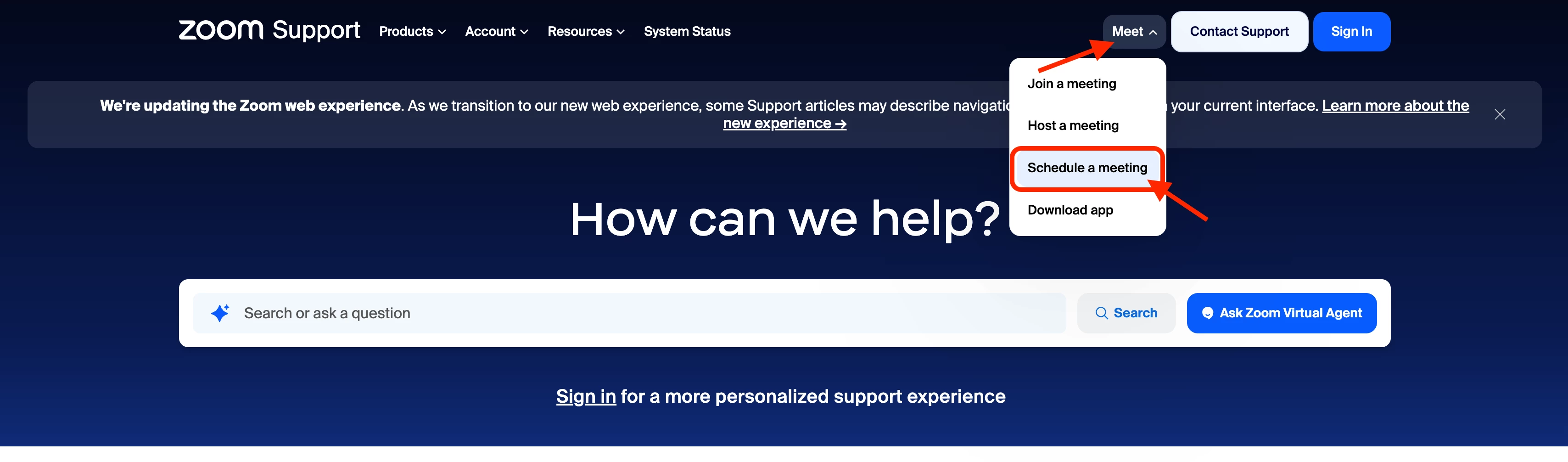
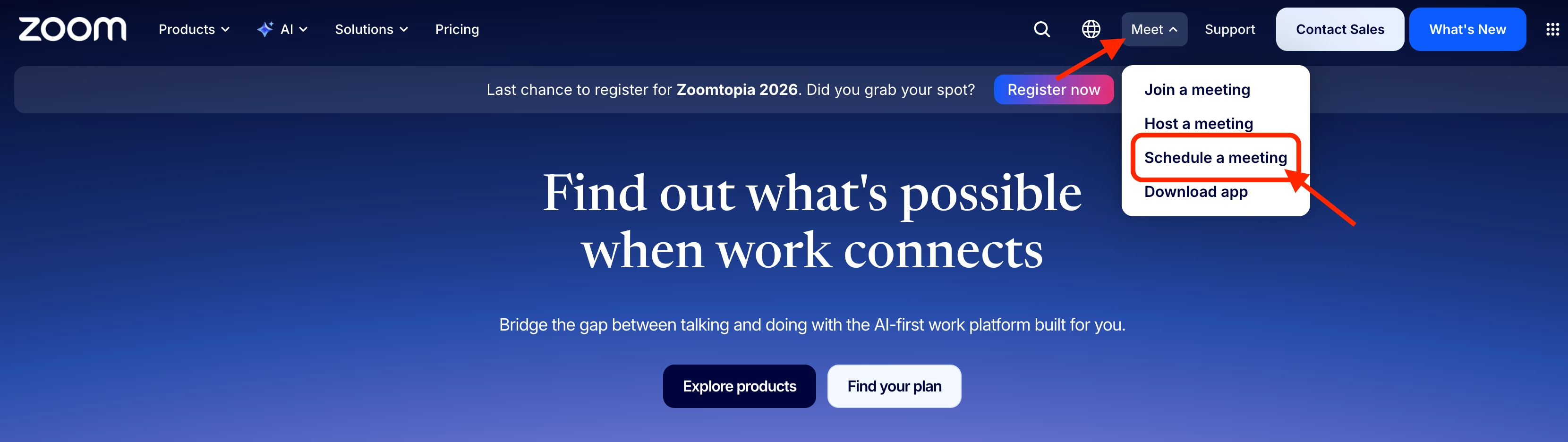
If you're looking for the Schedule option, Zoom has updated where it's located. This support article walks through where to find it and how to schedule a meeting: https://support.zoom.com/hc/en/article?id=zm_kb&sysparm_article=KB0060700

If you're still not seeing the option after following those steps, let us know which version of the Zoom Workplace app you're using (and whether you're on Windows, macOS, or Linux) or if you’re trying to access through your web browser. 

55 replies

New Member
July 23, 2026

Agree - Zoom obviously didn’t ask it’s users before making things much more difficult for how we use Zoom. Bring back the easy to understand way to Schedule Meetings!!!  Seriously, a person should not need to read a link with instructions for how to do the most important function on Zoom (schedule a meeting).  Stop breaking what works and please put it back together.  We need an EASY way to SCHEDULE MEETINGS right where we log in.  

New Member
July 27, 2026

They’re just out of their minds.  Zoom is used to schedule meetings, so instead of having a button on the home page that says “Schedule a Meeting”, they hide and and make you read articles to find out where they moved it to.  What are they possibly thinking?  Did their brain trust have a meeting on how to annoy the greatest number of customers the quickest?

Raina Roy
Participant
Participant
July 27, 2026

I had the same reaction the first time I saw the new interface. It definitely takes a bit of getting used to, and some of the options that used to be easy to find are now buried under extra menus.

For scheduling meetings, try clicking your profile picture and selecting My Account (or sign in through the web portal instead of the desktop app). Your meeting dashboard and scheduling options should still be there, although they're not as obvious as before.

As for live support, many companies now push the AI chatbot first. If you keep asking for a live agent or type "representative", it will often give you the option to connect with a human if your plan includes it.

You're not alone in feeling frustrated. Sometimes redesigns seem to prioritize promoting new features over keeping the core workflow simple. Hopefully they'll make the navigation more intuitive in future updates.


Newcomer
July 31, 2026

The new design is awful.  Scheduling a meeting is the primary thing that I do in Zoom -- and now it's not clear where that is.  The website needs a serious overhaul to be less focused on sales and more focused on usability.

New Member
August 4, 2026

This has really made life more difficult - I will not be renewing my subscription.
It’s great that the website remembers who I am, and I am already logged in.
But there should one button prominent on the front page that takes me straight to my scheduled meetings.