

Host unable to share screen while participants are able to share their screens.
Hello,
We're having trouble with one of our hosts being unable to share their screen during meetings.
From the host:
"When I share, it shares my screen, freezes me, puts a refresh-spinning blue circle for my cursor, then signs me out and back into zoom and unshared what I was trying to share- all within a 60-second time period. I uninstalled and reinstalled zoom last week as well as cleared my cache."
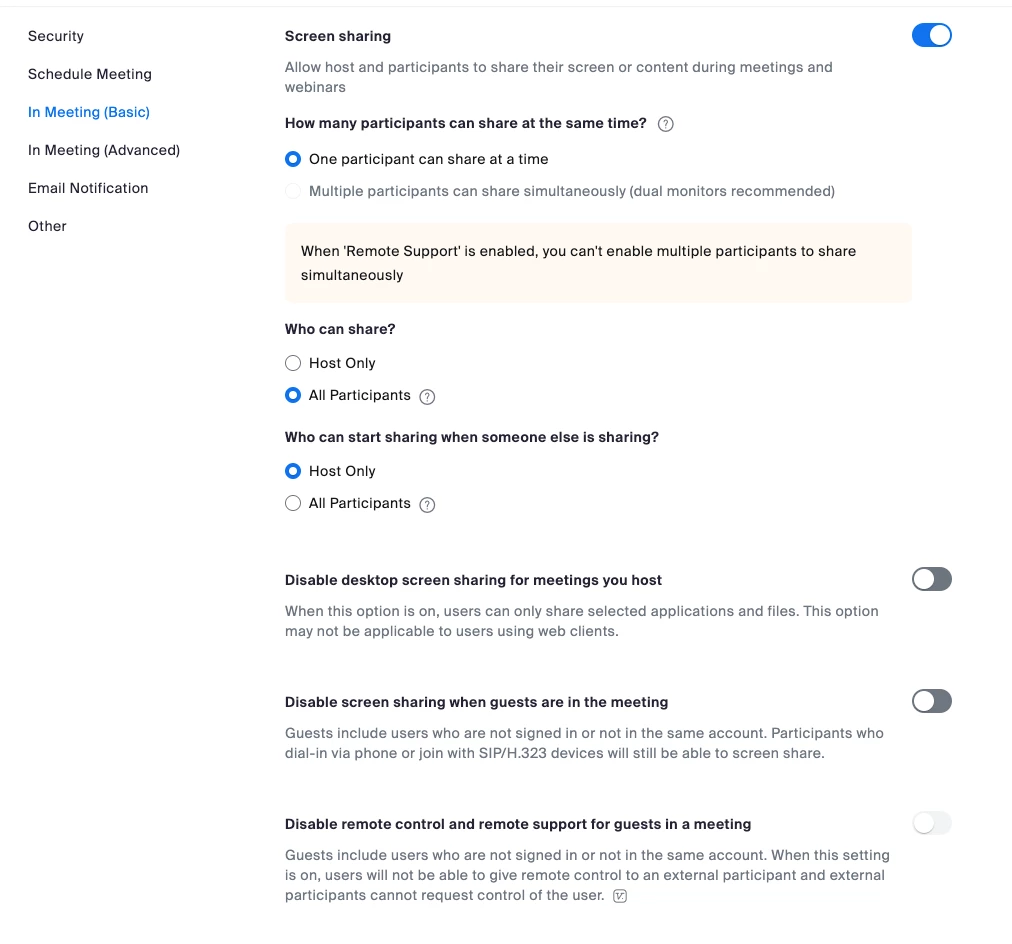
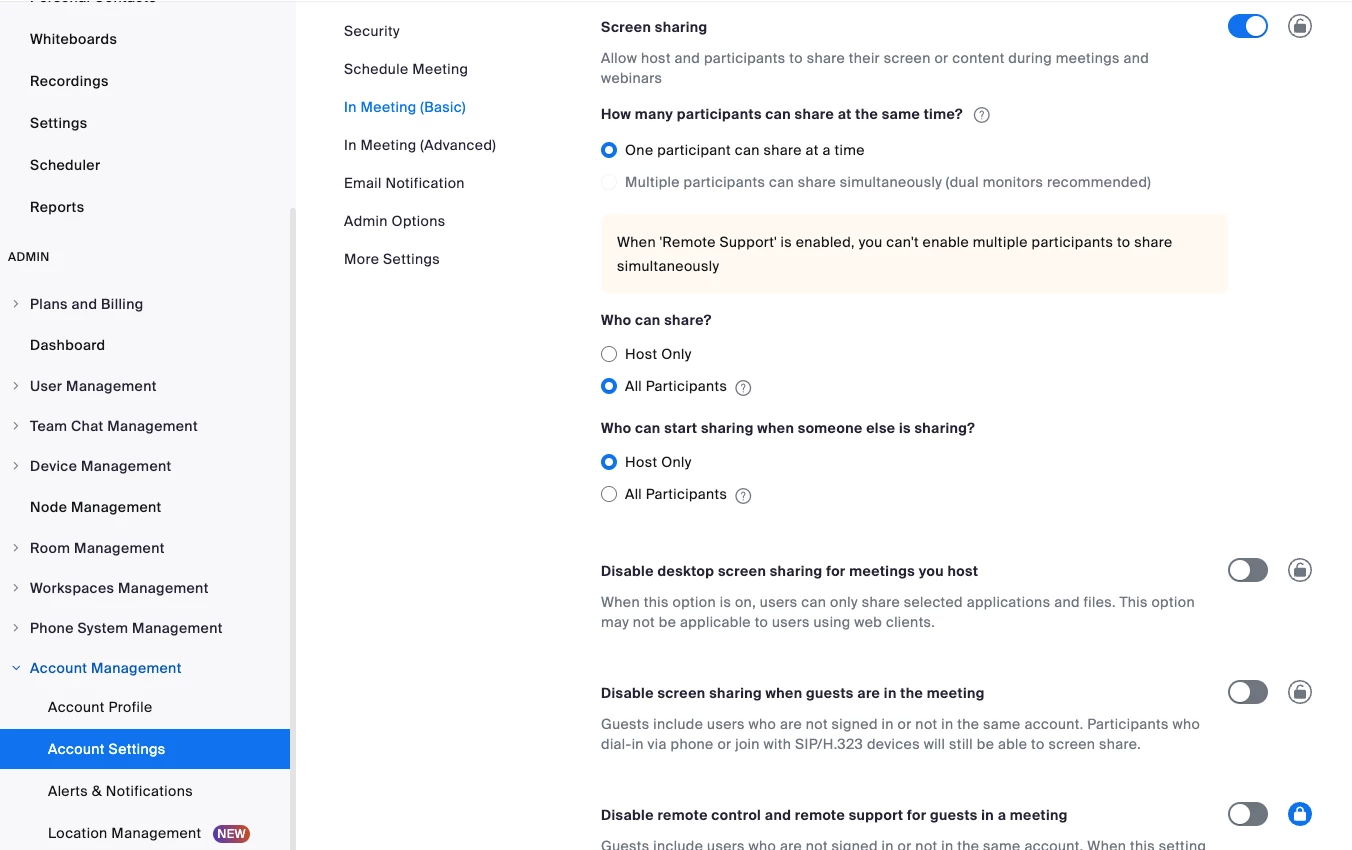
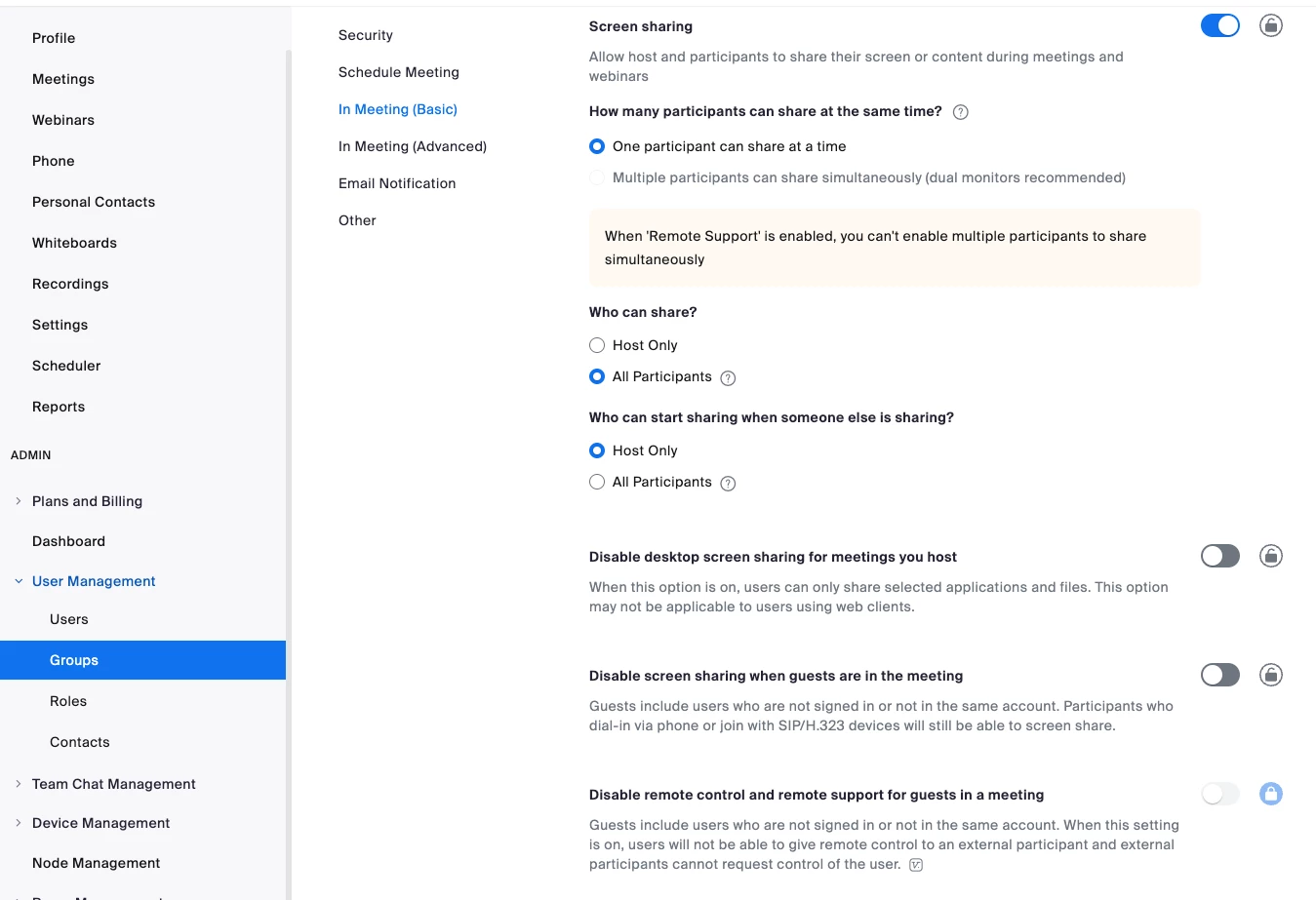
We have all of our Account, Group, and User settings configured the same way:
- one participant shares at a time
- all participants can share
- only the host can start sharing when someone else is sharing
Also of note, this host - along with ~30 others who do not experience this problem - has their meetings scheduled for them (all done via an Admin account - the same one as this community post is being made by.)
I was hopeful that this would provide a solution:
https://community.zoom.com/t5/Meetings/Host-Screen-Share-Not-Working-while-participants-screen-share/m-p/30189#M14928
But it did not.
From the host:
"When I share, it shares my screen, freezes me, puts a refresh-spinning blue circle for my cursor, then signs me out and back into zoom and unshared what I was trying to share- all within a 60-second time period. I uninstalled and reinstalled zoom last week as well as cleared my cache."
Any suggestions?