


Workflow: How to access a Workflow from the Meeting setup screen
Hi everyone! ZoomMate might not be the right place, but there’s no “Workflow” product community that I can find.
I’ve created a 3-step workflow which creates a meeting summary and sends it to a recipient -- a recipient who is neither an attendee nor an invitee. I’ve created the workflow AND pressed the Deploy button, and the Workflow screen tells me “Workflow saved and deployed. You can enable or disable it anytime in Workflows.”
The Workflow is visible in “Created by me”, and not visible in “Deployed by my organization”.
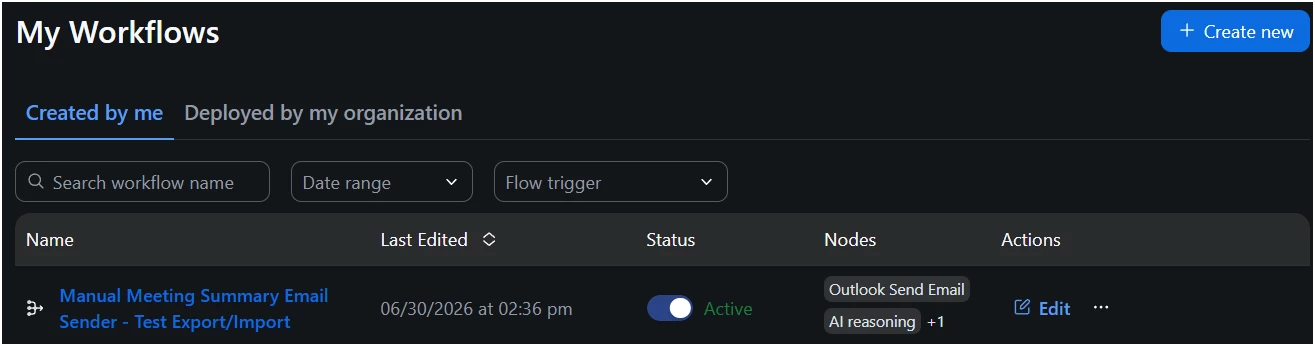
Now here’s what’s in my Meeting > Edit view:
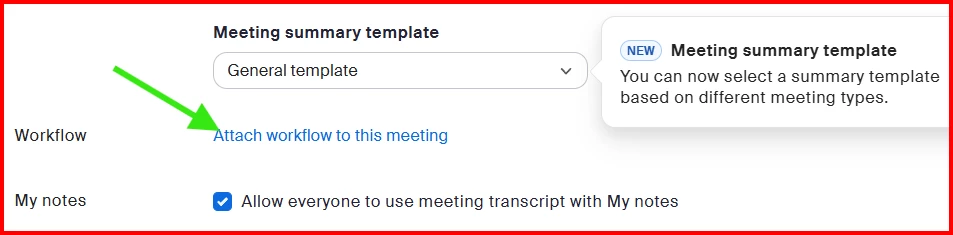
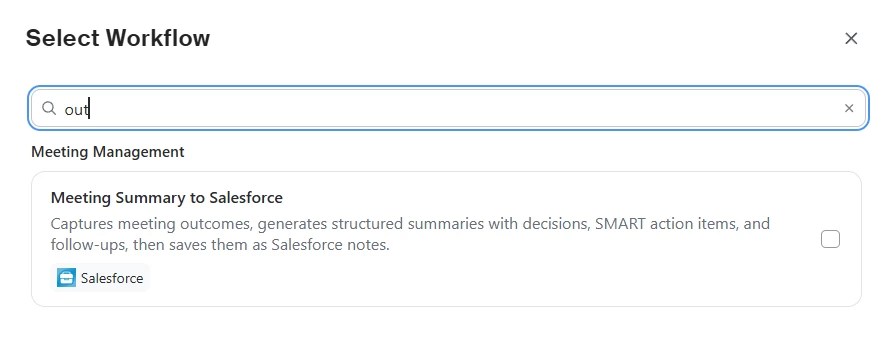
When I click “Attach workflow to this meeting”, only a list of Zoom-provided example workflows comes up. My workflow does not appear; here I’m searching for “outlook” (short version: out), and only the Salesforce workflow (with “outcomes” in its description) is shown.
How do I make my workflow visible to me? And if I want others in my organization to use it, how can I get it “truly deployed” at the organization level? I’m owner of the account and as far as I know have all permissions needed.
Thanks for any help...