

Zoom whiteboard keeps eating penstrokes
I've been using the Zoom Whiteboard (not the physical whiteboard) on my computer with a Wacom drawing tablet. Unfortunately, something has changed and now my penstrokes are being eaten and replaced with dots. I believe this is some kind of double click detection or some other gesture.
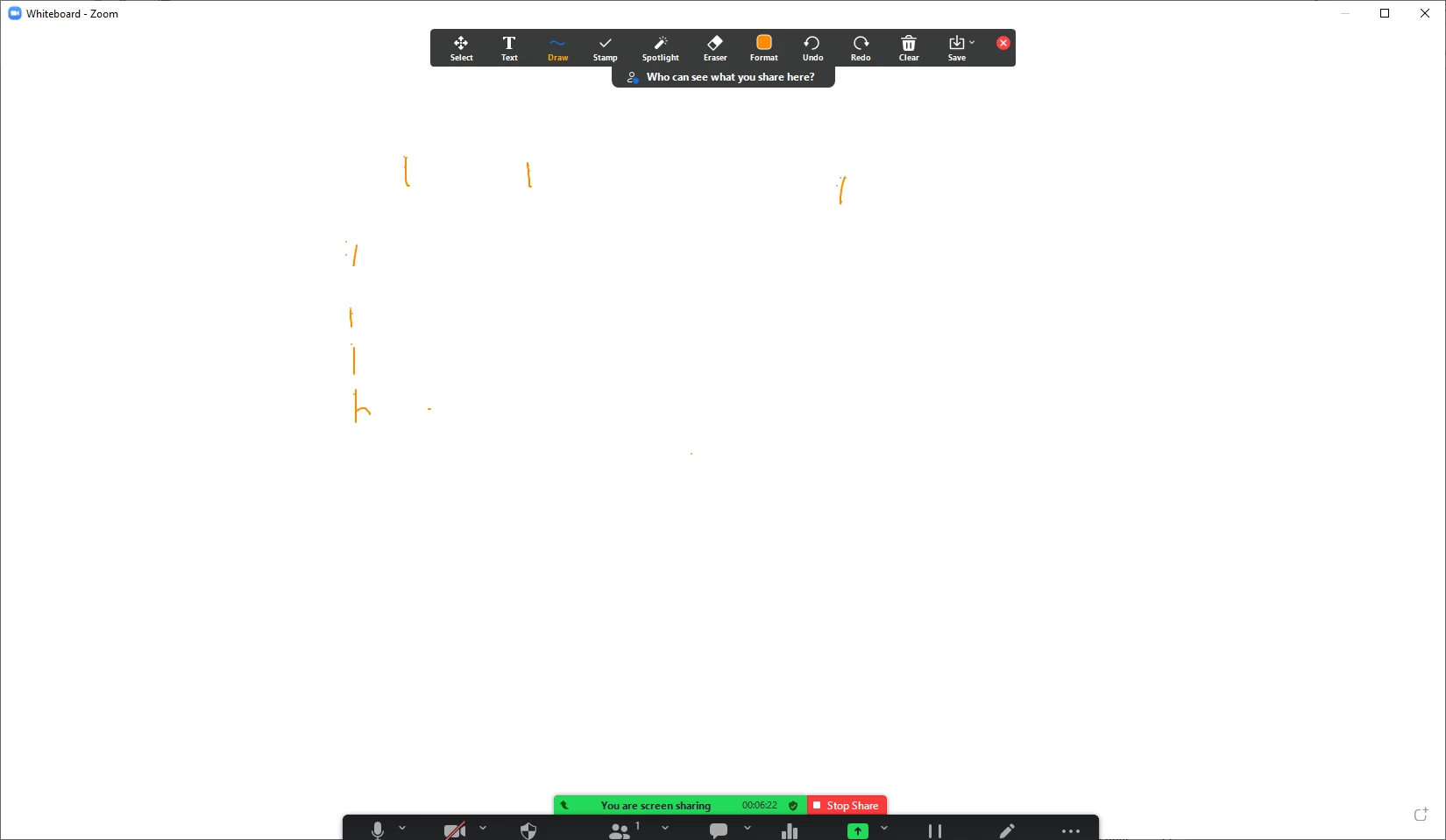
Here I try to write the especially problematic letter "F" 7 times. It failed each time.
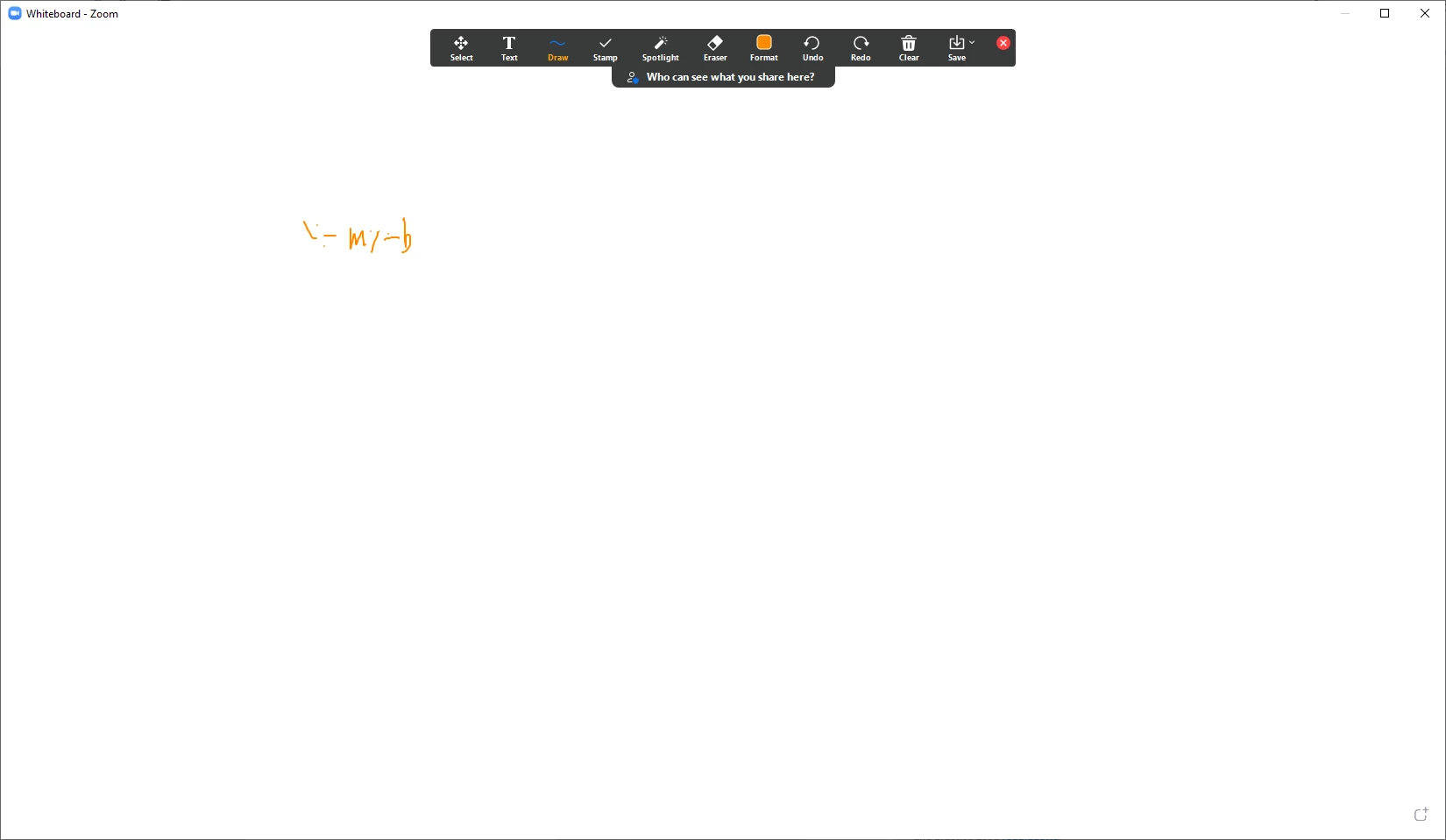
Here I tried to write the simple equation "y = mx + b"
And here I wrote the alphabet and "The quick brown fox jumped over the lazy dog" without corrections.
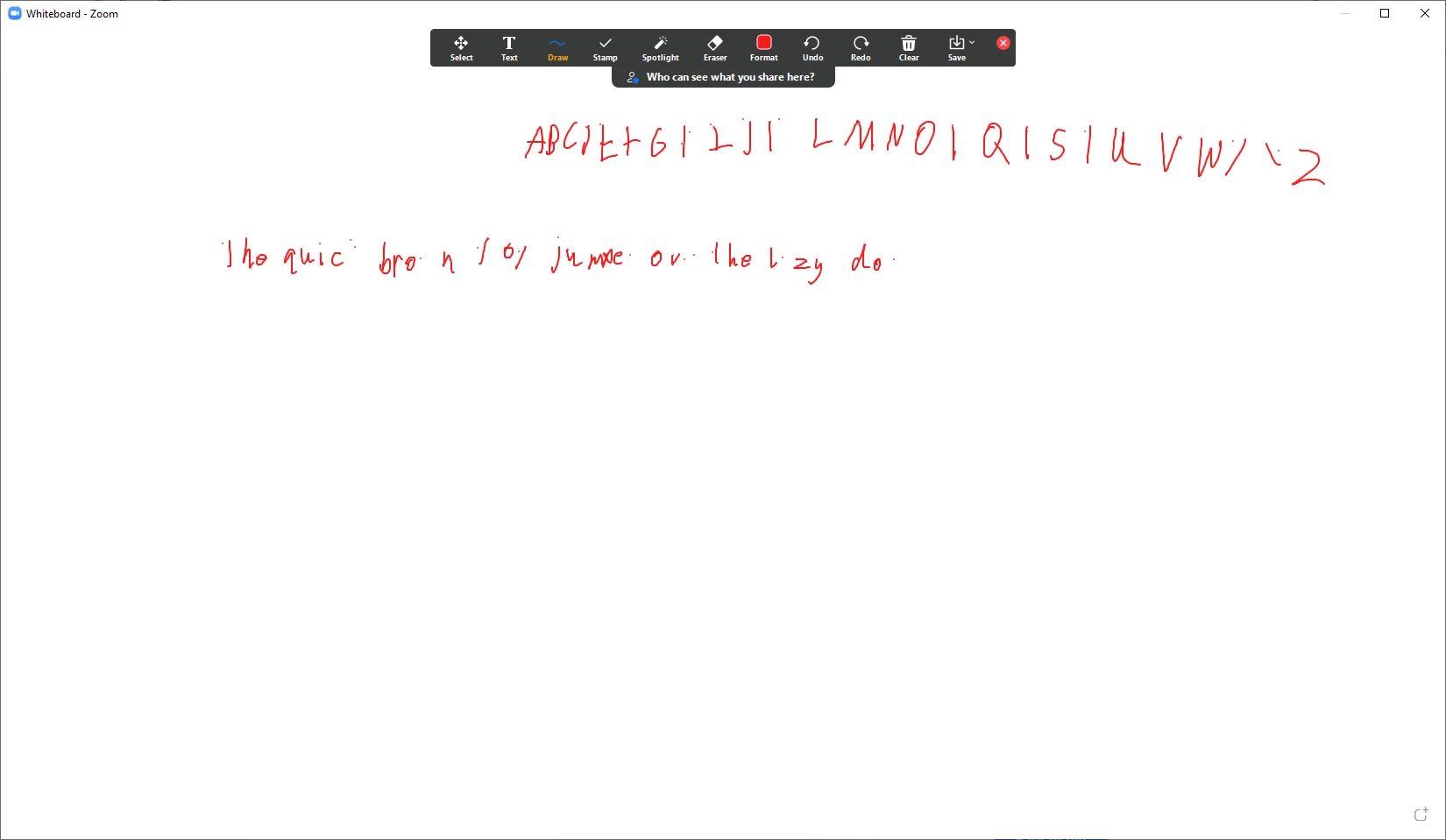
Each of these was done with Windows Ink active and has a little Windows Ink ripple effect whenever it happens. When I disable Windows Ink, it still happens, but without the ripple and less frequently.
Is this a known problem with a known fix? It makes it pretty much impossible to use the whiteboard.
EDIT: I accidentally added this discussion to the wrong place, but I don't see how to move or delete it.