Question
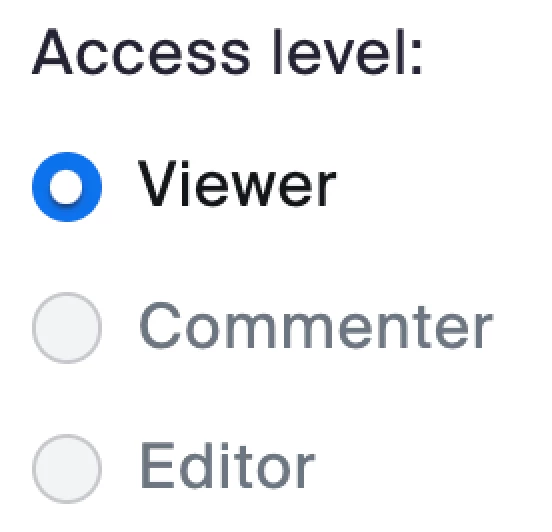
Whiteboard "access level" cannot be changed?
I am in Zoom > Account Management > Account Settings > (Whiteboard Tab) > scrolled down to the section called "Whiteboard Sharing Defaults"
On that page I believe I've turned on every setting to allow maximum access from the world 😆 but I still don't seem to be able to change the "access level" setting below to "Editor"... because what's the point of a collaborative whiteboard if others cannot collaborate on it? 😄
By the way I've already set the "Default Access Level" to "Anyone" but the setting right below that (pictured here) still is grayed out / cannot be clicked on...