How to create and save your own whiteboard template? | Community
Skip to main content
Newcomer
April 3, 2024
Solved

How to create and save your own whiteboard template?

  • April 3, 2024
  • 5 replies
  • 10 views

I've created boards and duplicated them when I need to use again- but is there a way to create your own whiteboard template to save and use again and again? I'm on the most recent Zoom update. Thanks!

Best answer by BakerHe

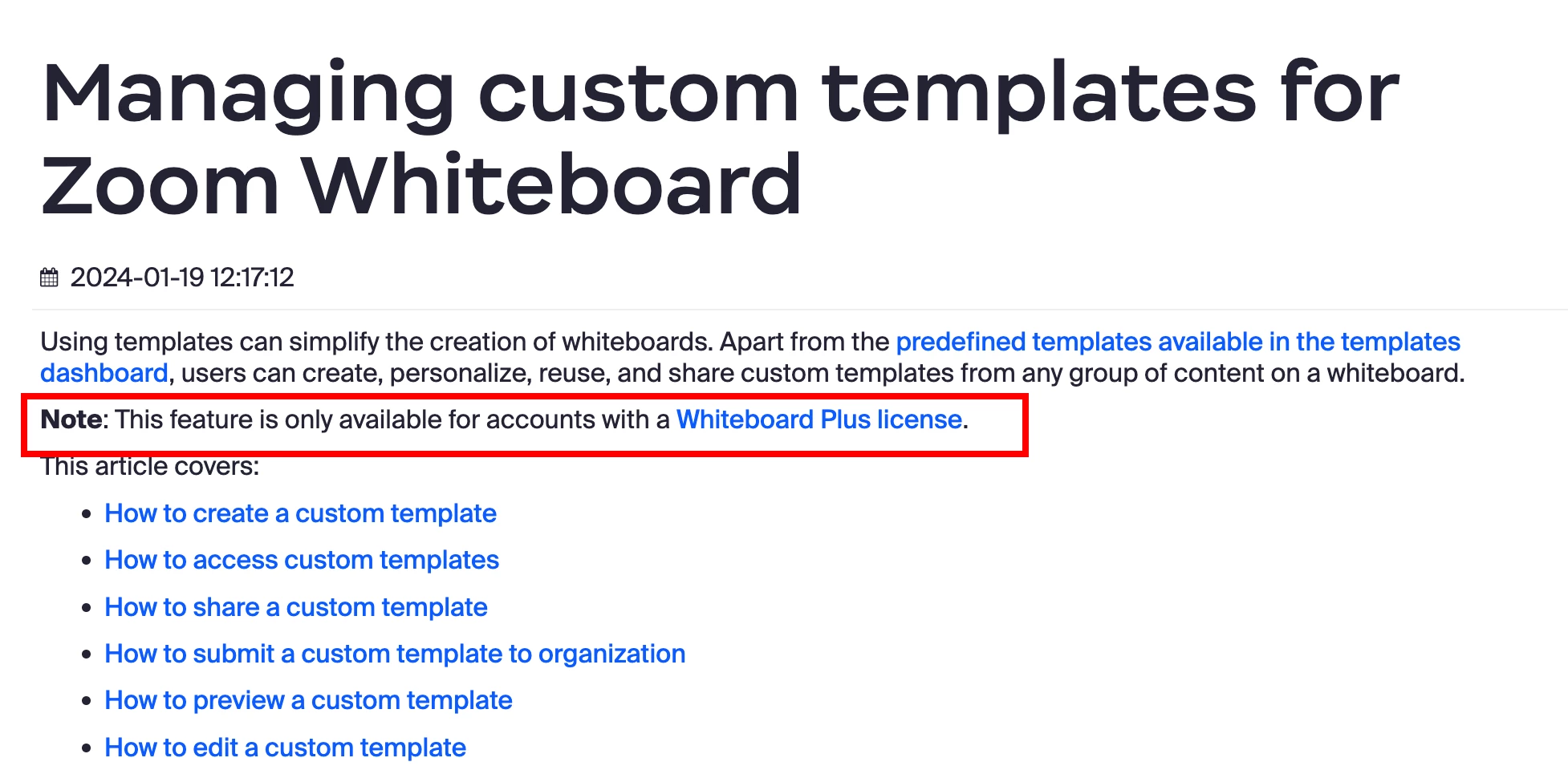
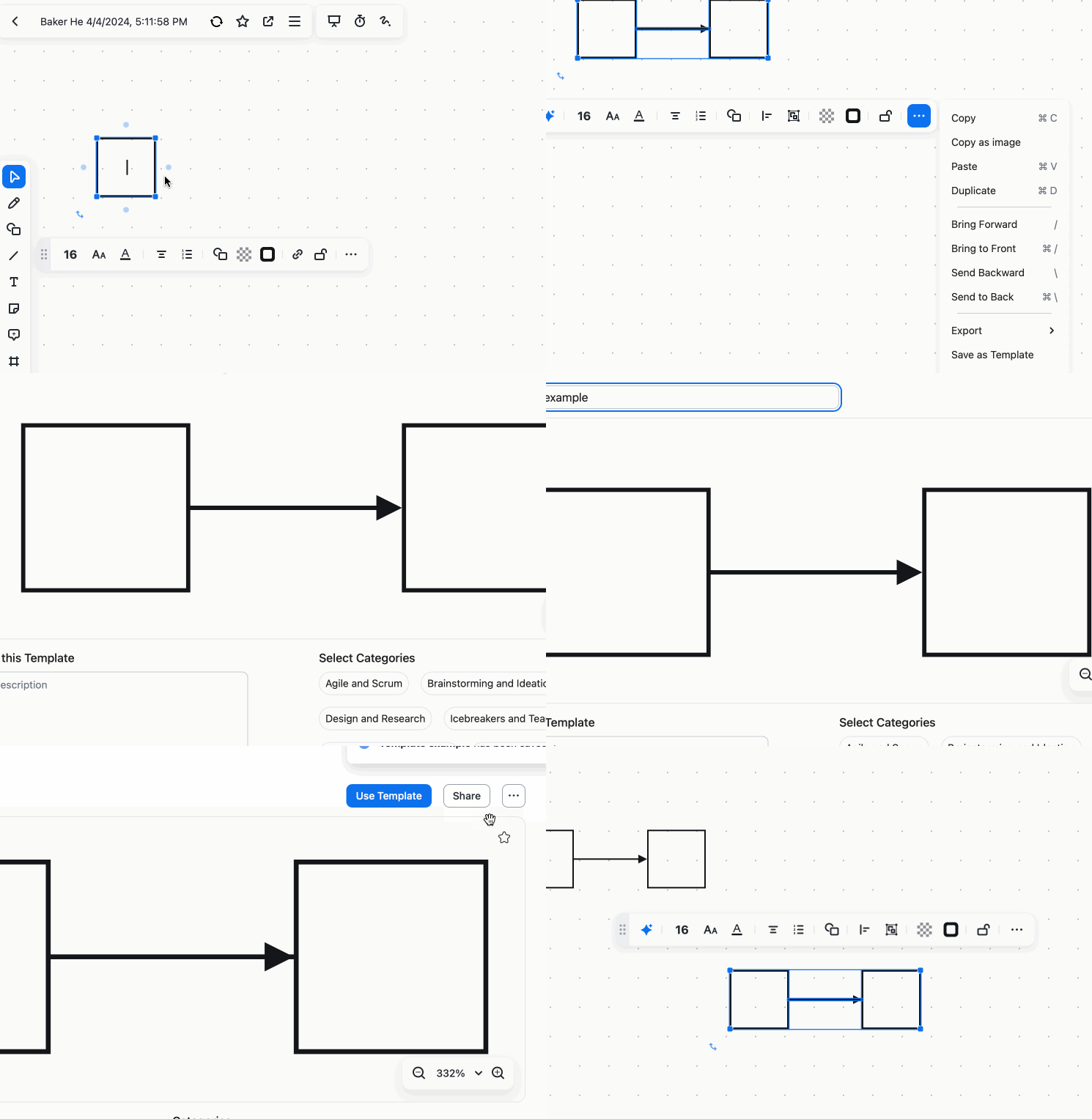
Here is an example to use template. And  this feature is only available for accounts with a Whiteboard Plus license.


Related link : https://support.zoom.com/hc/en/article?id=zm_kb&sysparm_article=KB0058143

5 replies

BakerHe
Community Champion | Employee
BakerHeAnswer
Community Champion | Employee
April 5, 2024

Here is an example to use template. And  this feature is only available for accounts with a Whiteboard Plus license.


Related link : https://support.zoom.com/hc/en/article?id=zm_kb&sysparm_article=KB0058143

Newcomer
April 13, 2024

I have Zoom Pro account and just added a Zoom White board license to that. But I still do not get the option to save as template, not in the deskop, not in the web environment. Do I have the wrong license? What is a Whiteboard Plus license? I only see a Whiteboard license. I don't see  other other whiteboard related options to upgrade to.

Newcomer
April 13, 2024

I found it. It's an extra option within the Zoom Whiteboard license.

wapundaAuthor
Newcomer
April 15, 2024

Where can I find the Whiteboard license area and this extra option?

BakerHe
Community Champion | Employee
April 15, 2024
MGSR
Community Manager
Community Manager
May 30, 2024

Hi @wapunda!

I have marked @BakerHe  answer as a solution.
Should you need further assistance, please let us know.

Have a great day!