Solved
What should I do if the Breakout Room option is not displayed
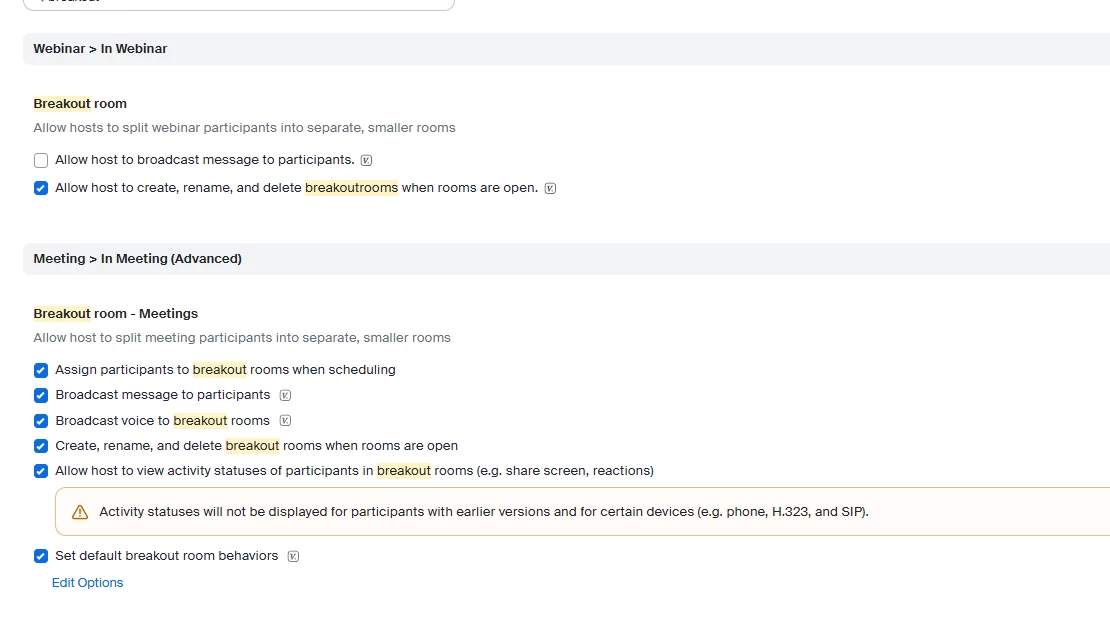
Sign in to the Zoom web portal as an administrator with the privilege to edit account settings. In the navigation menu, click Account Management, then click Account Settings. Click the Webinar tab. Under the In Webinar section, click the Breakout Room toggle to enable or disable it.
What should I do if the Breakout Room option is not displayed? Are there specific settings that need to be changed?
(Note: I am currently subscribed to Zoom Workplace Pro and Zoom Webinars | 300 Attendees.)