

Webinar: How can we automatically spotlight with gallery | Community
Skip to main content
Newcomer
March 13, 2023
Question

Webinar: How can we automatically spotlight with gallery

  • March 13, 2023
  • 3 replies
  • 6 views

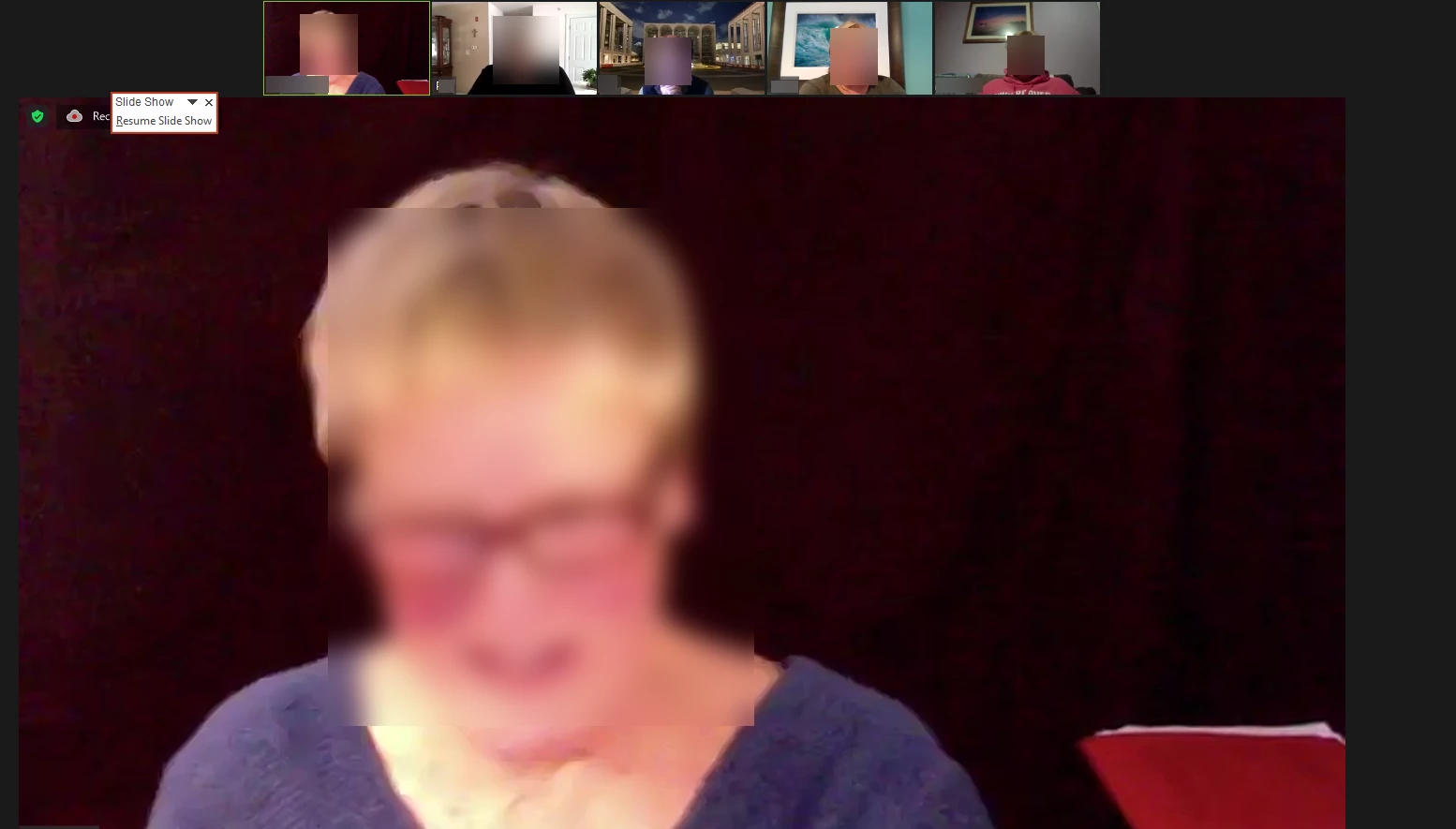
We're having difficulty figuring out how to set up a webinar where the panelists are live video and audio across the top of the screen and whoever is speaking is automatically spotlit.  The number of options Zoom offers for this is confusing. Any suggestions?


    3 replies

    tfield98Author
    Newcomer
    March 14, 2023

    Just to clarify.  The screen capture above is what we want, with the person in the large image always being the person who is speaking.  

    Community Champion | Employee
    March 14, 2023

    By default, anyone who speaks is automatically spotlighted, no need to do anything else except to tell others maybe to shut up or simply mute them until it is their turn. 


    But you can also force the spotlight to other panelists if you want. But I would advise to keep it simple initially, and do a lot of testing, so you and your participants will have an idea of what to expect.


    For more information: https://support.zoom.us/hc/en-us/articles/201362653-Spotlighting-participants-videos 


    tfield98Author
    Newcomer
    March 14, 2023

    Thank you ZzZz for your response.  I want the speaker to be highlighted and I want them to appear large and centered in the window, rather than in the gallery.  Is that possible?