

Solved
Remove speaker box during screen-share presentation?
For those who regularly leads Zoom webinars, when the speaker is screen-sharing, it usually looks like this to the attendees... with the screen-shared material taking up most of the screen, and the speaker camera in the corner.
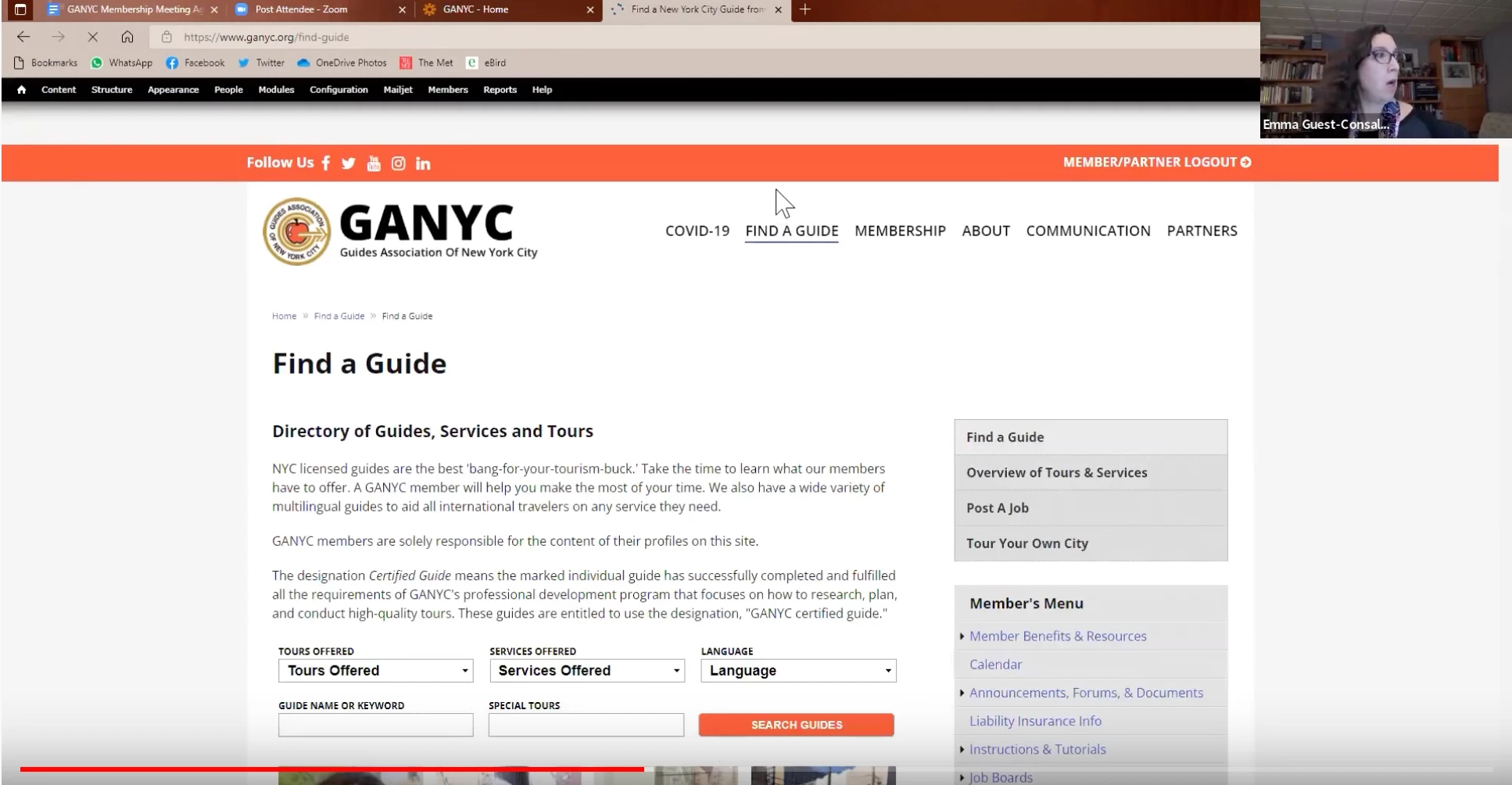
I believe there is a setting that the host can do to remove that box, and just have the entire screen be the screen-shared presentation.
Does anyone know what that setting is? Thank you!