

Pro-account with 2 license created at zoom jwt app not able to access my concurrent second meeting | Community
Skip to main content
Newcomer
May 16, 2022
Question

Pro-account with 2 license created at zoom jwt app not able to access my concurrent second meeting

  • May 16, 2022
  • 1 reply
  • 2 views

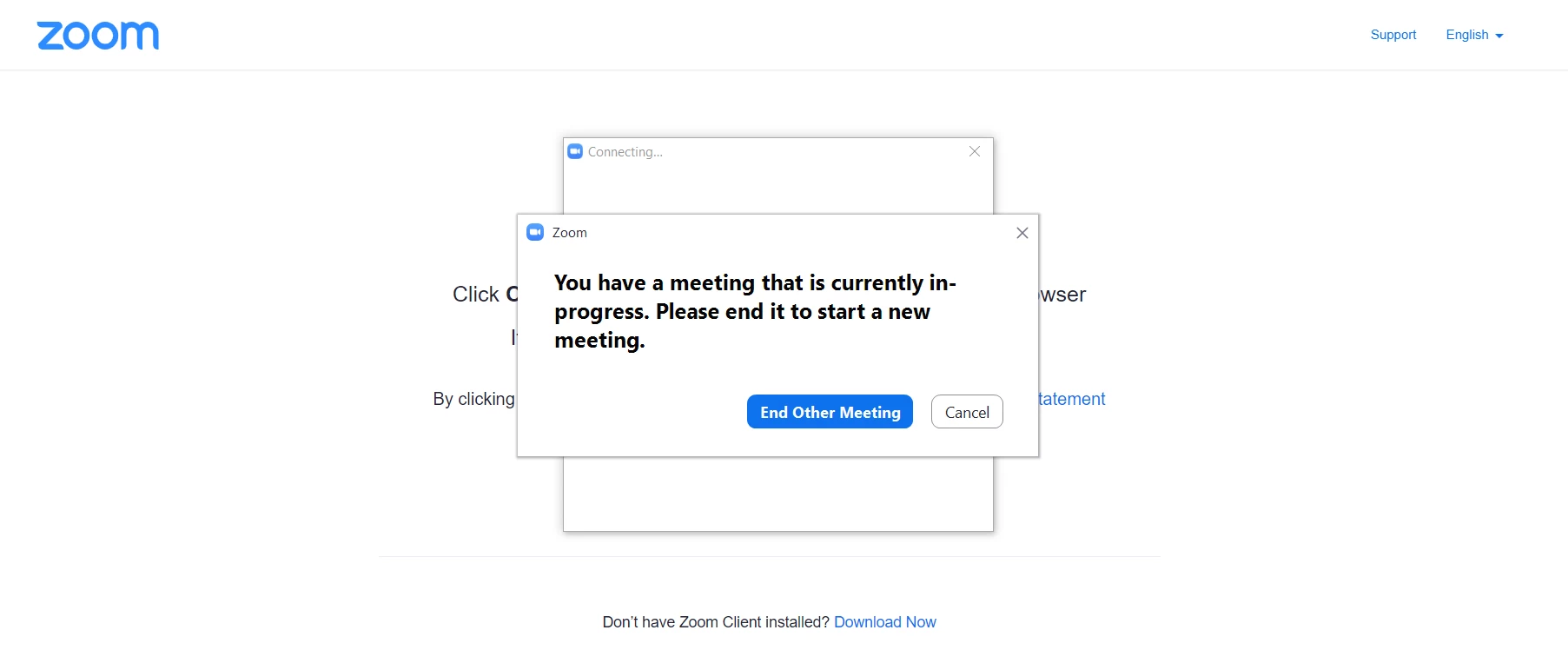
Already added the 2 licensed users one as owner other as admin. When I tried to create two zoom event sessions it allows me to create for the same time for different users. When I launched the session it allows me to launch the one session and gives the in-progress error as shown in given below attached screenshot. So, my question is how can 2 sessions at the same time be launched when 2 licensed users are added? Also, help to explain license assignment process !
 

    1 reply

    Employee
    May 16, 2022

    Hi Savlya


    You can assign licenses to use as per the steps below:


    1. Sign in to the Zoom web portal.
    2. Click User Management, then Users.
    3. Locate or search for the user to who you want to assign a license.
    4. Click Edit at the end of the user row. This will open a window.
    5. Choose the User Type to assign
    6. After choosing the User Type, use the drop-down to select the license.
    7. (Optional) Assign add-ons by checking the boxes for the add-on. For Large Meetings, Webinar, or Zoom Events licenses, choose the radio button for the size of the license if it is not automatically selected.
    8. Click Save.
      The license is now applied to the user, and they can use it immediately.

    Also, you can start one session per license user,


    Licensed users on Enterprise, Business, and Education accounts can host up to 2 meetings simultaneously. Both sessions need to be started by the original meeting host or an alternative host. If required, the host can leave the meeting and pass host privileges to another user.

    Notes:

    Prerequisites for hosting concurrent meetings

    • The licensed user on a Business, Education, or Enterprise account
    • The host must start the meeting

    Source: https://support.zoom.us/hc/en-us/articles/206122046-Can-I-host-concurrent-meetings-