Hi @Kari Farley,
I apologize for the late response.
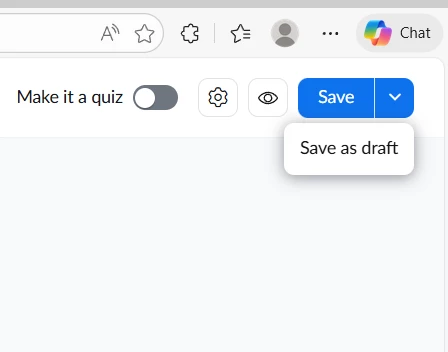
If the "Save as webinar poll" option is missing, it could be due to changes in your account permissions, webinar settings, or recent updates to Zoom's polling features. Normally, when editing or creating a poll for a webinar, you should see an Edit option and then a Save button to apply your changes. If you do not see this option:
- Make sure polling is enabled for webinars in your Zoom account settings.
- Confirm you have the necessary permissions (host or co-host) to create or edit polls.
- Check if your Zoom client and web portal are updated to the latest version.
- If your organization manages your Zoom account, there may have been a change in admin settings affecting poll creation.
If the issue persists, you may want to review your webinar settings or contact your Zoom admin to ensure polling is enabled for webinars.
Please check out this link for more information. Feel free to reach out anytime.