
How to stop Chat previews? | Community
Skip to main content
sfrench55
Newcomer
Newcomer
September 18, 2021
Solved

How to stop Chat previews?

  • September 18, 2021
  • 1 reply
  • 2 views
  • I have some hearing loss and need to be able to watch the Live Transcript scroll by during meetings.
  • Opening the Live Transcript window closes the Chat window.
  • And that causes Chat previews to start popping up below my screen, which is distracting.


Is there a way to suppress Chat previews? (If I need to see the Chat, I can always take a peek.)


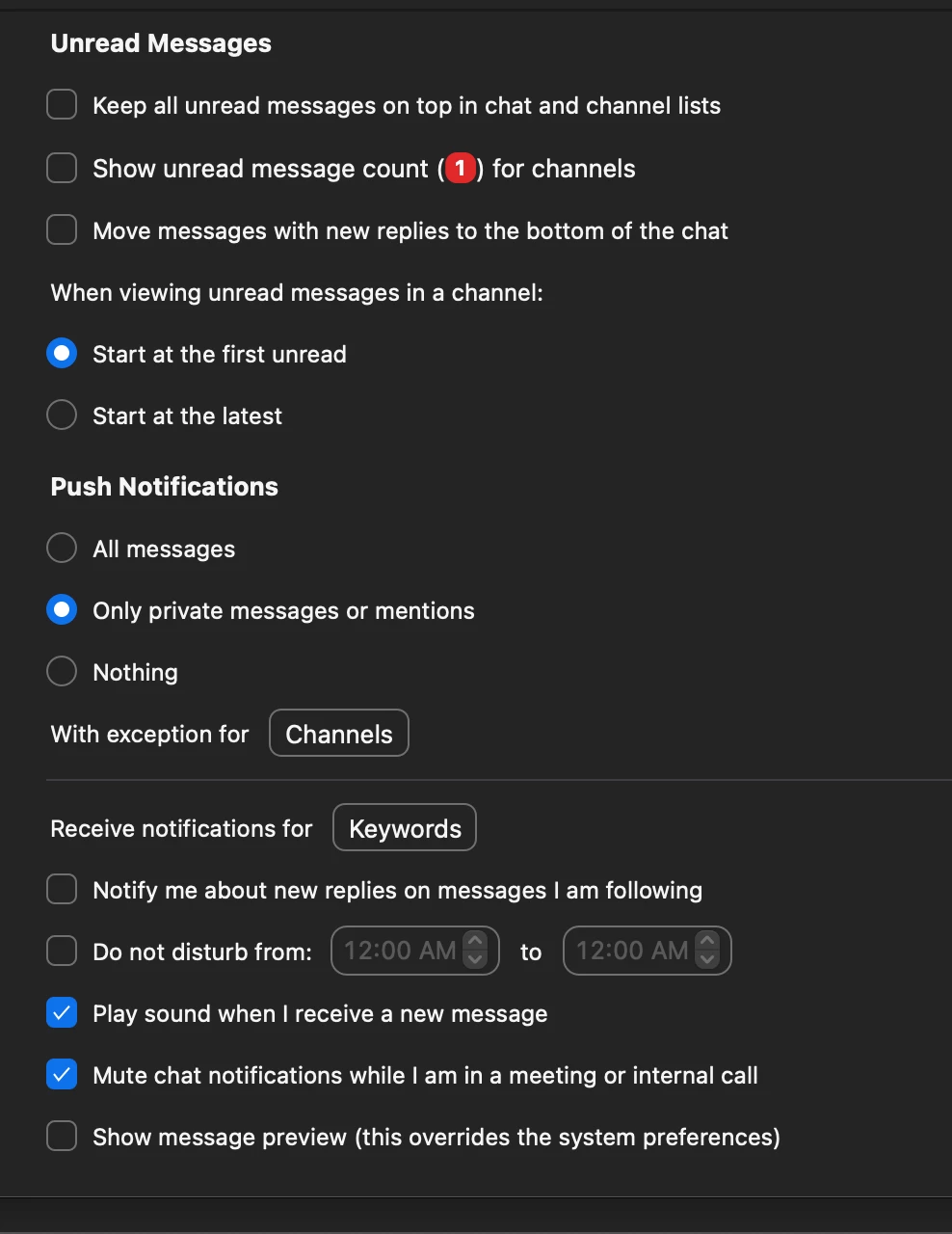
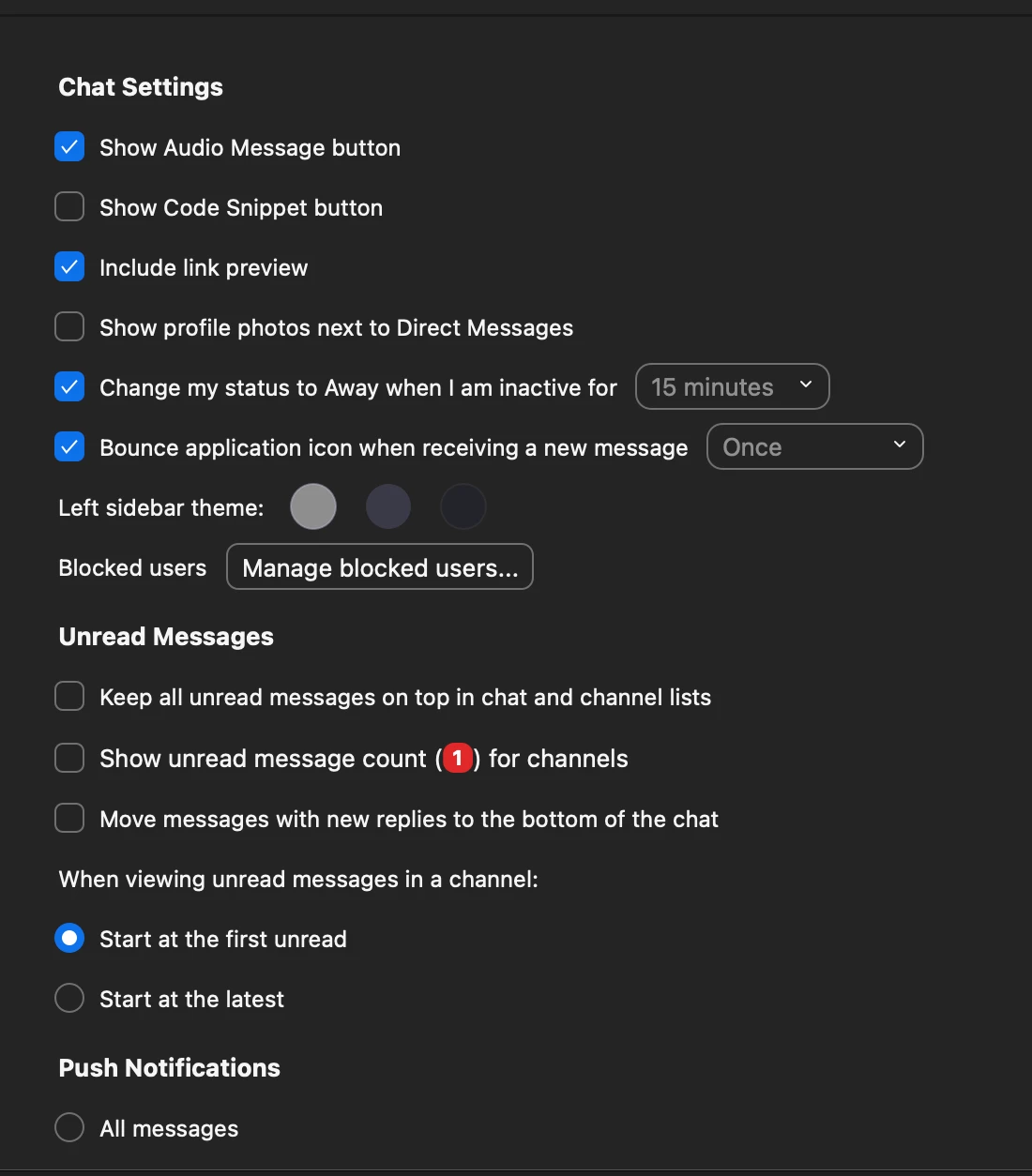
I've looked around and tinkered with my Chat preferences. And to my eye, it seems that the notifications should have disappeared. But they haven't.


Here are my settings … what should I change?


Thank you for any insights!

    Best answer by Rupert

    Hi @sfrench55 


    Normally the way to keep in-meeting Chat out of the way is to pop it out into its own window, then drag it to one side. You then do not get the popups over your meeting.


    If, for you, opening Transcription collapses the in-meeting Chat window back into the meeting, are you able to re-pop-out Chat again, without Transcription closing. Maybe its a two-stage process?


    As a point of note - the Chat settings you have been looking at (that you posted above) all relate to the Chat features built-in to the Zoom app Home-Screen Chat (for in-organization) which is different to in-meeting Chat.


    Rupert


    1 reply

    Rupert
    Community Champion | Customer
    RupertAnswer
    Community Champion | Customer
    September 19, 2021

    Hi @sfrench55 


    Normally the way to keep in-meeting Chat out of the way is to pop it out into its own window, then drag it to one side. You then do not get the popups over your meeting.


    If, for you, opening Transcription collapses the in-meeting Chat window back into the meeting, are you able to re-pop-out Chat again, without Transcription closing. Maybe its a two-stage process?


    As a point of note - the Chat settings you have been looking at (that you posted above) all relate to the Chat features built-in to the Zoom app Home-Screen Chat (for in-organization) which is different to in-meeting Chat.


    Rupert


    sfrench55
    Newcomer
    sfrench55Author
    Newcomer
    March 14, 2022

    Thanks very much, Rupert. Works like a charm!