Options
- Mark as New
- Bookmark
- Subscribe
- Mute
- Subscribe to RSS Feed
- Permalink
- Report Inappropriate Content
2022-05-28 01:06 PM
I found this on Zoom:
How to record multiple audio files
When recording locally, the host can record all participants' audio streams as separate audio files, one file for each participant. To enable this option:
- Open the Zoom client and click Settings.
- Click the Recording tab.
- Enable Record a separate audio file for each participant.
- Record and save the meeting to your computer.
- Once the meeting is over and the recording has processed, open the recording folder.
- Within the folder, open Audio Record.
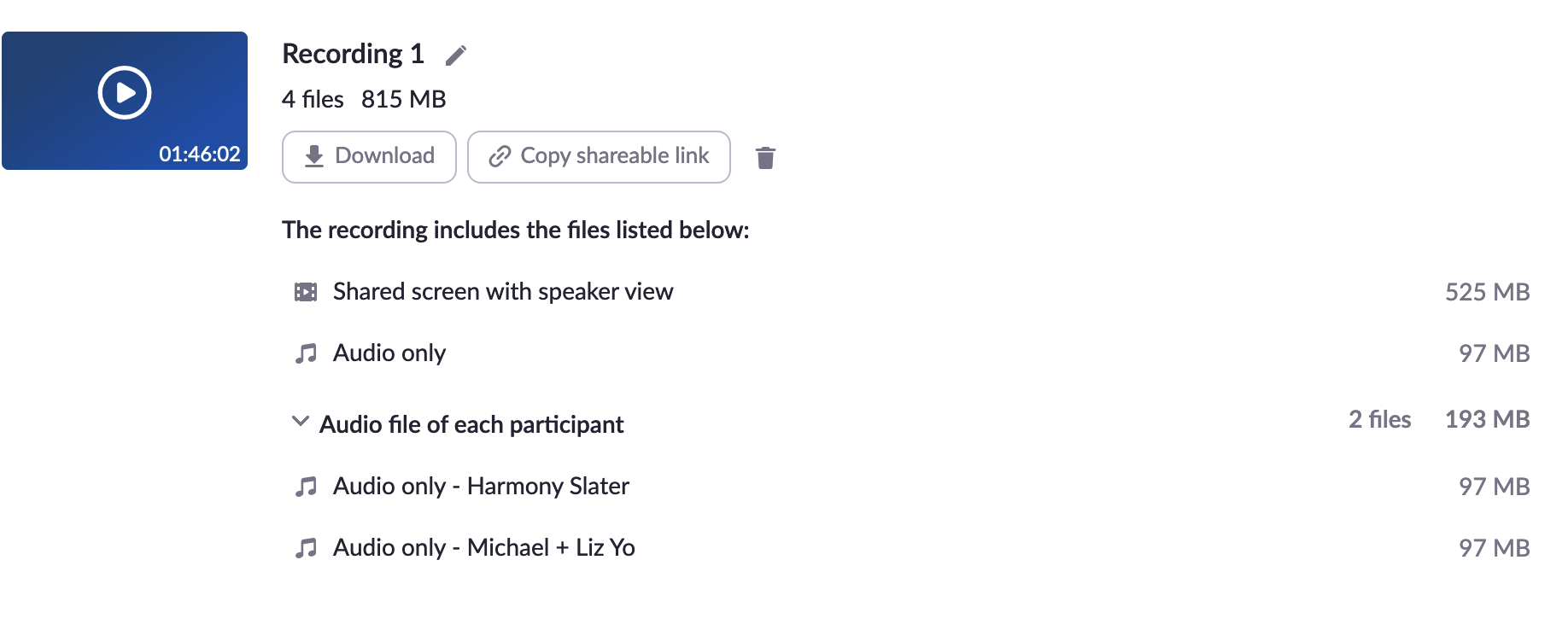
- Once in the Audio Record folder, each participant's audio track will be listed as its own file. Each file name begins with the participant's name.
You have to click on the recording file inside Zoom and then you will find the separate audio tracks available for downloading inside the file near the bottom.