
cancel
Showing results for 
Search instead for 
Did you mean: 
Effective January 9th, 2026 through January 22nd, 2026: The Zoom Community is currently in read-only mode with login disabled, to deliver you a new and improved community experience!

The site is still accessible to view, however, the ability to login, create content, or access your community account is temporarily unavailable. We appreciate your patience during this time. If seeking support, please browse existing community content or ask our Zoom Virtual Agent.

zoom not responding

viswanathan
Newcomer
Newcomer

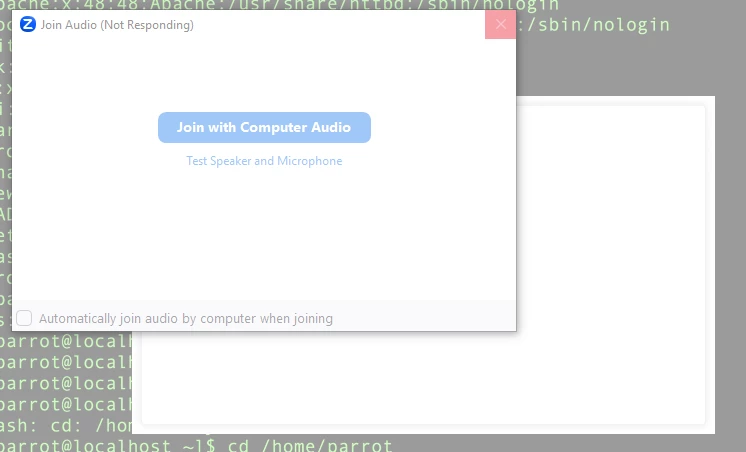
I use Windows 10.As soon as i join a meeting ,the zoom is not responding. I tried uninstalling and installing it again. Still i am facing the same issue. Please suggest any solution. zoom.PNG 
3 REPLIES 3

will_rar
Newcomer
Newcomer

Have you found a solution for this issue? This started happening for me after doing a fresh install of Windows 11, previously worked fine on the same system. 

winbo
Newcomer
Newcomer

I am also having the same issue where zoom is not responding after joining a meeting or starting a meeting.

I use Windows 11 .As soon as i join a meeting ,the zoom is "not responding". I tried uninstalling and re-installing it again. Still i am facing the same issue. Please suggest any solution.   Thanks

I found a solution in another thread that seems to be working for me and is worth a try for you. Under advanced video settings, set "Video rendering method" to "Direct3D9"