Newcomer
October 4, 2023
Solved
Turn off voice isolation so I can share computer audio
- October 4, 2023
- 6 replies
- 148 views
Whenever I try to screenshare & share computer audio I get a pop up that says:
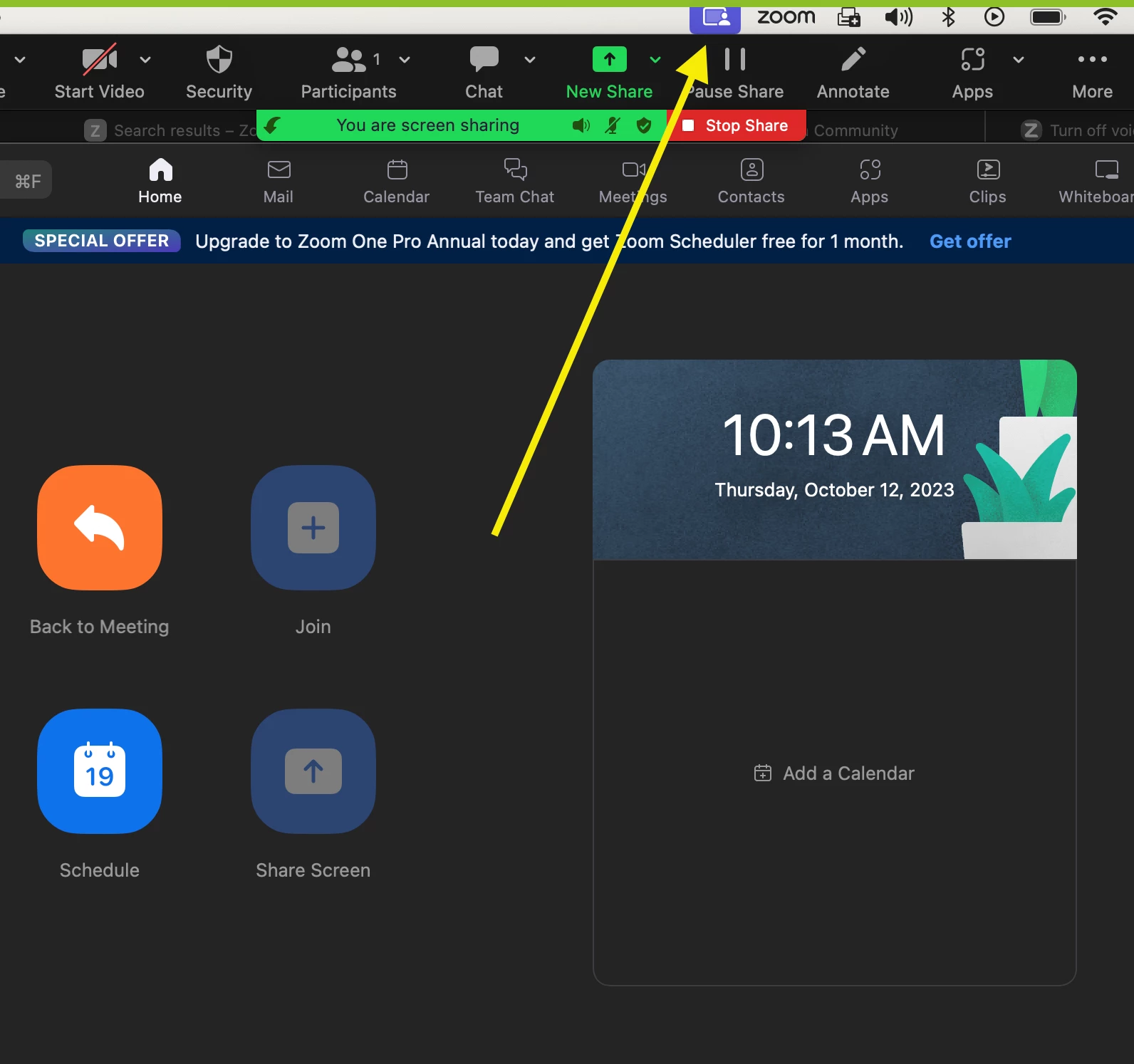
Turn off voice isolation
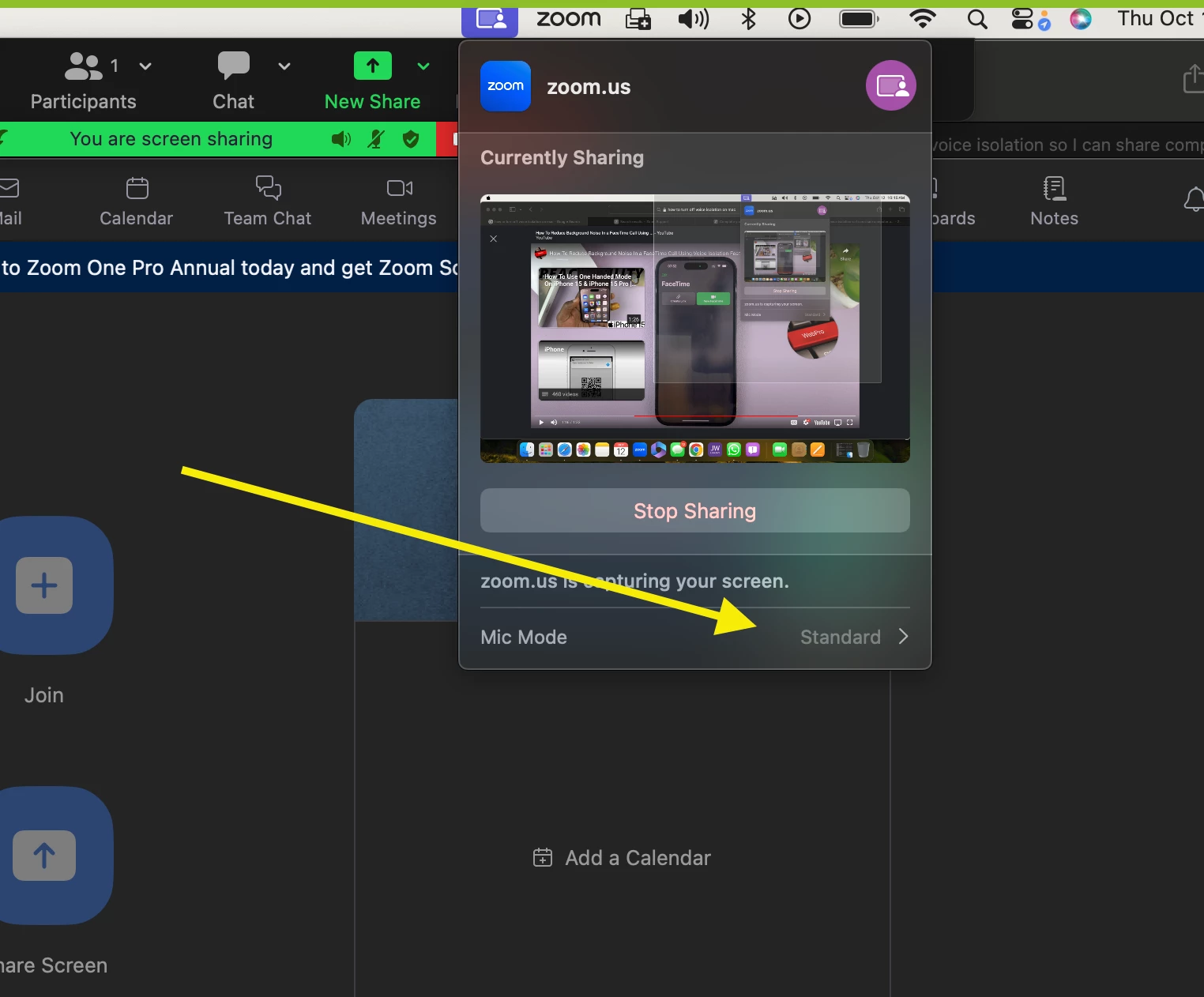
Audio sharing works best when "Voice Isolation" is turned off. To turn off "Voice Isolation", go to Control Center in the menu bar, click Mic Mode, then select "Standard".
I have looked everywhere and I do not see this as an option. I have tried adjusting every mic setting and I keep getting the pop up warning. How do I fix this so I can share my computer audio when screensharing?