Can't change recording location to local computer.
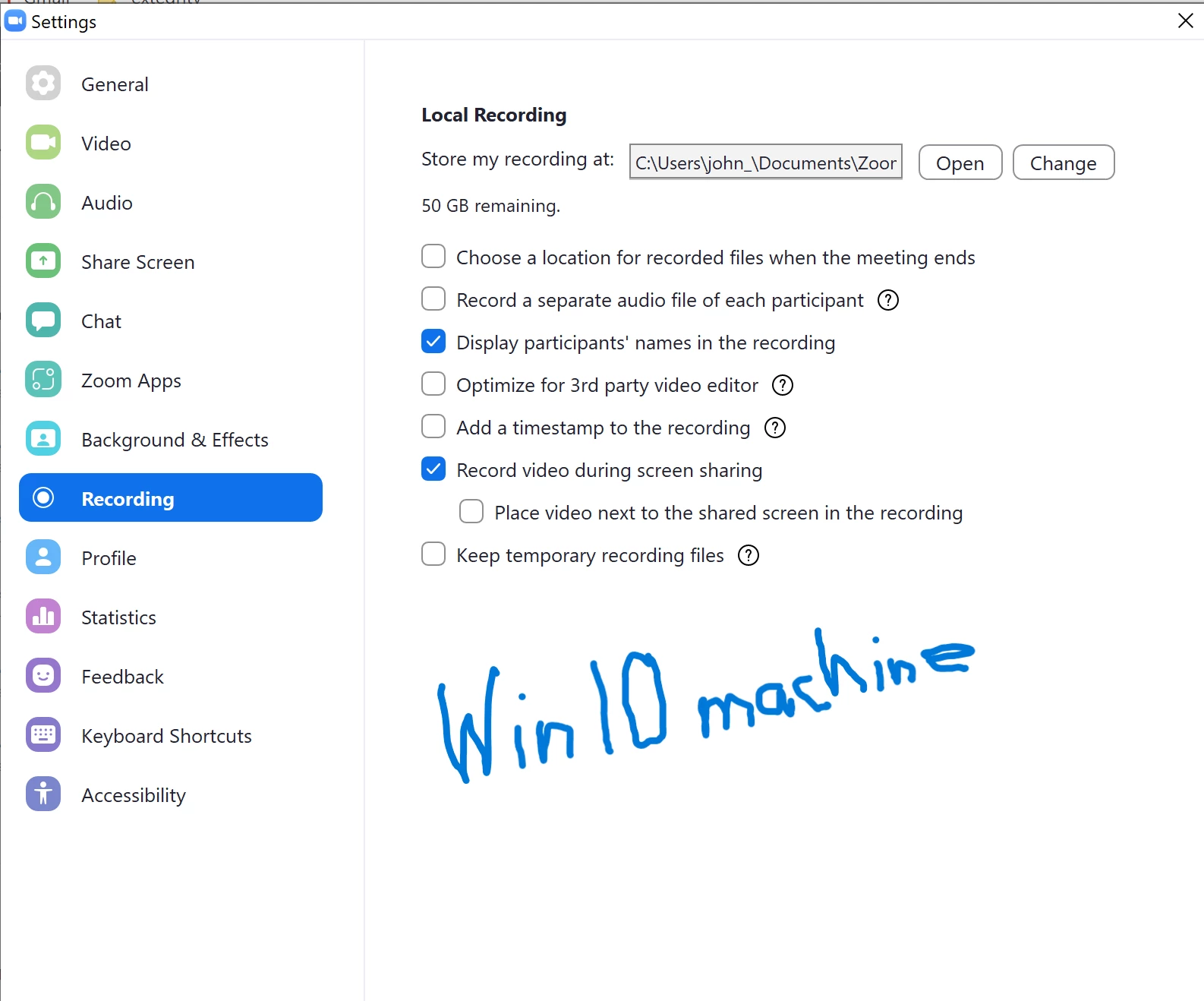
Mostly a Mac user, but have hosted my licensed Zoom account on Win machines, recording locally. Trying to record a quick app demo on zoom with this newish (2 months) Lenovo running Win11, and I just took the 22h2 update this morning...
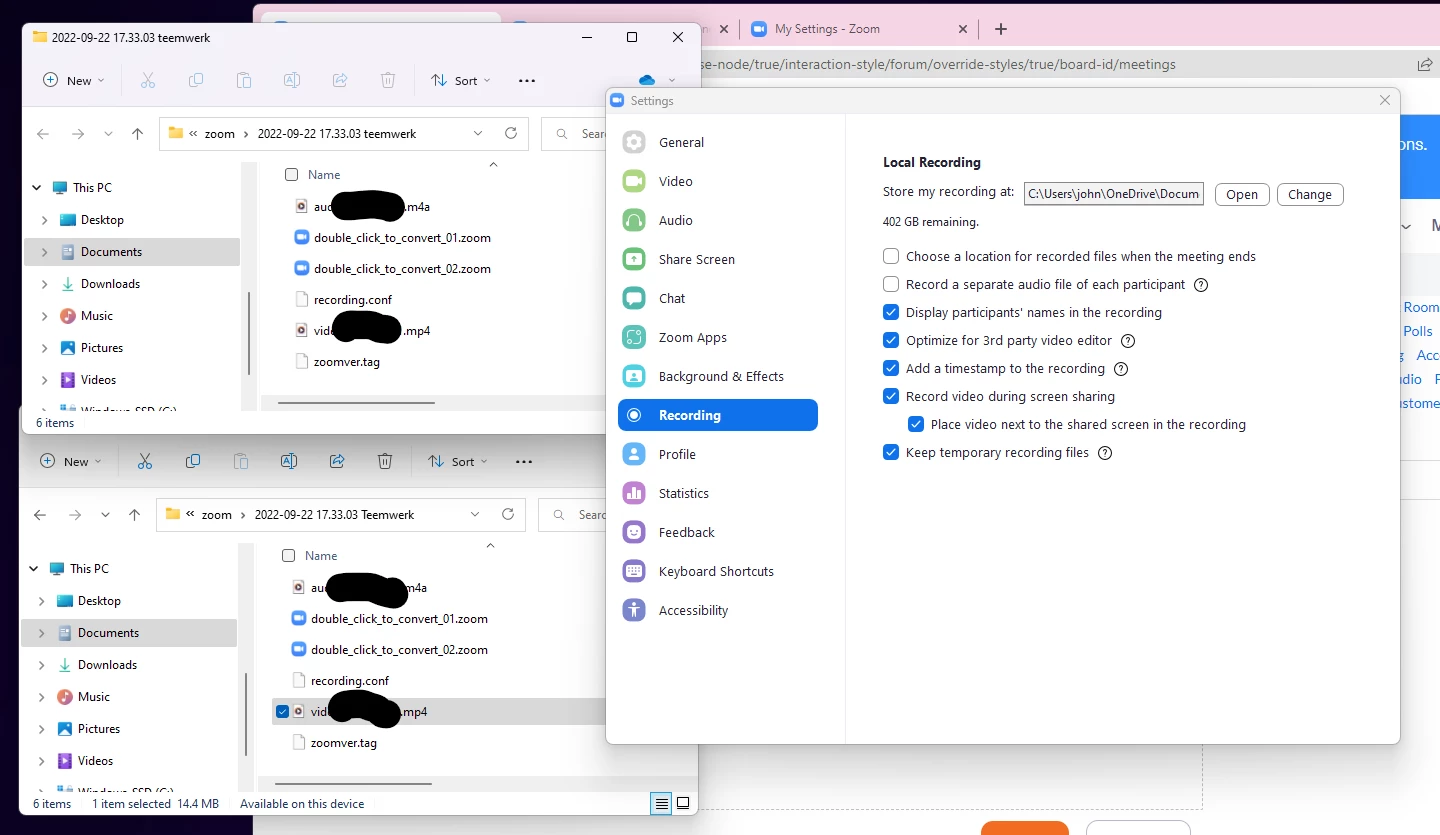
The problem is I can't get the Local Recording settings field ("Store my recording at:) to change. The field says it's recording location on OneDrive (don't want that), and the path cannot be changed by highlighting /typing over or using "change" button to select another location. What's odd is that clicking "open" takes me to the local zoom folder, but it wouldn't record there.
I logged into the website and turned off cloud recording there (which means I probably won't be able to record from the phone), went back to the app - STILL couldn't get the data field to reflect the local folder.
Uninstalled/re-installed Zoom. - STILL couldn't to get the field to reflect the local folder.
Decided to do a quick test meeting to record, and sure enough - it recorded locally, but the "recording at:" field STILL said it was recording to OneDrive. And it seems to be recording in both places.
So, unless I keep the zoom folder open on my computer and watch the folder appear when I start recording, how can I be sure I'm recording locally at the beginning, and not find out later it recorded to OneDrive and sounds like a dog's breakfast?