Virtual background issue of two people in same camera | Community
Skip to main content
Newcomer
September 19, 2022
Solved

Virtual background issue of two people in same camera

  • September 19, 2022
  • 3 replies
  • 19 views

 I had tried thousand times, either one person will be erased when two people are in the same camera using virtual background. Is the camera only can capture one object in the virtual background? Is any setting or equipment required for multiple people in the same camera when using virtual background? 
    Best answer by Ohkawa

    Hi, @porkeebear 

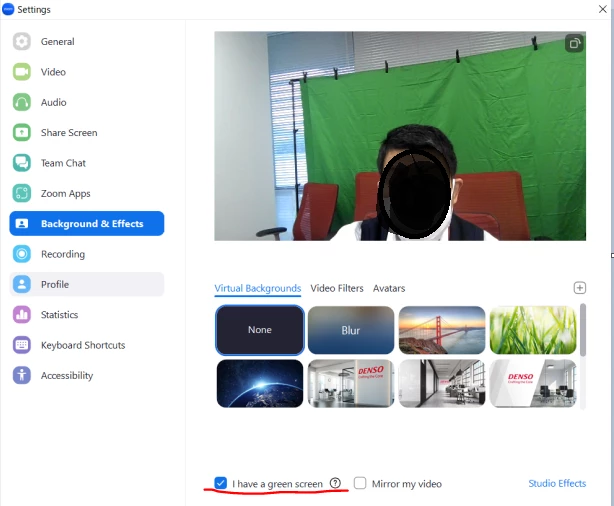
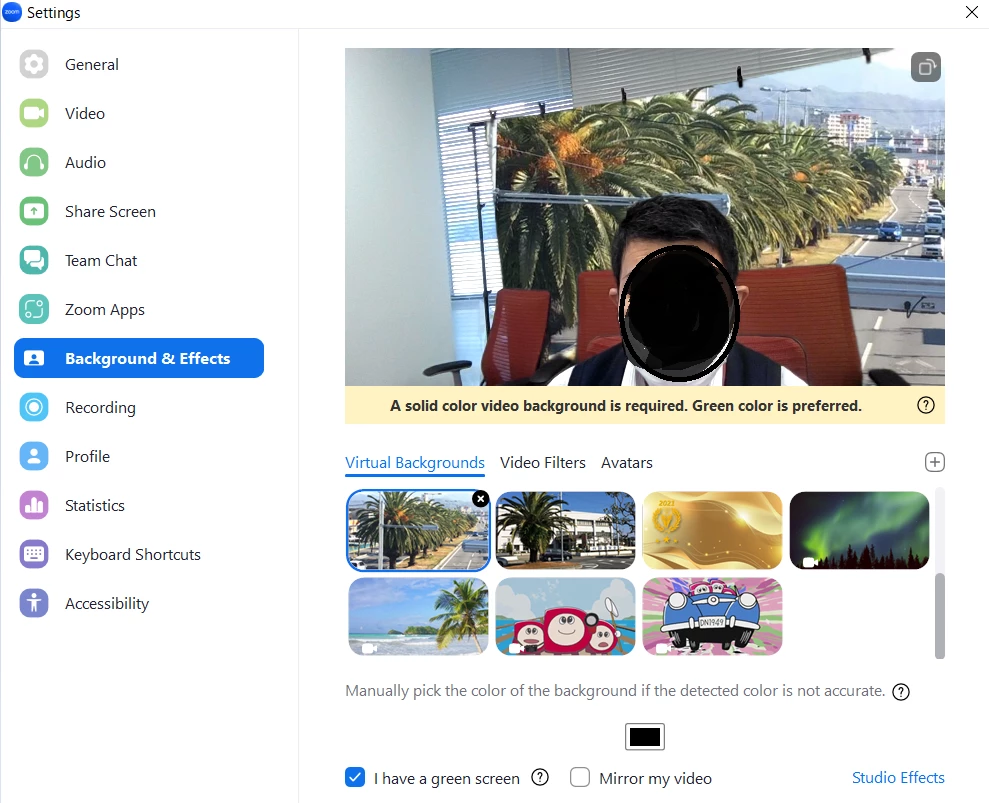
    How about using a back screen?

    This will make the specified color area transparent and display the background.

    You can specify the color, so I think, if you use a single-color wall as a background, your request will be fulfilled.


    3 replies

    Ohkawa
    Community Champion | Customer
    Community Champion | Customer
    September 19, 2022

    Hi, @Janson 

    It seems to be a Zoom Meeting specification that only one person can be recognized.


    This may be possible with a greenback screen and a video switcher, ex)ATEM mini Pro.

    ATEM Mini | Blackmagic Design

    Newcomer
    December 13, 2022

    Hi @Ohkawa

    What if the virtual background is a photo instead of a video?

    Using the same camera, both my wife and I want to be seen together instead of one cutting out the other person.

    Ohkawa
    Community Champion | Customer
    OhkawaAnswer
    Community Champion | Customer
    December 13, 2022

    Hi, @porkeebear 

    How about using a back screen?

    This will make the specified color area transparent and display the background.

    You can specify the color, so I think, if you use a single-color wall as a background, your request will be fulfilled.


    MGSR
    Community Manager
    Community Manager
    February 5, 2025

    Hi @Janson! I wanted to let you know that I’ve marked @Ohkawa's response as the accepted solution, as I believe it answers your question. We've tested this again and can confirm that it's functioning as expected. If you have any more questions or need further clarification, feel free to ask.