
Zoom Rooms Controller Won't Pair | Community
Skip to main content
Newcomer
June 16, 2022
Question

Zoom Rooms Controller Won't Pair

  • June 16, 2022
  • 6 replies
  • 17 views

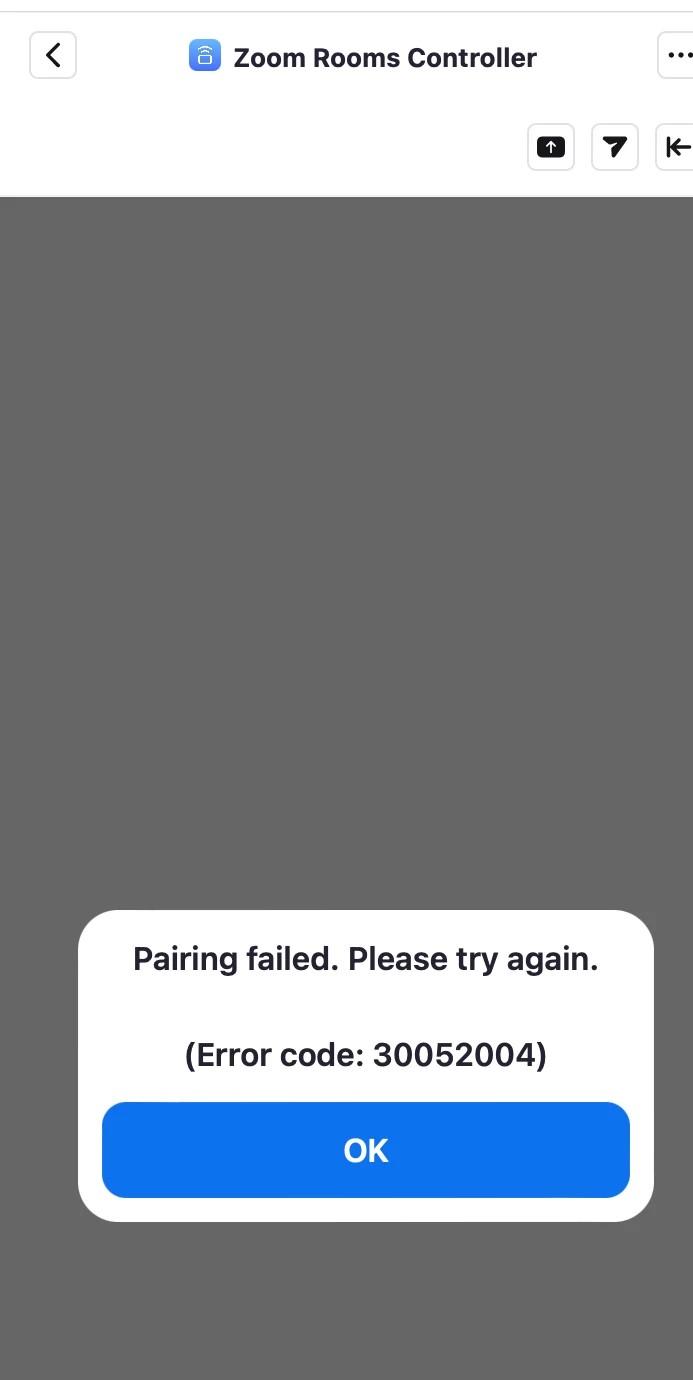
Our Zoom Rooms were working fine with the Rooms Controller app last week.  This week.  They won't pair.  All I get is an ungoogleable error and a prompt to enter the pairing code, which also doesn't work.

 

    6 replies

    Newcomer
    June 20, 2022

    Same here. I'm using Mac app version 5.10.7 (7748) with Zoom Rooms Controller, trying to control a room powered by a Facebook Portal. The Portal is running Zoom app version 5.9.5 (890), Portal version 1.36.1.


    All versions are latest available.


    I've tried removing and re-adding Zoom Rooms Controller to my account, same result. Tried signing out on the Portal and signing back in, re-pairing with the Mac Zoom client, same result, same error code.

    Partner
    August 10, 2022

    Hello,


    We have the same problem.

    I'm looking for a special settings in my zoom room basic setup who can cause this problem.

    Newcomer
    August 12, 2022

    I also have the same issue. All software is the latest version. Have tried to reinstall but the error persists. 

    Newcomer
    November 22, 2022

    I'm having the same issue. The controller simply won't pair with the room no matter what i do. I can ping the controller from the PC. The OS on the PC and iPad are both up to date. Zoom version 5.12.6 on both. This has been an ongoing problem since day one.  

    Newcomer
    June 19, 2023

    Is there a fix for this?

    Newcomer
    June 28, 2023

    Ditto. Opened a ticket, but having a similar issue. No error code, but they just won't stay paired.  Happened in January as well, then seemed to mysteriously get resolved. Given that history, I'm hoping this is a Zoom client issue that they will quickly identify.