
Community Champion | Partner
Nov 24, 2023 2:28 PM UTC
Solved
Issue with Zoom Room Controller Application (Logitech Tap IP)
- 9 replies
- 401 views
- Translate
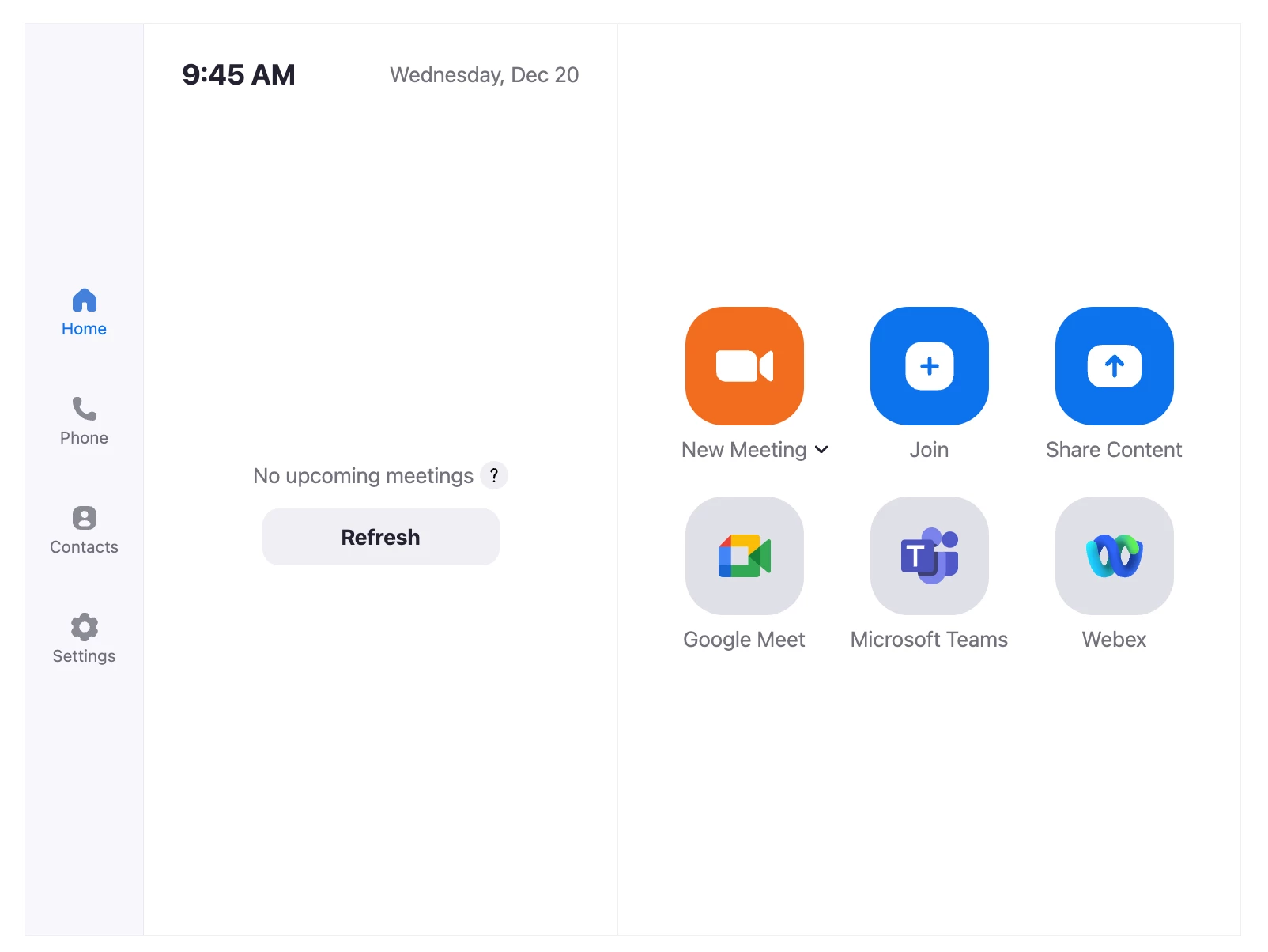
I am experiencing an issue with the Zoom Room Controller application on my Logitech Tap IP device. The icons for Microsoft Teams Join and Google Meet Join are not appearing on the controller interface. The only icon that is currently visible is for Webex.
I have already enabled the necessary configurations in both the account settings and room settings to support interoperability for Zoom Rooms, as per the guidelines provided. Despite this, the issue persists.
Zoom room version : 5.16.5
Could you please assist me in resolving this problem? I look forward to your prompt response.