Can No Longer Share Cameras through "Share Content" Outside of Meeting
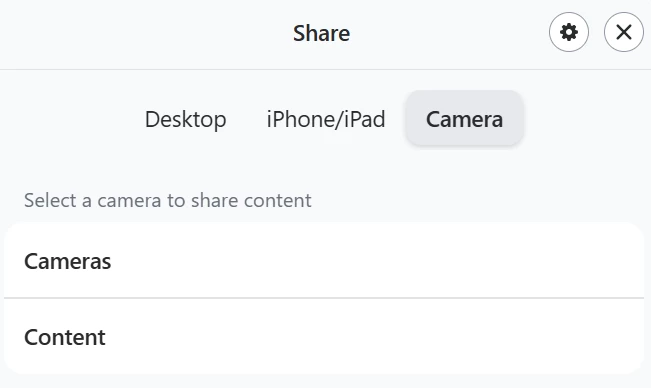
It seems that very recently, we have lost the ability to share a camera through the “Share Content” button outside of a meeting in our Zoom Rooms. We are using Roland UVC-01 HDMI to USB capture devices, but since they are not in the list of approved devices for HDMI share, we presented our users with the workaround to hit “Share Content”, then “Camera”, then choose the “Content” option, which is simply an HDMI switcher plugged into the Roland HDMI to USB device into the Zoom Room PC.
However, now when we press the Share Content button, there is no option for Camera outside of a meeting. We now have to start a meeting, hit the Share Content, then switch to the cameras. Is this a recent change that there is now an option needed to allow us to do this again? Or is this simply not possible anymore without an approved HDMI to USB capture card?
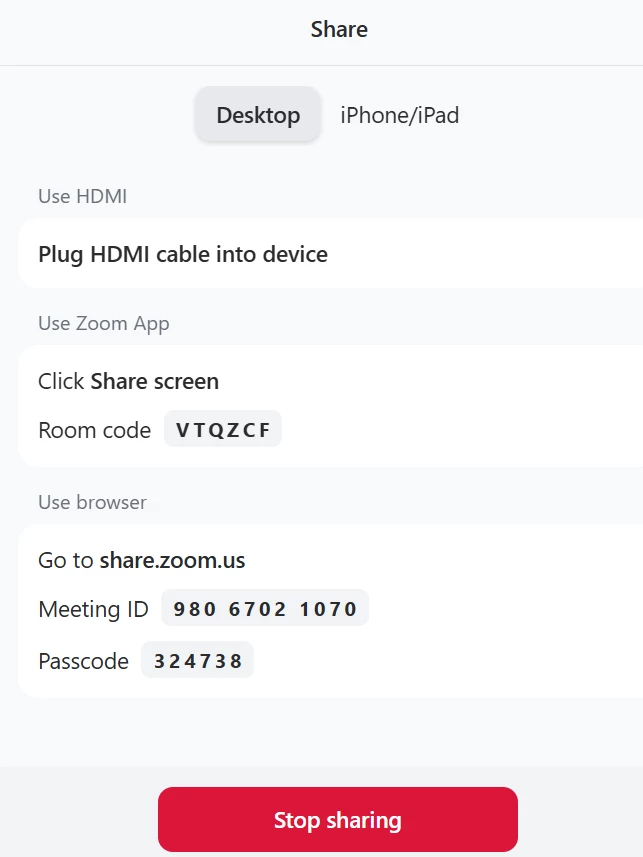
Here is what it looks like sharing outside of a meeting. There used to be the Camera option next to iPhone/iPad:
And here is what it looks like when connected to a meeting: