

Poly VVX display name and number
We are migrating a customer from Skype to Zoom phone they have several models of Poly VVX phones and they are questioning what appears on the display.
While on Skype they USed to have the line with the date on the upper right corner showing the extension number in the upper left corner and the display name in front of the line as the picture shown below
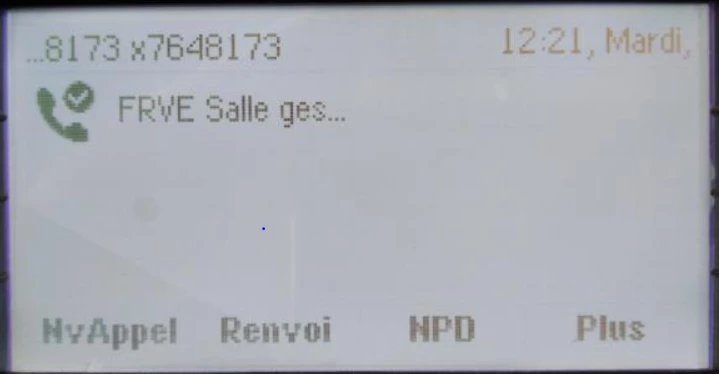
Now after the migration to Zoom if we don't manually update the the Keys and Positions in the phone settings
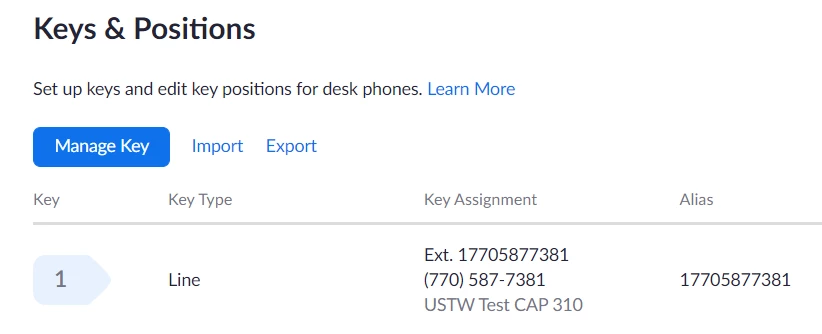
nothing is shown on the screen of the phone. I have updated several of those phones manually the alias in the Keys & Positions to show the phone number but customer would like to have the old look and feel on their phones.
Is there a way to change the display template to show the extension number in the upper left corner and the phone name in the front of the line ?