

Answering Incoming Calls from Main Queue - Automatically Switches from Mobile to Desktop | Community
Skip to main content
Newcomer
June 10, 2025
Question

Answering Incoming Calls from Main Queue - Automatically Switches from Mobile to Desktop

  • June 10, 2025
  • 1 reply
  • 3 views

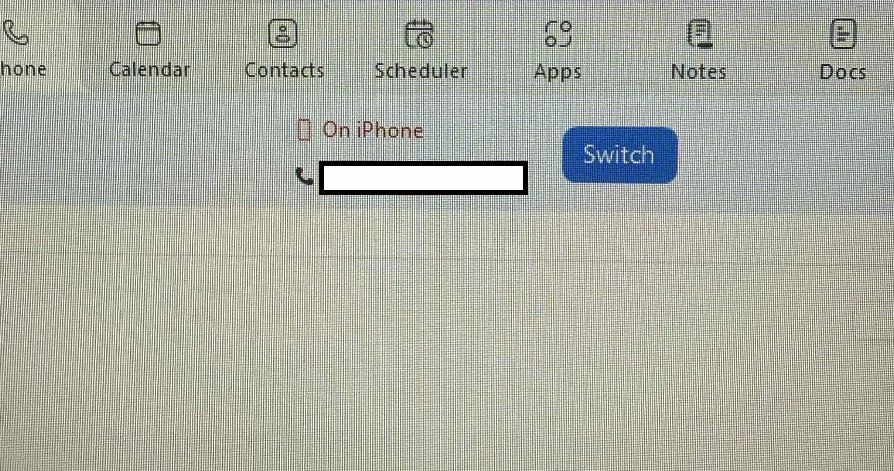
I am the first person in the call queue and when I answer an incoming call using my mobile device, the switch icon appears at the top of my desktop Zoom app.  If nothing is selected, it will automatically switch from my mobile device to the desktop app without me doing anything.  I have reached out to Zoom and they are suggesting that I turn off my desktop application for phones but I never had this issue until I switched from a Galaxy to an iPhone.  We just recently added a Zoom Room to our account and thought that maybe it was detecting the Zoom Room so i can switch to that but calls I have answered while at home still have the switch icon at the top.  Has anyone else experienced this issue?  What am I missing?
 

1 reply

sparrow
Community Super Champion | Customer
June 11, 2025

What is your software version on your desk top Zoom app?

JanelleDAuthor
Newcomer
June 12, 2025

Version 6.4.12 for my desktop app.

I had our IT tech remove it and install it again while I was talking to him through Zoom Phone, which only Mobile Apps was enabled in my call handling options and it never happened.  He was viewing my computer remotely while all this was happening and once we installed it again and all three options were enabled, our call immediately switched to the desktop app without prompting it.