自分のアカウントだけ画面共有できない | Community
Skip to main content
New Member
March 24, 2026
Question

自分のアカウントだけ画面共有できない

  • March 24, 2026
  • 1 reply
  • 10 views

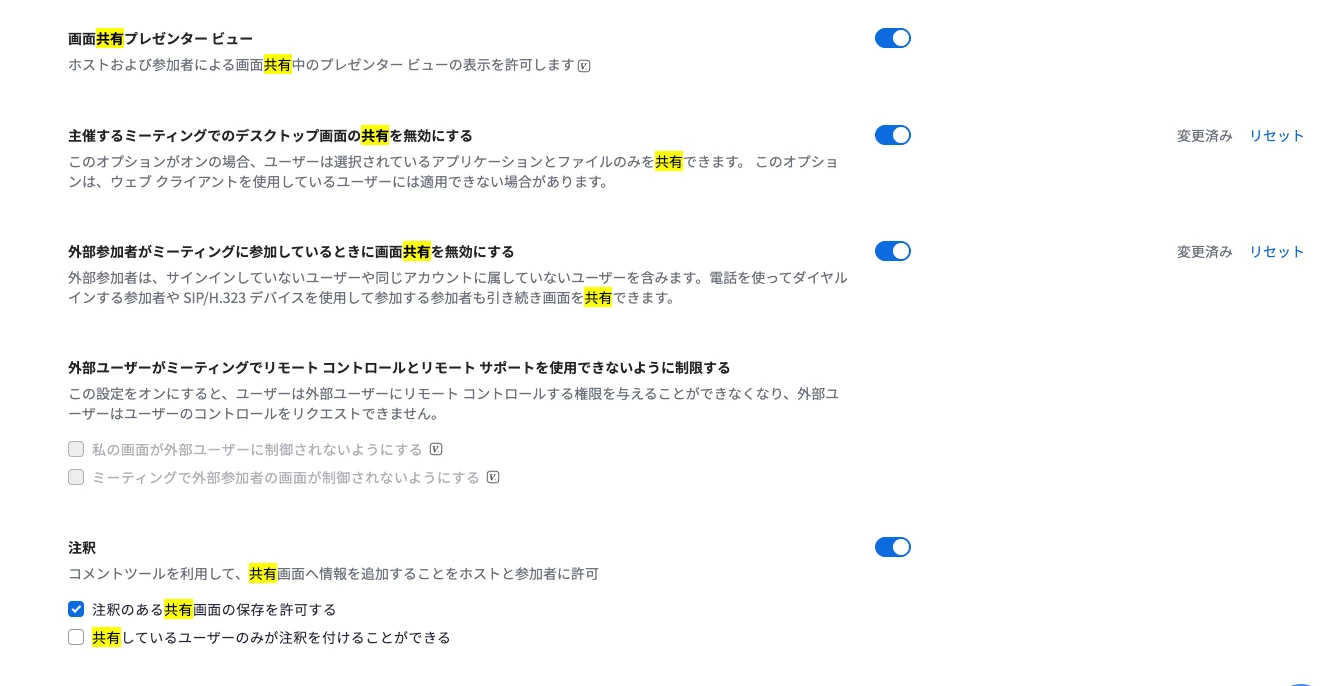
自分のアカウントで入ると画面共有できない。

クライアントのアカウントで入ると画面共有ができる。

同じように設定しているのに、突然自分のアカウントだけ画面共有ができなくなった

原因はわかりますか?


    1 reply

    aluyun
    Community Manager
    Community Manager
    April 23, 2026

    Hi ​@Michineko ,

    Happy to have you here in the community!
     

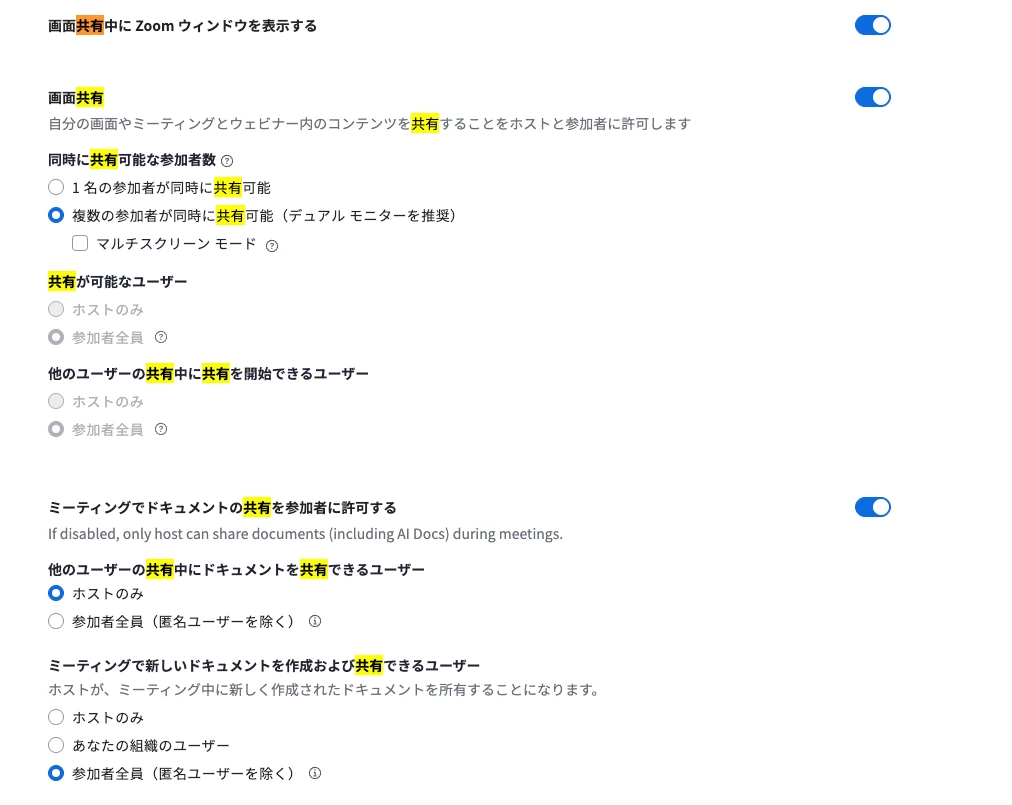
    Screen sharing may not work on your Zoom account if you don't have the required privileges. Even if your settings look the same, only account owners or admins can enable or disable screen sharing for users. It's possible that your account's screen sharing permissions were changed or restricted.


    Here’s what you can do:

    • Check your Zoom account settings to see if screen sharing is enabled for your profile.
    • If you are not the account owner or admin, contact your Zoom admin to enable screen sharing for your account.
    • If you see a black screen when trying to share, follow the troubleshooting steps in this article: Troubleshooting black screen during screen sharing