
Zoom Video Screen | Community
Skip to main content
Newcomer
May 19, 2022
Question

Zoom Video Screen

  • May 19, 2022
  • 1 reply
  • 15 views

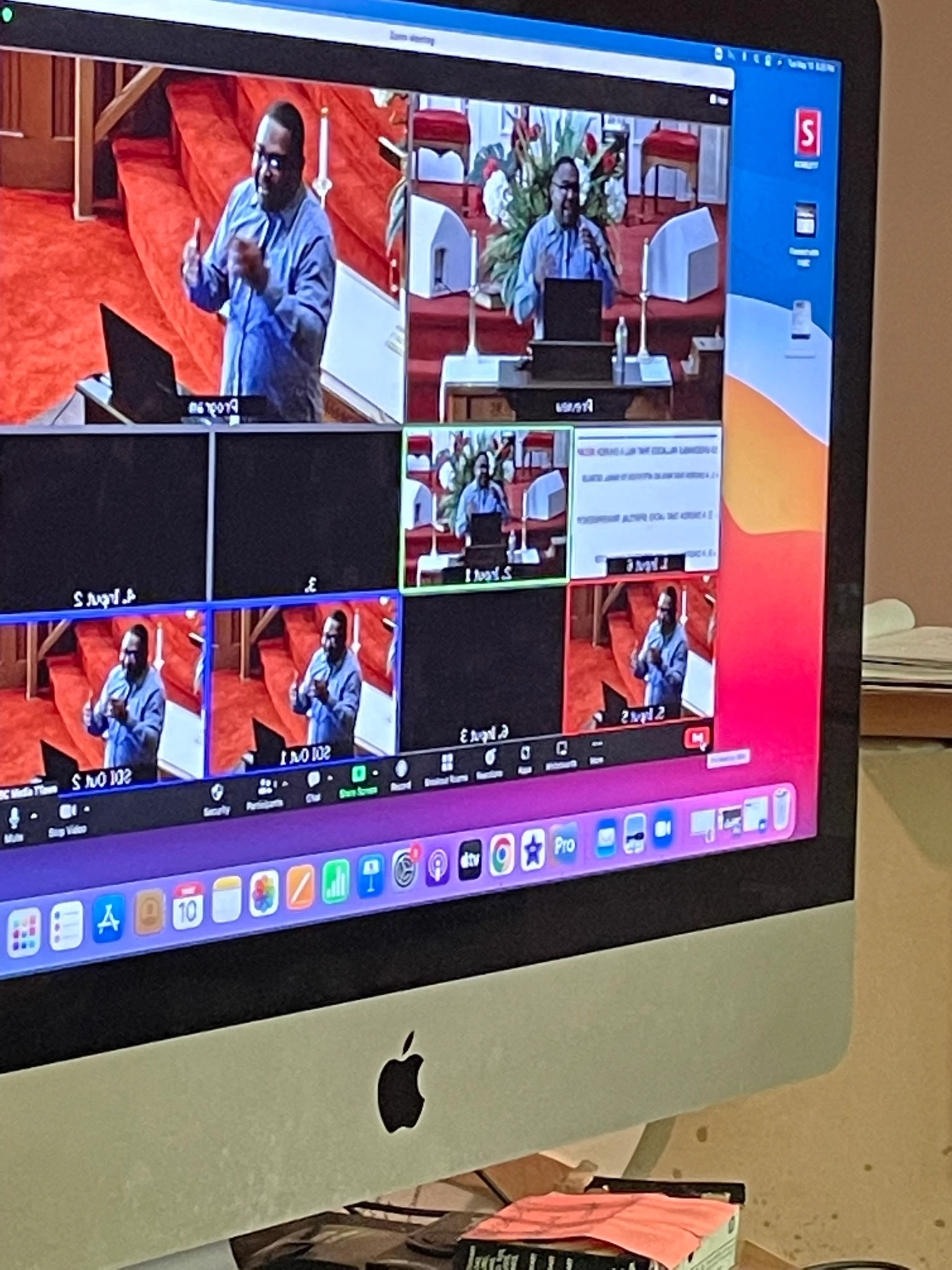
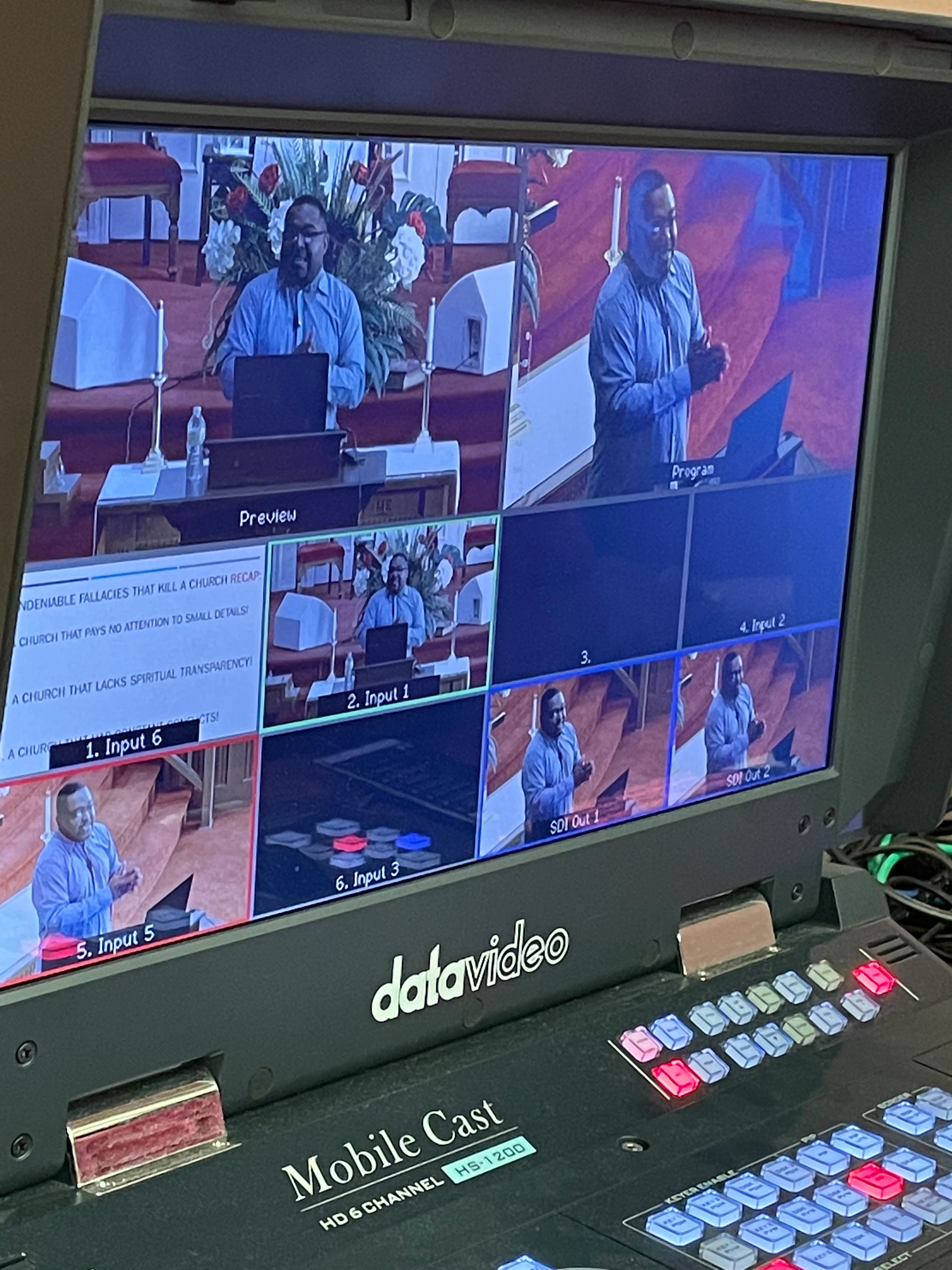
Can anyone help with this below. How can I get zoom to only show the main video instead of the full encoder screen???
    1 reply

    Employee
    May 19, 2022

    Hi Tri2


    Thanks for contributing to Zoom Community. What you have now is a gallery view; instead of it, you can use a speaker view.

    Speaker view:

    Speaker view will switch the large video window between who speaks with three or more participants in the meeting. If it is you and one other participant, your video will be more petite at the top, and their video will appear below. 

    Pinning a participant will keep them as the largest video for your view of the meeting, while spotlighting will do the same for everyone in the meeting. 

    Here is the article https://support.zoom.us/hc/en-us/articles/201362323-Adjusting-your-video-layout-during-a-virtual-meeting
