

Explorer
Jan 9, 2023 7:22 PM UTC
Question

Zoom not working under Ventura 13.1

Hi,

I downloaded from Zoom download page and installed Zoom on my Mac BookPro with Ventura 13.1.

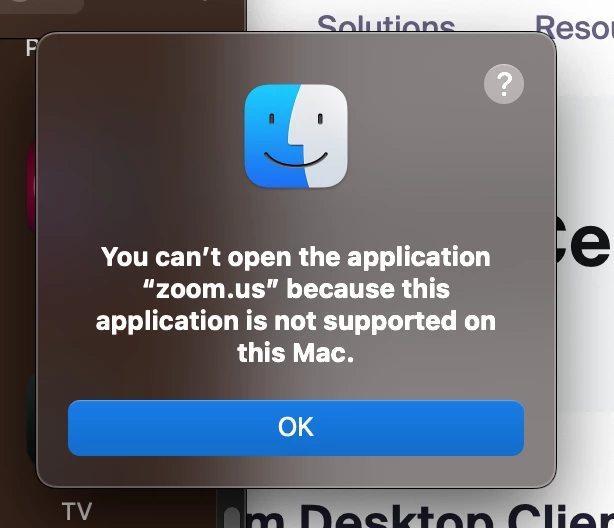
The installation was successful. However, Zoom did not appear in Launchpad. When I click on zoom.us icon in Applications folder it gives me the error message below. Any suggestions.

Thank you.


It is a Mac with an Intel chip in case it is important.


    8 replies

    Community Champion | Customer
    Jan 9, 2023 11:18 PM UTC

    Perhaps you downloaded the M1 version by accident?

    Translate
    fridrikhAuthor
    Explorer
    Jan 10, 2023 12:49 AM UTC

    Surprisingly, Zoom downloads web page does not give you an option of selecting M1 vs Intel. There is just one download button for a Mac version.

    Translate