

Zoom 5.10.4: How to permanently get the security “share screen” option checked (enabled) by default | Community
Skip to main content
jamalnuman
Newcomer
Newcomer
May 15, 2022
Question

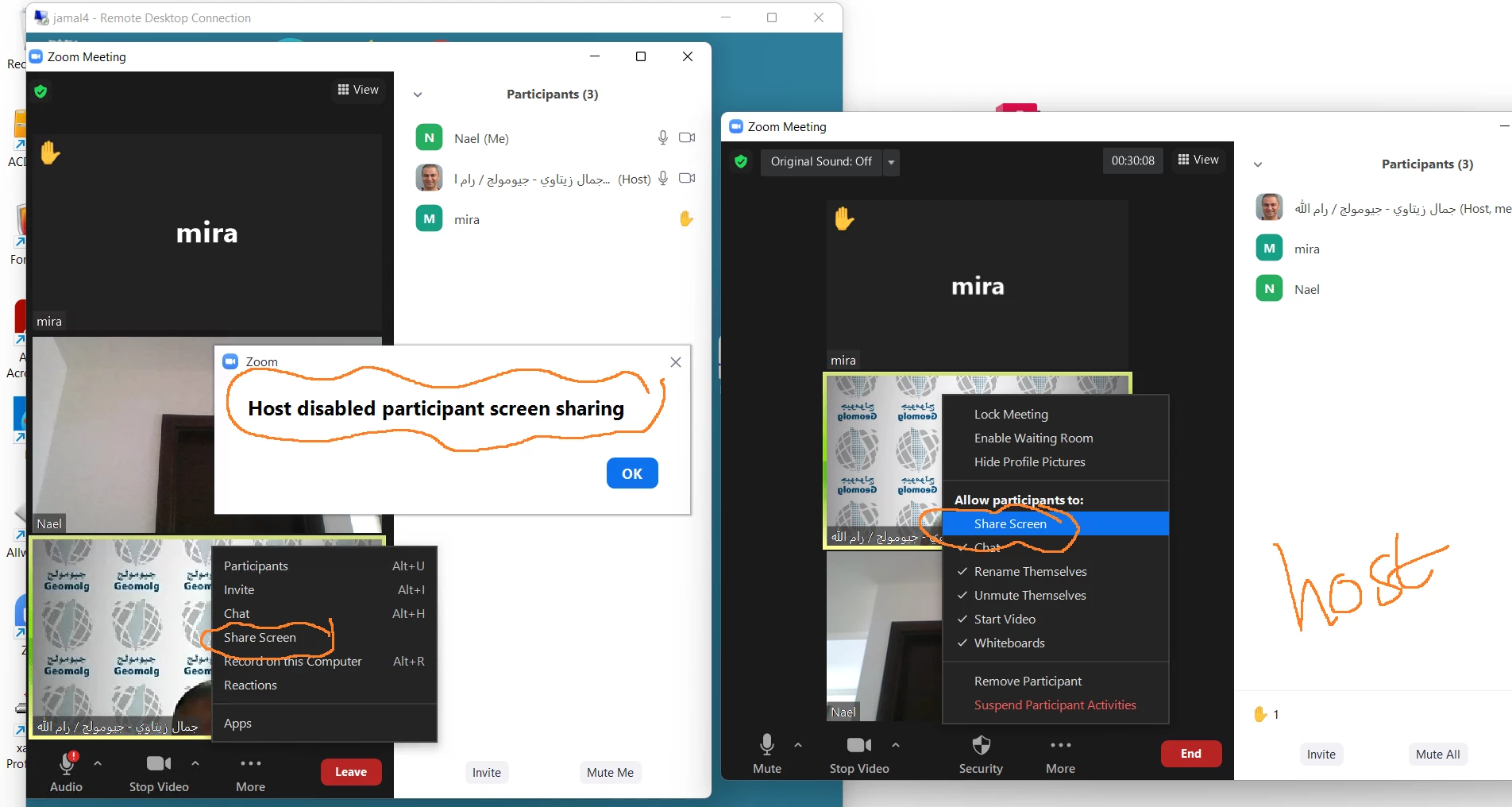
Zoom 5.10.4: How to permanently get the security “share screen” option checked (enabled) by default

  • May 15, 2022
  • 1 reply
  • 6 views


Zoom 5.10.4: How to permanently get the security “share screen” option checked (enabled) by default for all meetings?



    1 reply

    CarlaA
    Community Champion | Employee
    Community Champion | Employee
    September 13, 2022

    Hi @jamalnuman!  I see that you have not yet received a response from the community so I wanted to chime in 🙂 Apologies for the delay! You can enable this feature from within your Zoom profile. Here is how:

    1. Navigate to zoom.us/profile

    2. On the left side menu, click on the Account Management dropdown

    3. Select Account Settings

    4. Scroll down to In Meeting (Basic) settings and scroll down until you find the Screen sharing portion

    I hope this helps! 

    Carla,
    Zoom Community Team

    Please click Accept as Solution if you found this reply helpful. Thank you!