

Virtual Background is still loading
If I join a meeting hosted by someone else, I get the message “Virtual Background is still loading”, and I end up choosing the “Don’t use video” option so I can continue with the meeting.
If I go to the Zoom preferences and turn off blur, the preview window is pink. When I turn blur back on, the preview is solid black.
If I click on the MacOs Finder’s widgets control in the top right corner, all of the widgets appear as pink rounded rectangles -- the same pink I see during the camera preview when blur is turned off.
However, if I start my own meeting, everything works fine. No video problems, blur works, and no pink Finder widgets. The strange behavior only occurs if someone else is hosting a meeting I join. This is repeatable behavior.
Examples of the Finder widgets looking pink: 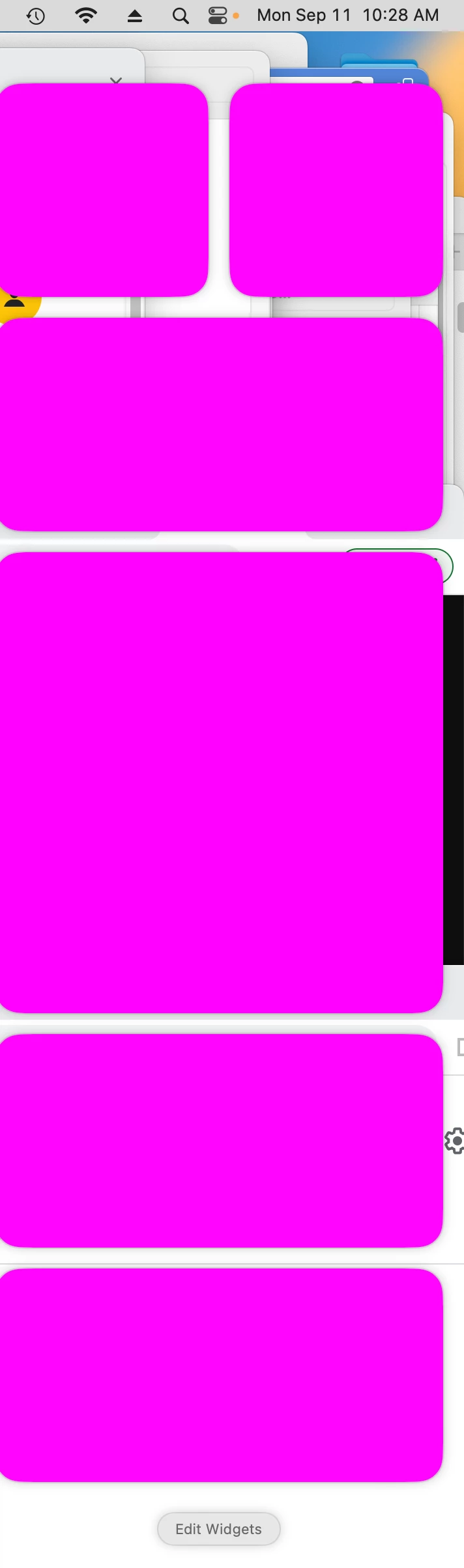
They should look like this: 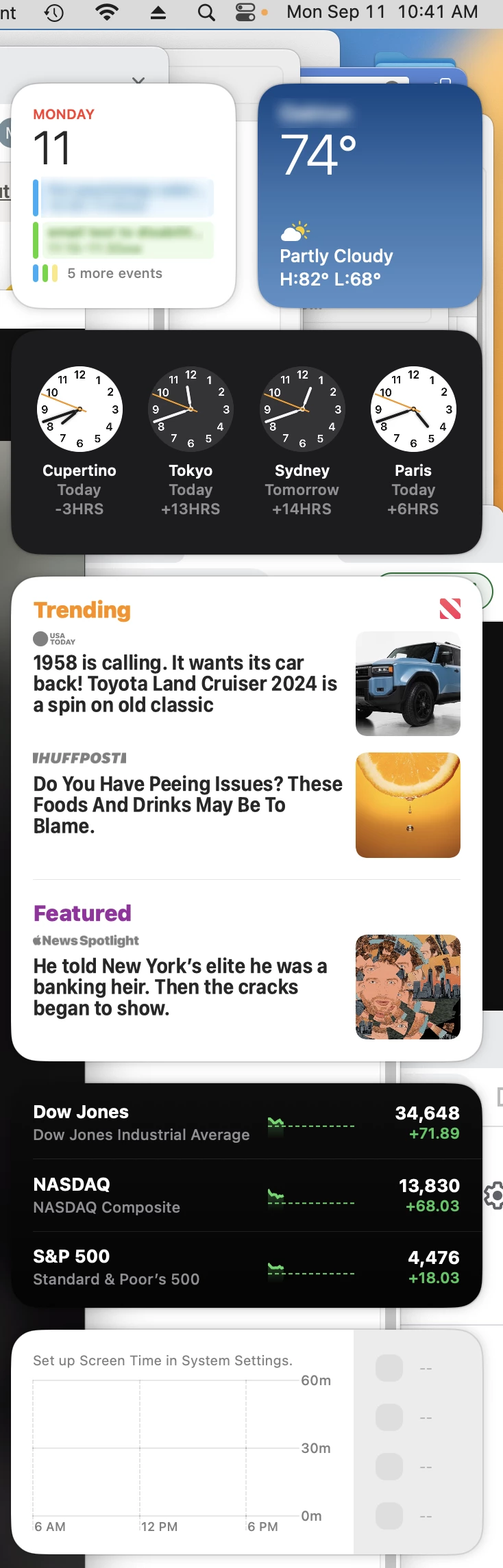
Mac Studio
MacOS Ventura 13.5.1
Zoom version 5.15.7 (21404)