

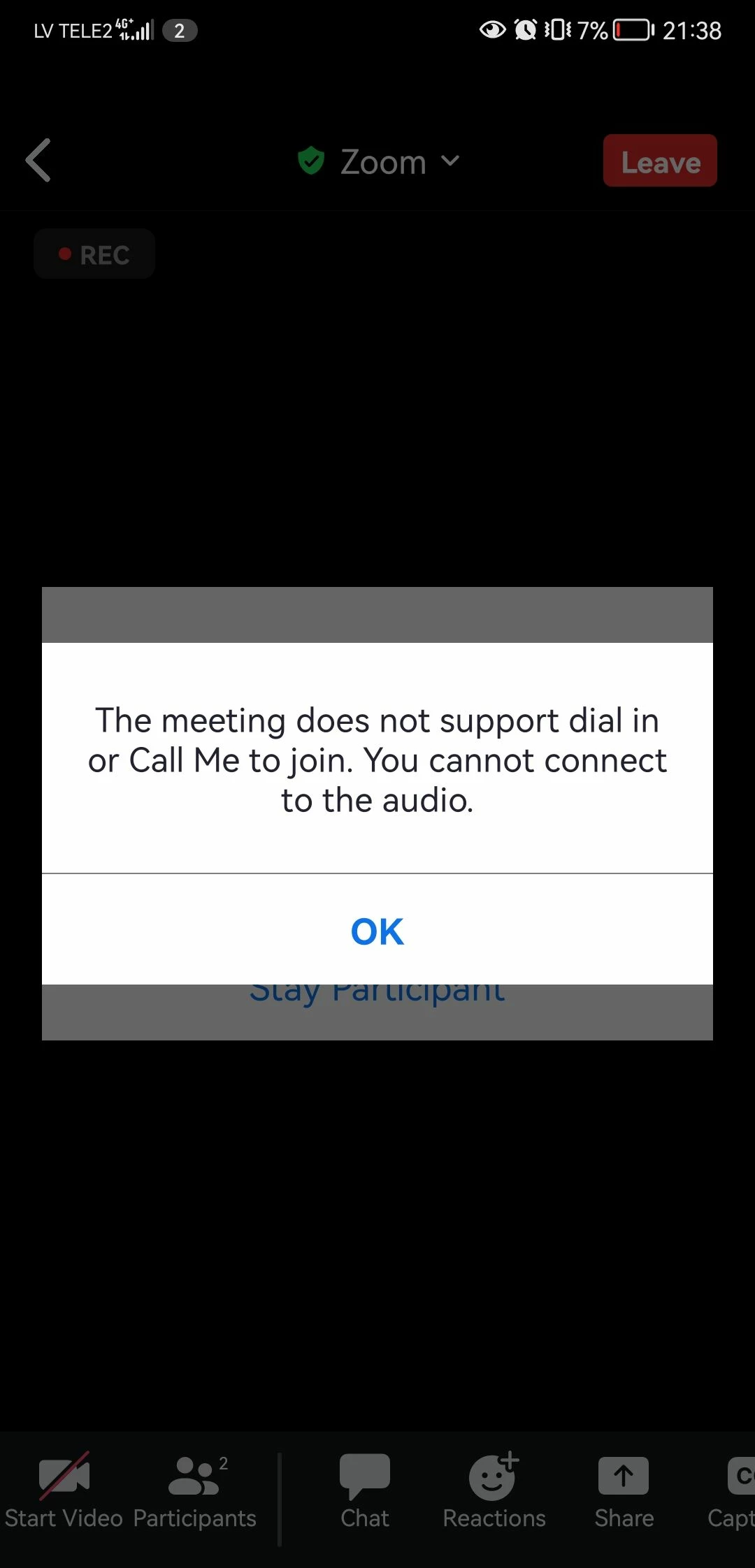
The meeting does not support dial in or call me to join. You cannot connect to the audio. | Community
Skip to main content
Newcomer
April 19, 2023
Question

The meeting does not support dial in or call me to join. You cannot connect to the audio.

  • April 19, 2023
  • 5 replies
  • 7 views

I am tired of this.


I was using zoom for 2 years, and everything was perfect. But now every single time I try to create a meeting, no one, including me, can connect to the meeting's audio.


When you join the meeting, message pops up that says, "The meeting does not support dial in or call me to join. You cannot connect to the audio."


I saw similar problems for other users, but still have not found any working solution.
    5 replies

    Newcomer
    July 16, 2023

    Replying because I FINALLY figured this out, and hopefully it will help someone else.

    Before you join the room, hit the arrow and click PMI setting


    and then, under the Audio section, make sure that "computer audio" is selected, it should have the blue ring next to computer audio as you see below. 


    once selected, hit save, and then join the meeting. You may have to do this every time unfortunately, sometimes the setting will save permanently, but sometimes it won't. Hopefully zoom will fix this one day! 

    Newcomer
    October 30, 2023

    Thank you, thank you! I have been trying to fix the problem all morning. I think your answer may have fixed it.

    Newcomer
    August 2, 2023

    Did not work for me.

    Newcomer
    September 30, 2023

    Thanks a lot. It helped but I have selected Computer and telephone audio.

    Newcomer
    October 30, 2023

    Same for me. I followed all her instructions and I changed my setting from "computer" to "telephone and computer." I tested it and I think her answer fixed my problem. Grateful!

    Newcomer
    November 13, 2023

    I checked my PMI setting as others have suggested and computer audio was not highlighted so I made sure to do that. It still did not work. For me, it ended up being a problem on the side of the person who scheduled the meeting. When they scheduled the meeting, under "Audio" they clicked "Computer Audio," since everyone joins on their computer. When they changed it to "Telephone and Computer Audio," those people who had been getting the "this meeting does not support dial in..." error message were now able to join the meeting with audio and mic working. Not sure if it was a mac issue or a Zoom issue or an internet issue, but all I know is now it works! I also went into Mac settings under Privacy and Security to make sure Zoom had permission to access my camera and mic (it did). Good luck! 

    Newcomer
    March 27, 2025

    It is 2 years down the road but my husband has just been experiencing the same problem. None of the suggestions below work. I finally found it in the desktop version - Settings -> Audio . Scroll down to Ringtones and notifications and untick 'Automatically join audio by computer when joining' - when he opened the first meeting after I unticked the box, he was asked to select an audio option and he selected Computer Audio. It has been working (touch wood) ever since. It's weird as my own Zoom still has 'Automatically join audio by computer when joining' ticked and is working perfectly. Curiouser and curiouser! I hope this helps someone.