Sharing Iphone | Community
Skip to main content
Newcomer
October 3, 2022
Solved

Sharing Iphone

  • October 3, 2022
  • 2 replies
  • 1 view

Hey All


I've tried all of the routes to share my iphone to others during a meeting and I just don't get the opportunity to share it when I click on the share button. 


I'm using the free version of zoom, could this be the issue?


TIA

Best answer by ZoomTestKitchen

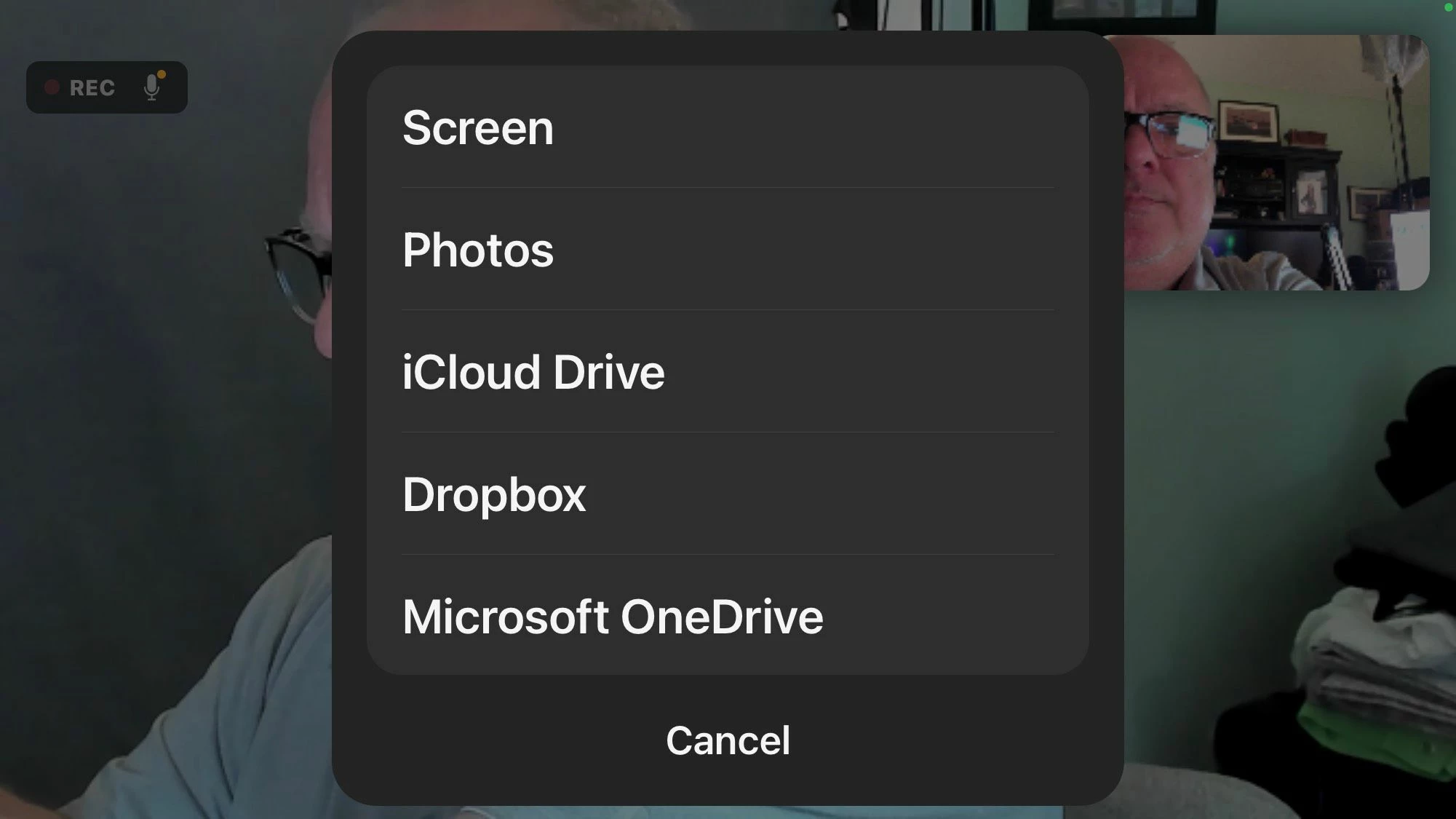
I tried this on one of my free accounts and it seems to be working the same as a paid account. I've attached a screenshot of what pops-up on my screen immediately after clicking on the Share Content option.


2 replies

ChrisO
Participant
Participant
October 3, 2022

Hi  perry106,

Here is a link to a helpful guide on how to share your iPhone screen during a meeting. https://support.zoom.us/hc/en-us/articles/115005890803-Sharing-your-iOS-screen-from-the-Zoom-mobile-app.

 
perry106Author
Newcomer
October 3, 2022

Hey Chris 


Thanks for the link. I’ve already followed these instructions.  Both are on the same network etc.  When I click share I’m not seeing the option for iPhone/iPad share :(.
That’s the problem. 


My work zoom account shows it hence asking if it’s a paid feature. 

Thx

ChrisO
Participant
Participant
October 3, 2022

Sorry, I misunderstood your question. I believe you have to be on the same account as the Zoom Room to share directly with one.

ZoomTestKitchen
Specialist
Specialist
October 3, 2022

I tried this on one of my free accounts and it seems to be working the same as a paid account. I've attached a screenshot of what pops-up on my screen immediately after clicking on the Share Content option.