

Newcomer
Aug 22, 2023 4:51 PM UTC
Question

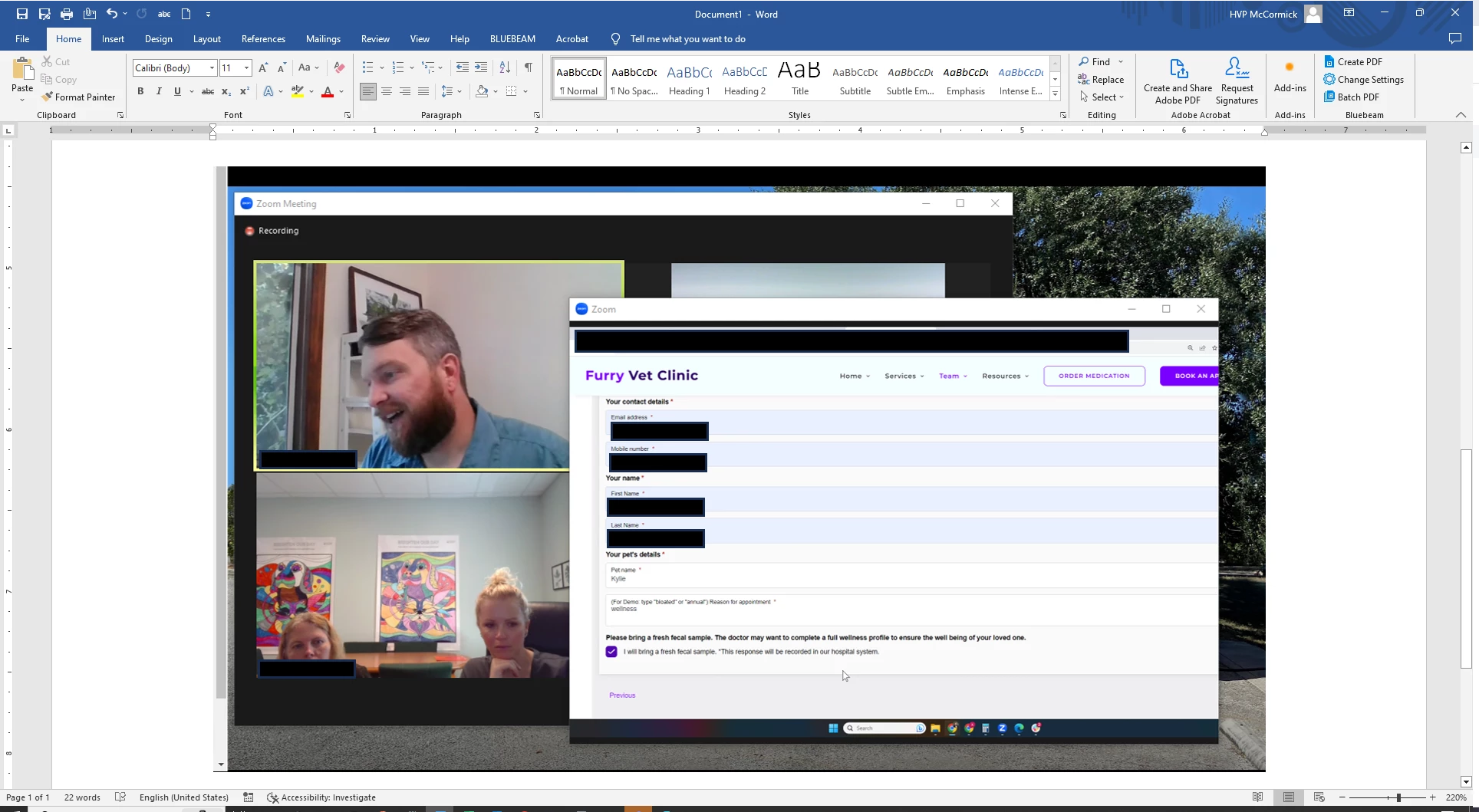
Second window opens when someone else screen shares

When someone else screen shares, it is now opening up in a new, second, window.  It leaves all of the participant videos open in the original window.  How do I get these back into one shared window where I can just adjust the layout to grid/pinned/etc?  This appears to be a new issue as of this week.


2 replies

Newcomer
Sep 21, 2023 6:29 PM UTC

Yes, looking for solution please.

Translate
Community Champion | Customer
Sep 21, 2023 7:16 PM UTC

Hello,


Is Dual monitor mode turned on in your settings?


To enable / disable  the dual monitors feature for your own use:


Sign in to the Zoom Client.
In the top-right corner of the Zoom Client, click your profile picture then click Settings.
Click the General tab.
Select / deselect  the Use dual monitors check box.


https://support.zoom.us/hc/en-us/articles/201362583-Using-Zoom-desktop-client-with-dual-monitors 


Regards

If my reply helped, don't forget to click the accept as solution button!


Translate