

Question
Screen sharing is cropped in Chrome on Ubuntu 20.04
When sharing my window in a meeting, if I select Chromium (or Chrome), the window is cropped and only a portion of it is displayed. I've attached a screenshot that shows the border. I am selecting a window from the "Basic" tab in the "Select a window or an application that you want to share" window (I am not selecting the "Portion of screen" option).
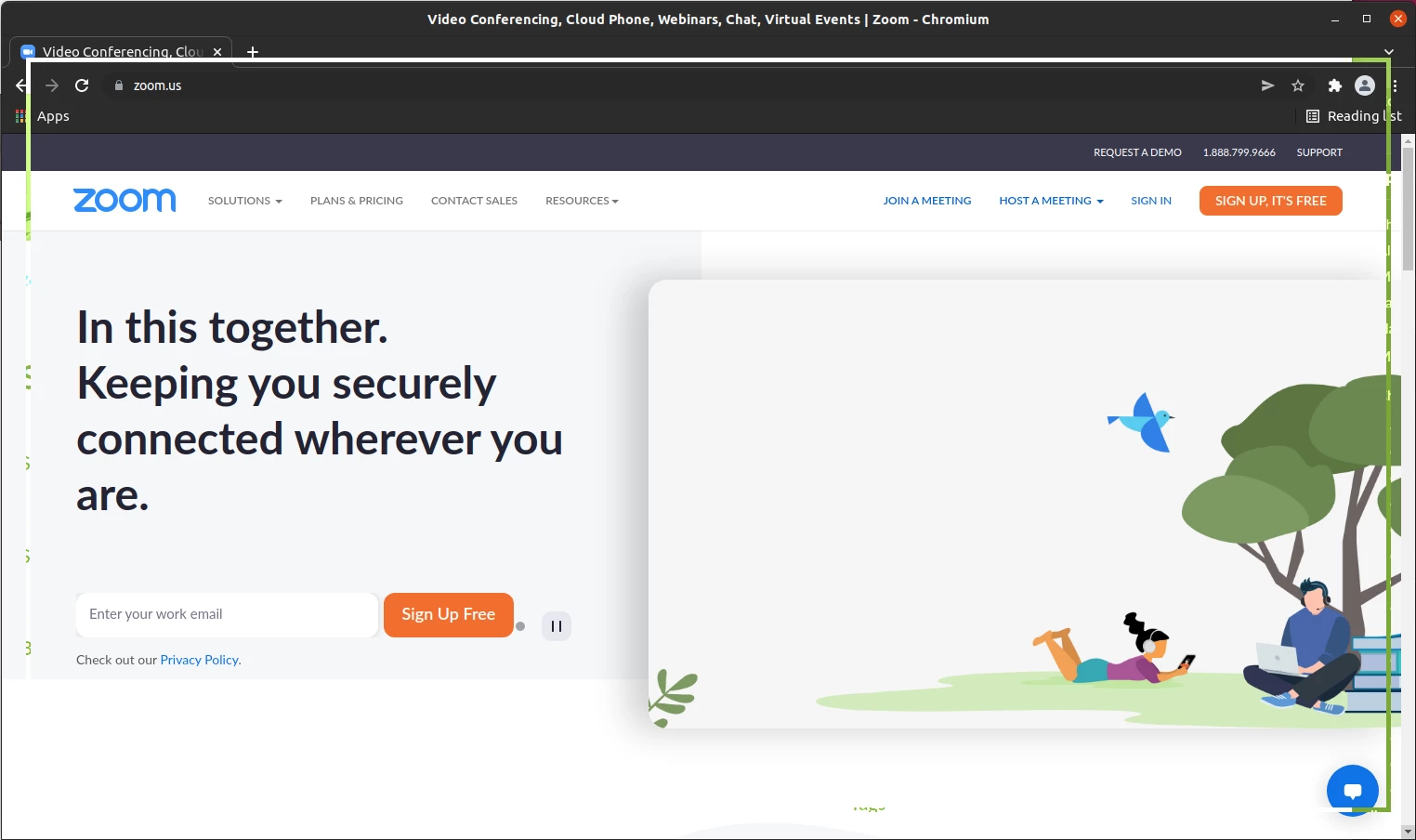
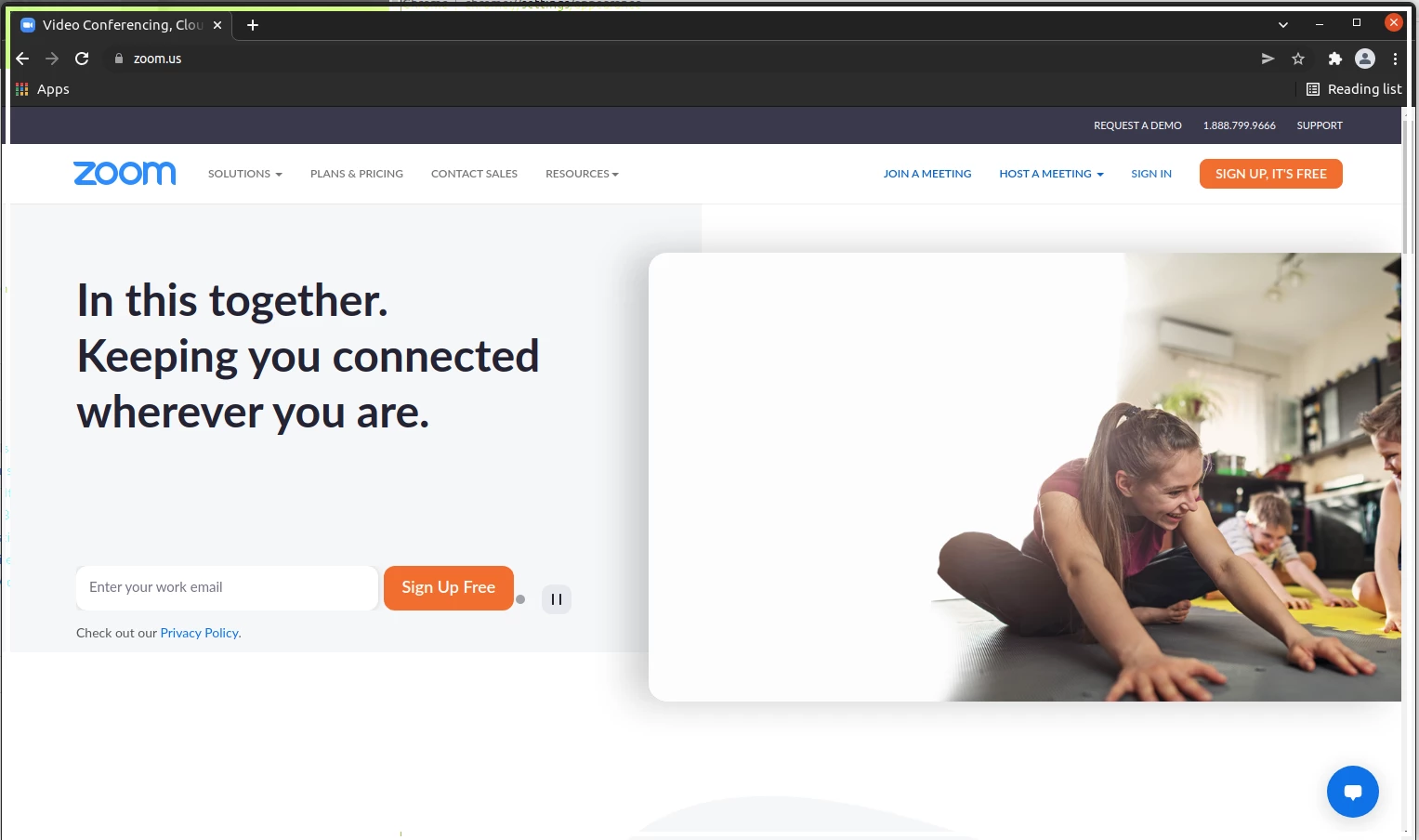
If I uncheck "Use system title bar and borders" under Settings > Appearance, more of the window is displayed, but it's still partially cropped.
Other windows display properly.
System details:
Ubuntu 20.04
Zoom desktop client v5.9.6 (2225)