

screen share settings with powerpoint including video | Community
Skip to main content
Newcomer
February 24, 2022
Question

screen share settings with powerpoint including video

  • February 24, 2022
  • 2 replies
  • 0 views

dear Community Help member


when i share powerpoint with video, i check "optimize for video clip".
then floating Meeting Controls hide the content.

how can i resolve this problem?


thank your for your help in advanced


i check "optimize for video clip".
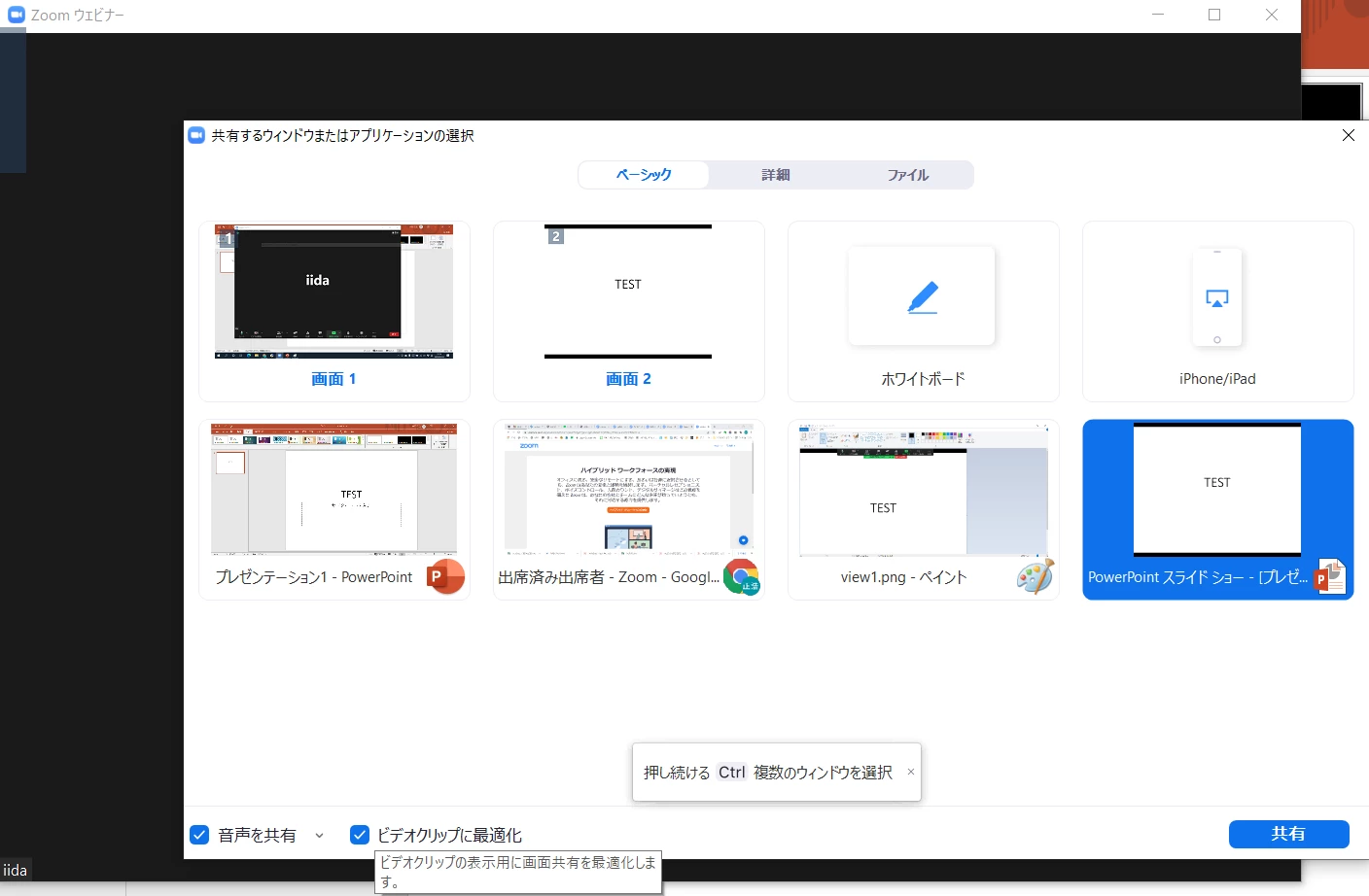
 

host view
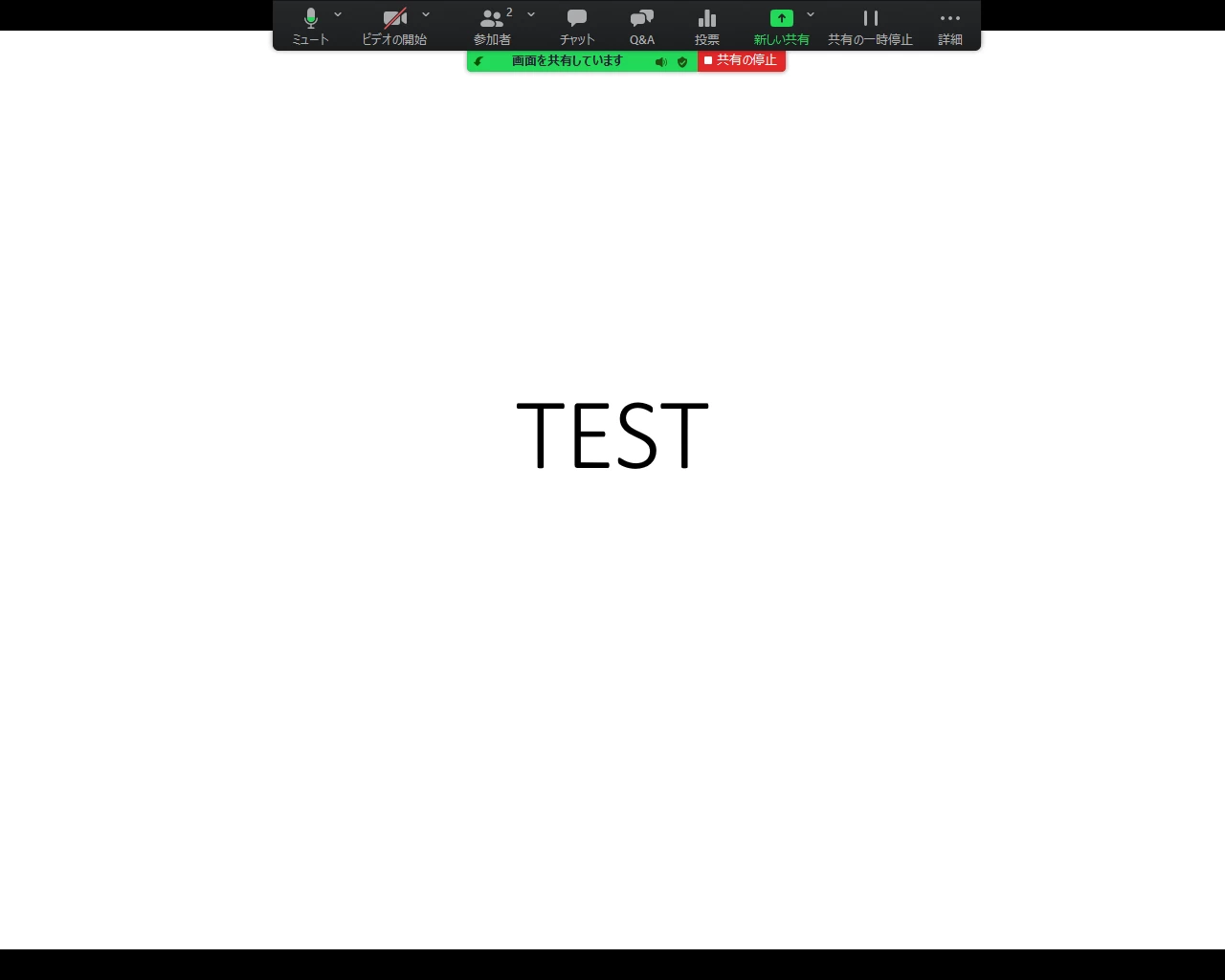
   

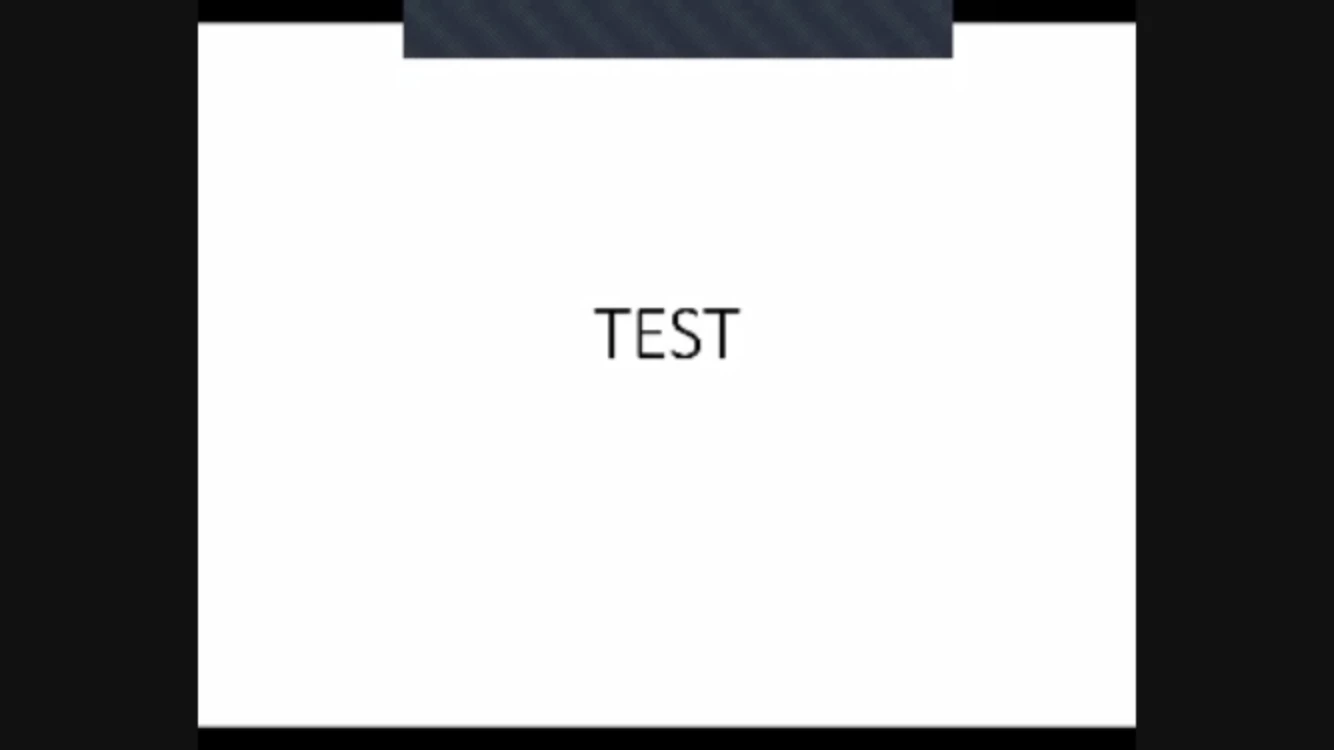
client view


    2 replies

    ZoomTestKitchen
    Specialist
    Specialist
    March 1, 2022

    1st: Not all computers produce this issue.


    But, since yours is showing grey boxes (Zoom windows) over parts of your content, you need to do the following after sharing. Click on the " ••• More " toolbar button and select "Hide Floating Meeting Controls".


    It can take 1-3 seconds for those windows to disappear, but they will go away. You'll need to do this each time you begin sharing.


    Newcomer
    January 19, 2023

    I also had this problem and solved it by having the host of the meeting DISABLE the waiting room, so that everytime a new person entered the meeting the floating controls wouldn't appear. HOwever, that method no longer works. The only thing I've discovered to prevent floating meeting controls from popping onscreen with each new entrant is to not click Video Optimization. This only happened recently and I"m hoping Zoom figures out how to solve it.