

Restricted from screensharing | Community
Skip to main content
Explorer
November 10, 2021
Question

Restricted from screensharing

  • November 10, 2021
  • 3 replies
  • 14 views

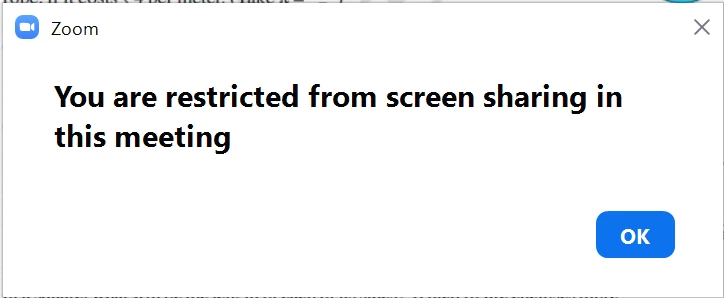
When I join a meeting it shows up as You are restricted from screensharing in this meeting, and my Screenshare button is gone. When I do Alt+S It shows up with a Window showing I am restricted. This has been a problem for over a month before an update I dont know which. When the host enables screensharing, other participants can screenshare but I can't.

 

    3 replies

    ChrisO
    Specialist
    Specialist
    November 10, 2021

    Are you the host or a particpant? A host can turn off screen sharing for others.

    LewinAuthor
    Explorer
    November 11, 2021

    Participant. However other participants can screenshare.

    ChrisO
    Specialist
    Specialist
    November 11, 2021

    Is your Zoom App up to date?

    Newcomer
    November 15, 2021

    Hi! Go to zoom.us/profile/setting and under In meeting(basic), select "Disable Desktop screen sharing for meeting you host" and make sure that it is disabled.


    LewinAuthor
    Explorer
    November 15, 2021

    Thank you! It worked.