Solved
Remove the partipants tiles while screen sharing
Hi @jdott16
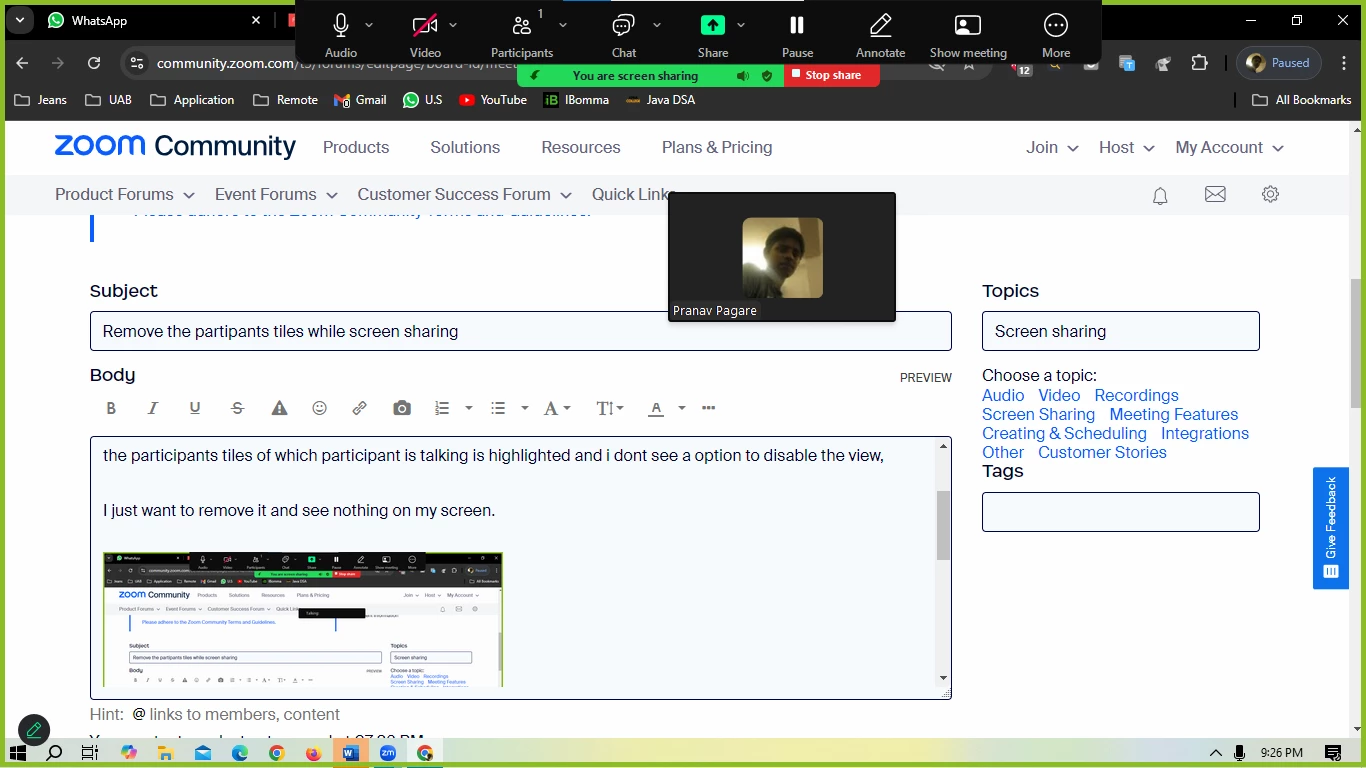
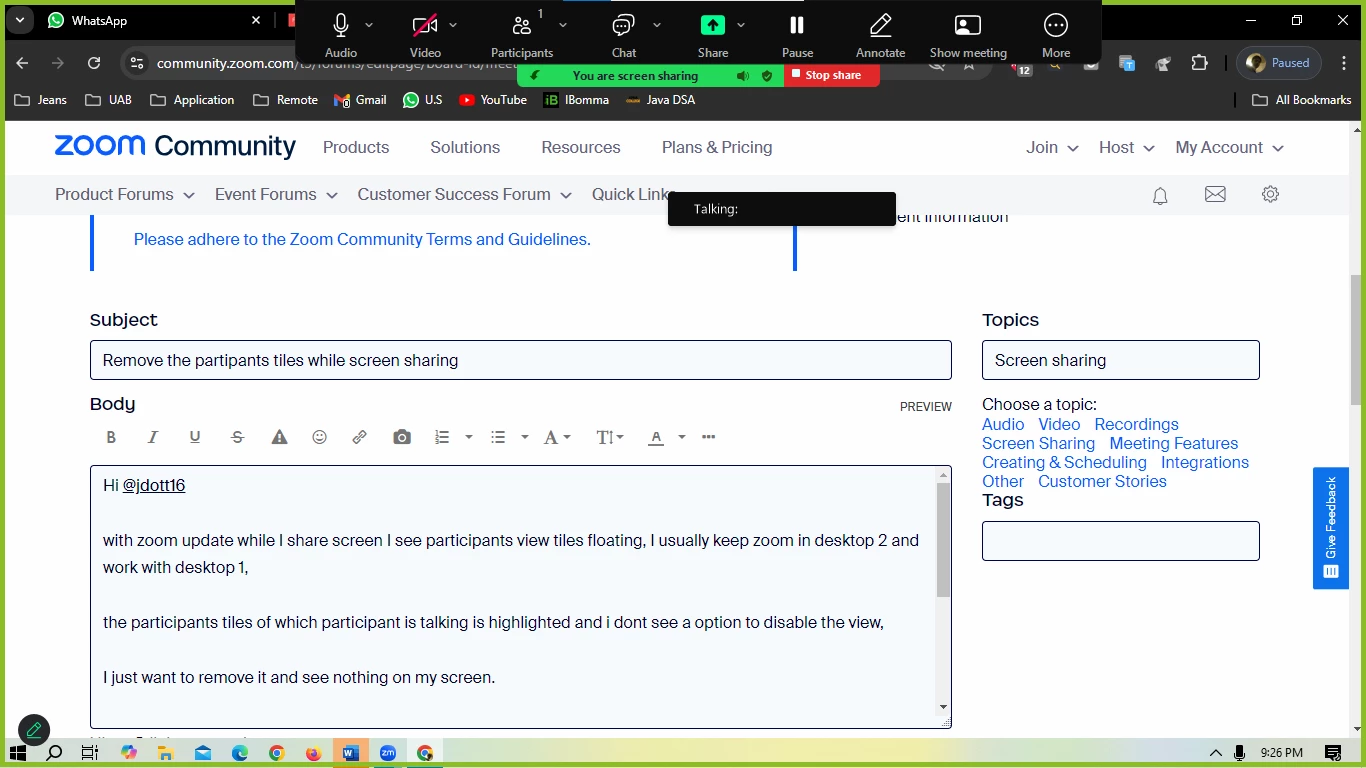
with zoom update while I share screen I see participants view tiles floating, I usually keep zoom in desktop 2 and work with desktop 1,
the participants tiles of which participant is talking is highlighted and i dont see a option to disable the view,
I just want to remove it and see nothing on my screen.
We keep our cameras off**
Problem 2:
While screen sharing even when the zoom meetings controls are in desktop 2 and working with desktop 1,
the other users see black/grey boxes ? how to fix that ?
Problem 3:
Annotate symbol at left bottom of screen, I don't want to see that as well ?
Your Help is Appreciated @jdott16