
Problem showing my screen when 'sharing' | Community
Skip to main content
Newcomer
March 1, 2022
Question

Problem showing my screen when 'sharing'

  • March 1, 2022
  • 1 reply
  • 12 views

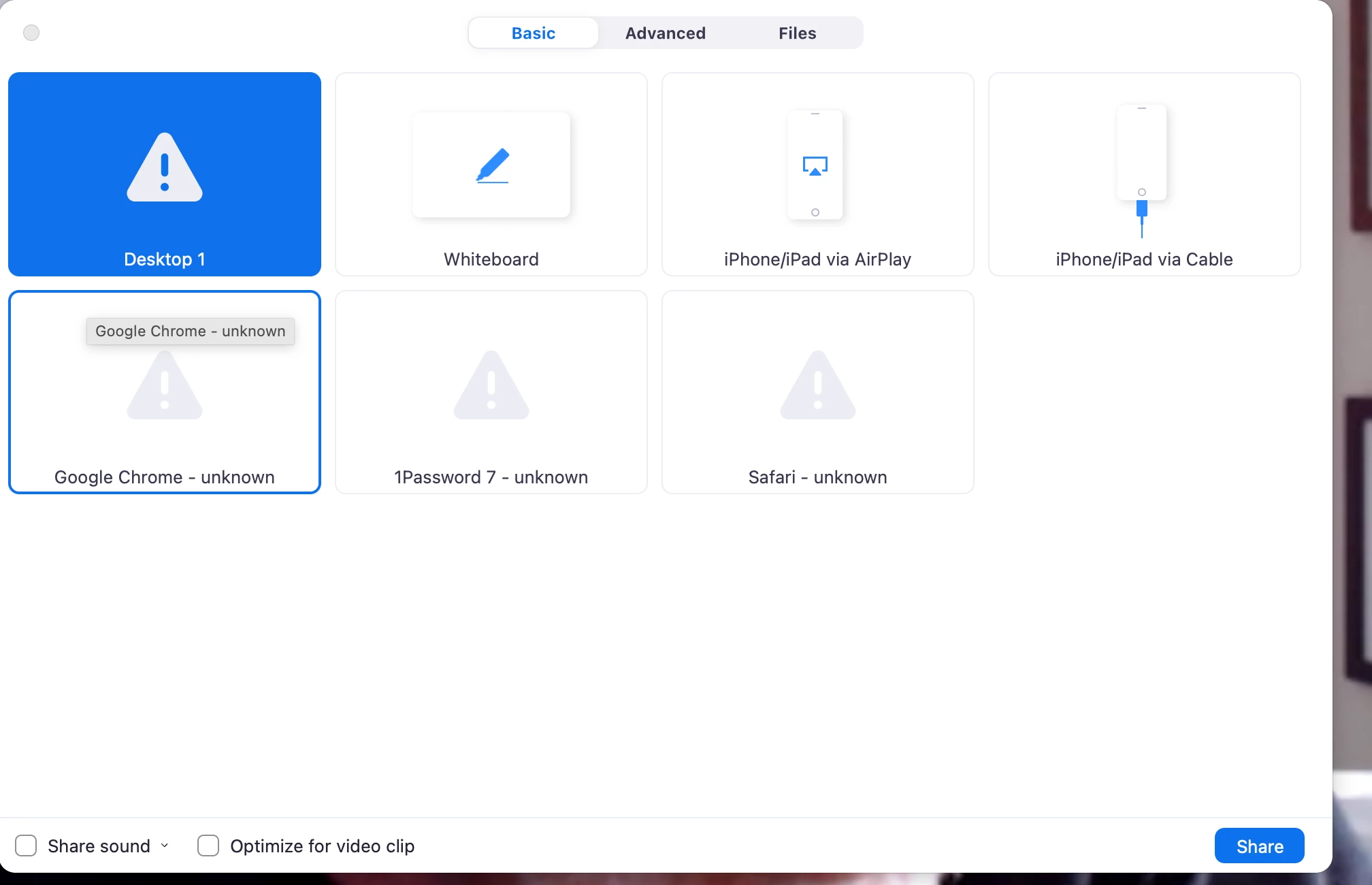
When I try to share my images I get triangle with exclamation point.  What to do?
 

    1 reply

    Employee
    March 1, 2022

    @haimo Please check your settings in the web portal to ensure that this is enabled first. 

    Login to your Zoom web portal and click on "Settings" in the navigation panel. Then navigate to "In Meeting (Basic)" and look for the Screen Sharing setting. 

    Since it looks like you are on a Mac and having issues, please see the article below for making sure your computer's security settings are set correctly. 
    https://support.zoom.us/hc/en-us/articles/360016688031-Using-the-Zoom-client-and-Zoom-Rooms-with-mac... 


    You will want to make sure that your Screen Recording permissions allow Zoom. 

    If this helped answer your questions, please hit the "Accept as Solution" button below.
