

Need to change email notification template | Community
Skip to main content
Newcomer
August 31, 2022
Question

Need to change email notification template

  • August 31, 2022
  • 2 replies
  • 14 views

Hello, 


I have to change the Email notification content, but it is not possible. 


Currently it looks like:
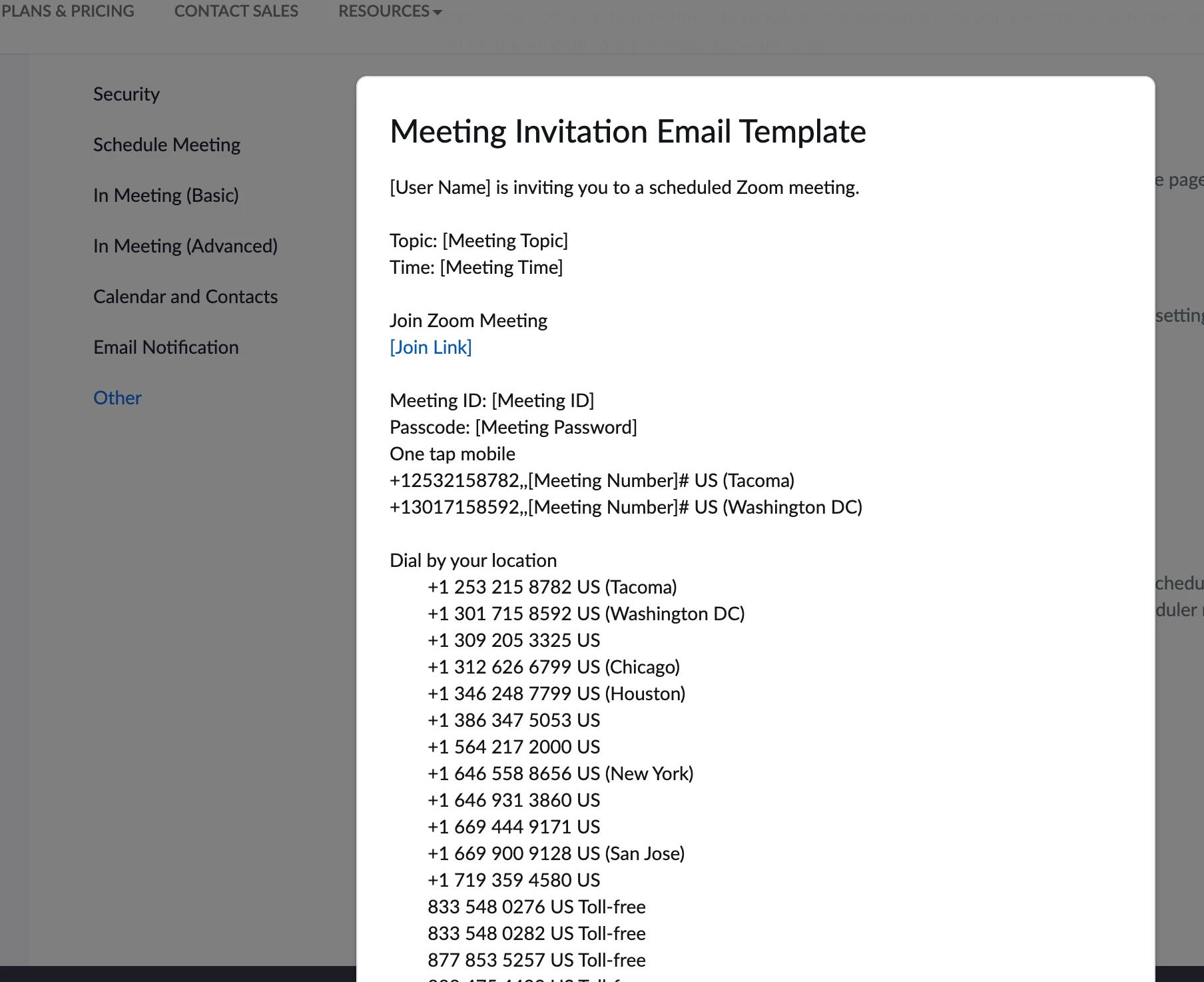
and I have to remove all part that is about joining from mobile. 


How can I do it?

For my current meeting the participants must join only from desktop and we send them the requirement, but then they get this automated notification that is all around calling from mobile too. 

    2 replies

    Newcomer
    August 31, 2022

    @OlaBold ,


    Only the admin have the access to update the setting in the Email template. if you are an admin, under account settings click "Invitation Email Branding" and update the format(It will be HTML format). once you update when scheduling next time, it will not affair 

    Newcomer
    September 1, 2022

    To customize your email templates, navigate to Settings → Email Notifications. To modify a template, click on the desired template or event name on the left and adjust the template contents where they appear on the right.