My Shared Screen is super tiny. | Community
Skip to main content
Newcomer
January 31, 2024
Solved

My Shared Screen is super tiny.

  • January 31, 2024
  • 2 replies
  • 14 views

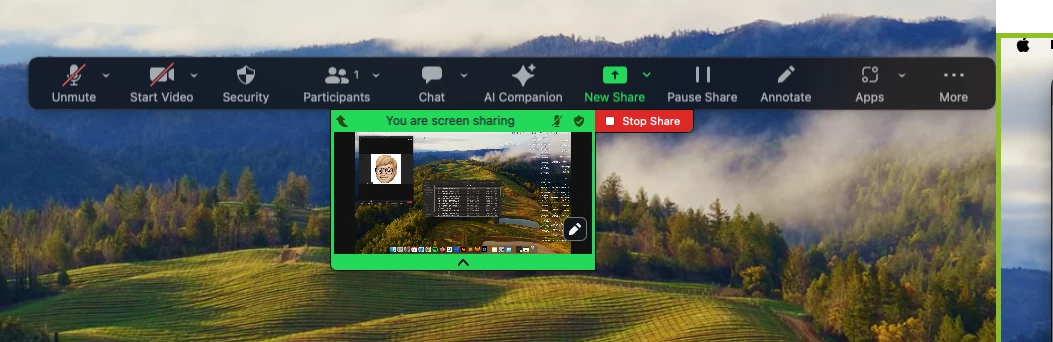
When I share my screen - the screen I am sharing appears as a super tiny screen, 3 inches by 3 inches.  I cannot make it bigger.  I have tried every setting in settings.  Nothing changes.  My shared screen appears as this little tiny screen attached to the top of the screen in the middle or the bottom.  
Best answer by rn-zm

Hi @BlakeAD @marydipboye welcome to the community! When you share screen, what specifically are you sharing?


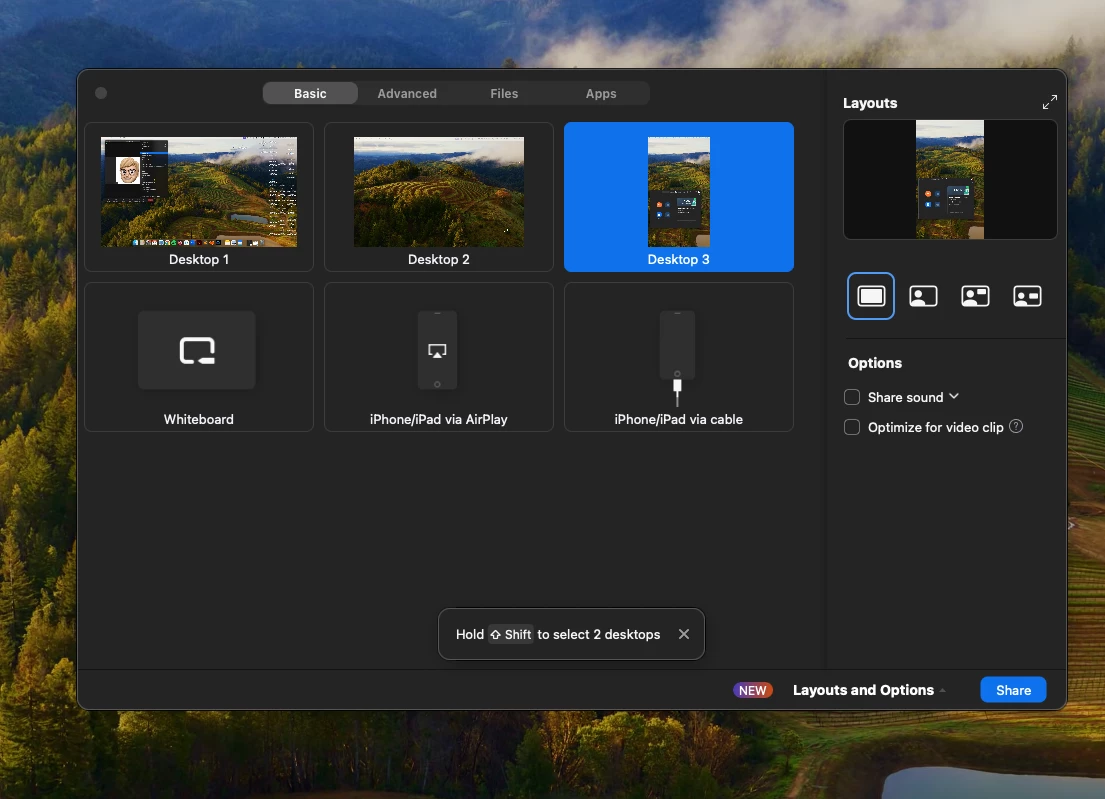
When sharing an application window (e.g., Google Chrome), the shareable content depends on the window size. Therefore, consider enlarging the window to share.


Second, do you mean the 3x3" window that appears on the share screen tool bar? If so, that is not the size of the window being shared, but rather a preview of what is currently shared if you are the one sharing the screen.

2 replies

Newcomer
February 19, 2024

I have the same problem.   A tiny screen when I share.    I have a MAC.


rn-zmAnswer
Community Manager
February 26, 2024

Hi @BlakeAD @marydipboye welcome to the community! When you share screen, what specifically are you sharing?


When sharing an application window (e.g., Google Chrome), the shareable content depends on the window size. Therefore, consider enlarging the window to share.


Second, do you mean the 3x3" window that appears on the share screen tool bar? If so, that is not the size of the window being shared, but rather a preview of what is currently shared if you are the one sharing the screen.

Newcomer
September 4, 2024

This is exactly my problem.  Feel free to talk to me like I'm an idiot because I think I am on this subject.  How do I make it so I see my shared screen large on Zoom?

Newcomer
May 15, 2025

I have the same issue.
It's always worked to share PDF's since 2020 and all of a sudden it's a tiny box.
It's too tiny for everyone to see on zoom including myself. 
I just updated zoom too.

Anyone get it solved?

MGSR
Community Manager
Community Manager
May 22, 2025

Hello @Miranda7! Kindly try uninstalling the app and reinstalling it again. Let us know if it helps or if you need further assistance.