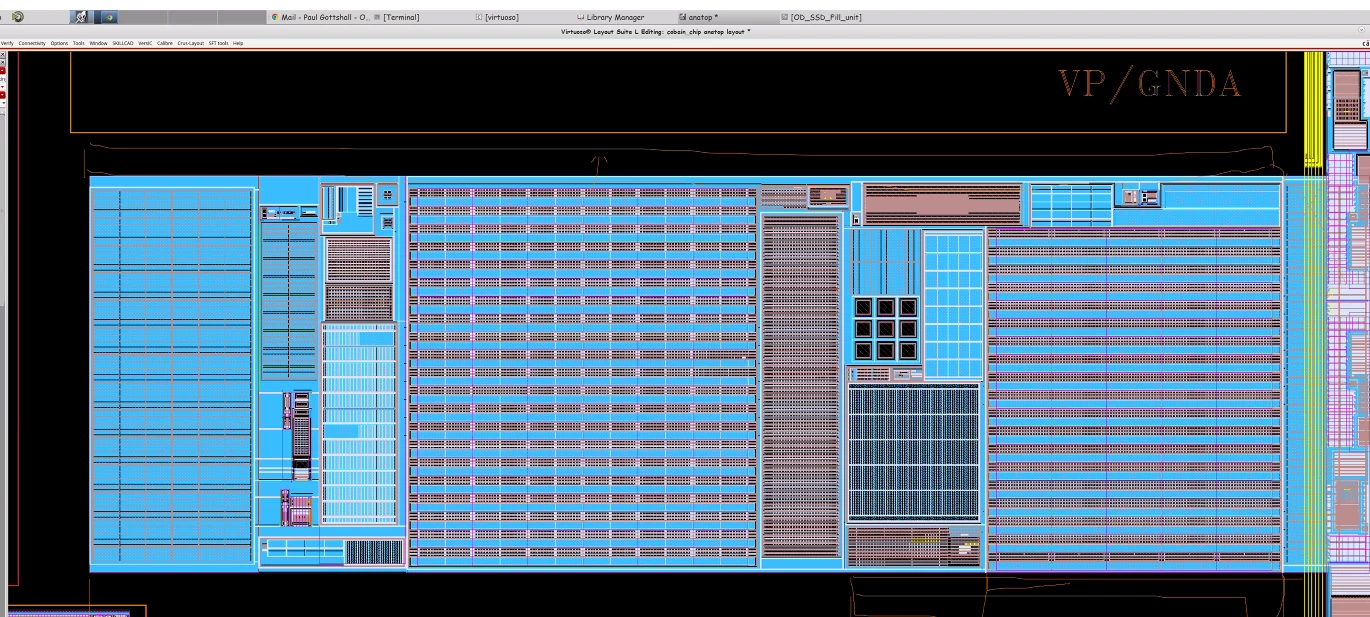
more zoom in resolution when viewing others shared screen
I have seen this feature in webex but I haven't seen this in zoom (macos version).
My work environment requires a lot of screen sharing. Here is the issue, my colleagues might be have a larger screen and I only have a 27 inch one or 32 inch one. So everytime when I view their shared screen, here is what I get using the full-size mode.

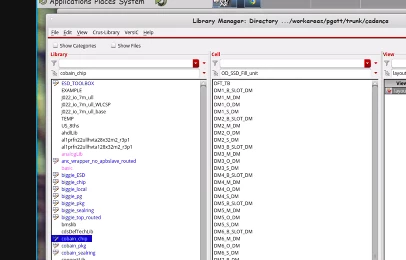
I need to zoom in using the 100% feature to see the content clearly as below.
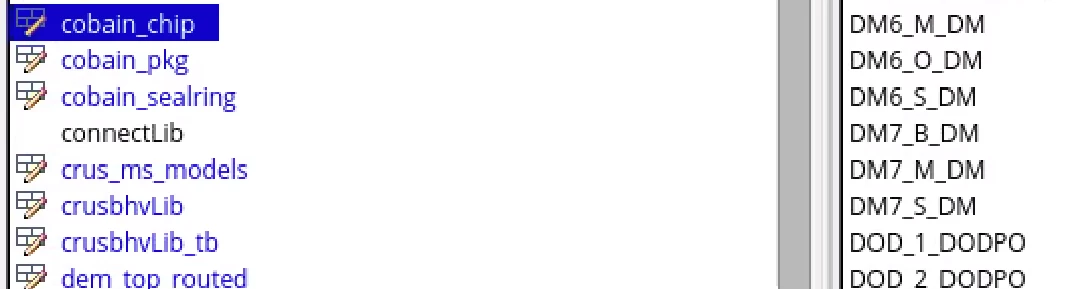
However, zoom in to 100% is too much. I cannot see the whole screen or even part of the screen shared. But there is no setting between 50% and 100%. I am very frustrated about this feature now. When zoom can introduce a more find resolution to zoom in/out of the shared window view?
When my colleague showed me their screen, every words are blurred. It's so hard to view them. Can zoom have 98%, 96%, 94%, 92% ..... 50% resolution for people to choose from? Only 50% and 100% option is too less.

another issue is the annotating tool, can you see that my colleagues annotate on this screen below? It's so hard to see it.