Missing 'lower hand' and 'ask to unmute' as host and cohost | Community
Skip to main content
New Member
May 6, 2026
Question

Missing 'lower hand' and 'ask to unmute' as host and cohost

  • May 6, 2026
  • 2 replies
  • 21 views

Hello Zoom Support Team,

I am experiencing a persistent issue on my Windows laptop and would appreciate your help.

Since I bought my device (HP OmniBook 7 Laptop 17-dc0xxx, Windows 11), two host/co‑host controls are completely missing in every meeting:

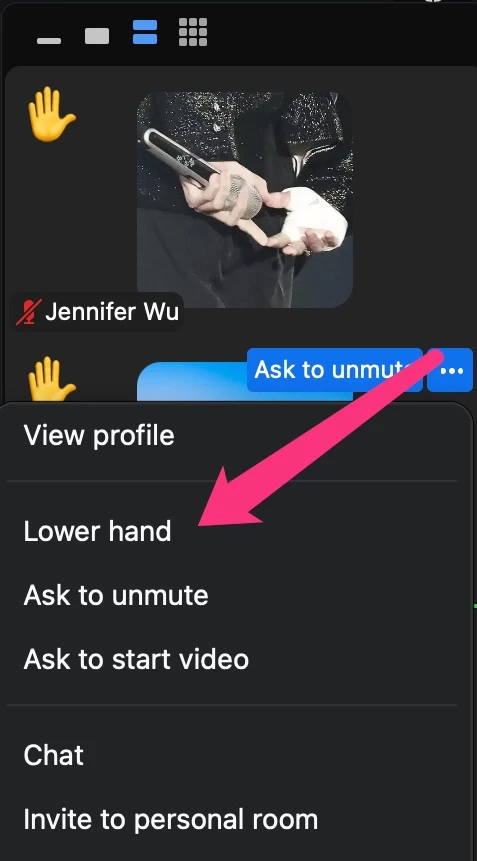
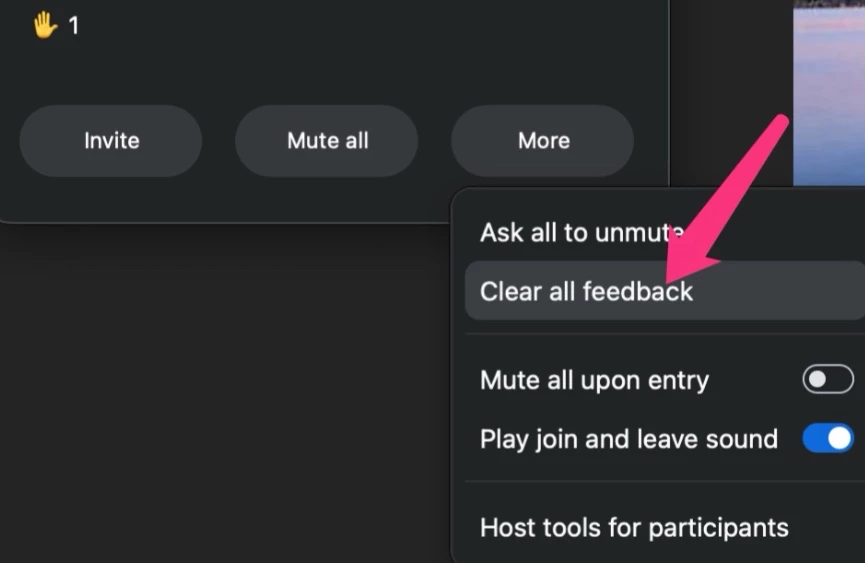
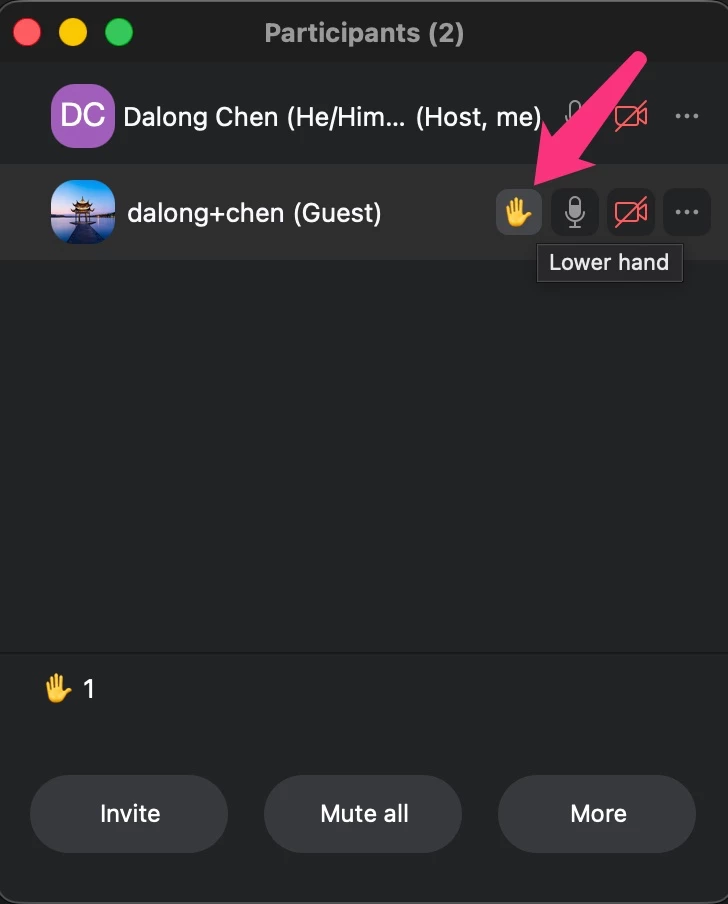
- The option to *lower a participant’s raised hand* does not appear at all.
- The option to *Ask to unmute* for muted participants is also missing.

These options are simply not there — they do not show up in the participant list or anywhere else.

When I join the same meetings from my Samsung phone, everything works normally. The problem exists *only* on my laptop.

My current Zoom version on Windows is: *Zoom Workplace 7.0.2 (34412)*.

To troubleshoot, I have already done the following:

- Uninstalled Zoom from the Microsoft Store and reinstalled it.
- Uninstalled Zoom and reinstalled it directly from the Zoom website.
- Restarted my laptop.

Unfortunately, none of these steps resolved the issue.

Could you please advise what might be causing these two controls to disappear on Windows, and how I can fix it?

Thank you very much for your assistance.

Kind regards,
Sylwia
    2 replies

    Community Manager
    May 6, 2026

    Hello ​@Sylwia J!


    Welcome to the Zoom Community! We’re happy to have you here.


    When the same meeting shows those controls on mobile but not on Windows, it almost always comes down to the Windows session not being recognized as host/co-host (even if you are on mobile), or the Windows client UI not exposing host actions because of how you joined/what role that device has.


    Please check these two items on the Windows device (they’re the fastest way to isolate the cause):
     

    1. Confirm your role on Windows (this is the key check)
    • In the meeting on Windows: open Participants
    • Find your own name in the list
    • See exactly what it shows next to your name:

      • "(Host)," "(Co-host)," or nothing

    If it shows nothing on Windows, that explains why “Lower Hand” and “Ask to unmute” are missing there—Windows isn’t host/co-host in that session, even if your phone is.


    1. Are you joined on both devices at the same time?
    • If you join on your phone first (becoming host/co-host) and then join on Windows, the Windows join may be treated differently depending on how you joined (same account vs different account, join method, etc.).


    You may check out these articles for further information:


    Raising your hand in webinars and meetings

    Requesting permission to unmute participants

    Sylwia JAuthor
    New Member
    May 6, 2026

    Just to clarify, I am using different sessions: I am either logged in on Windows or I am logged in on my phone. When I am on the phone that is absolutely no problem but when I am using my laptop and I definitely am a host or a co-host and it shows next to my name I am missing those options. 

    Sylwia JAuthor
    New Member
    May 7, 2026


    Sylwia JAuthor
    New Member
    May 7, 2026