
Meeting opens in half a Window | Community
Skip to main content
Newcomer
March 11, 2026
Question

Meeting opens in half a Window

  • March 11, 2026
  • 2 replies
  • 43 views

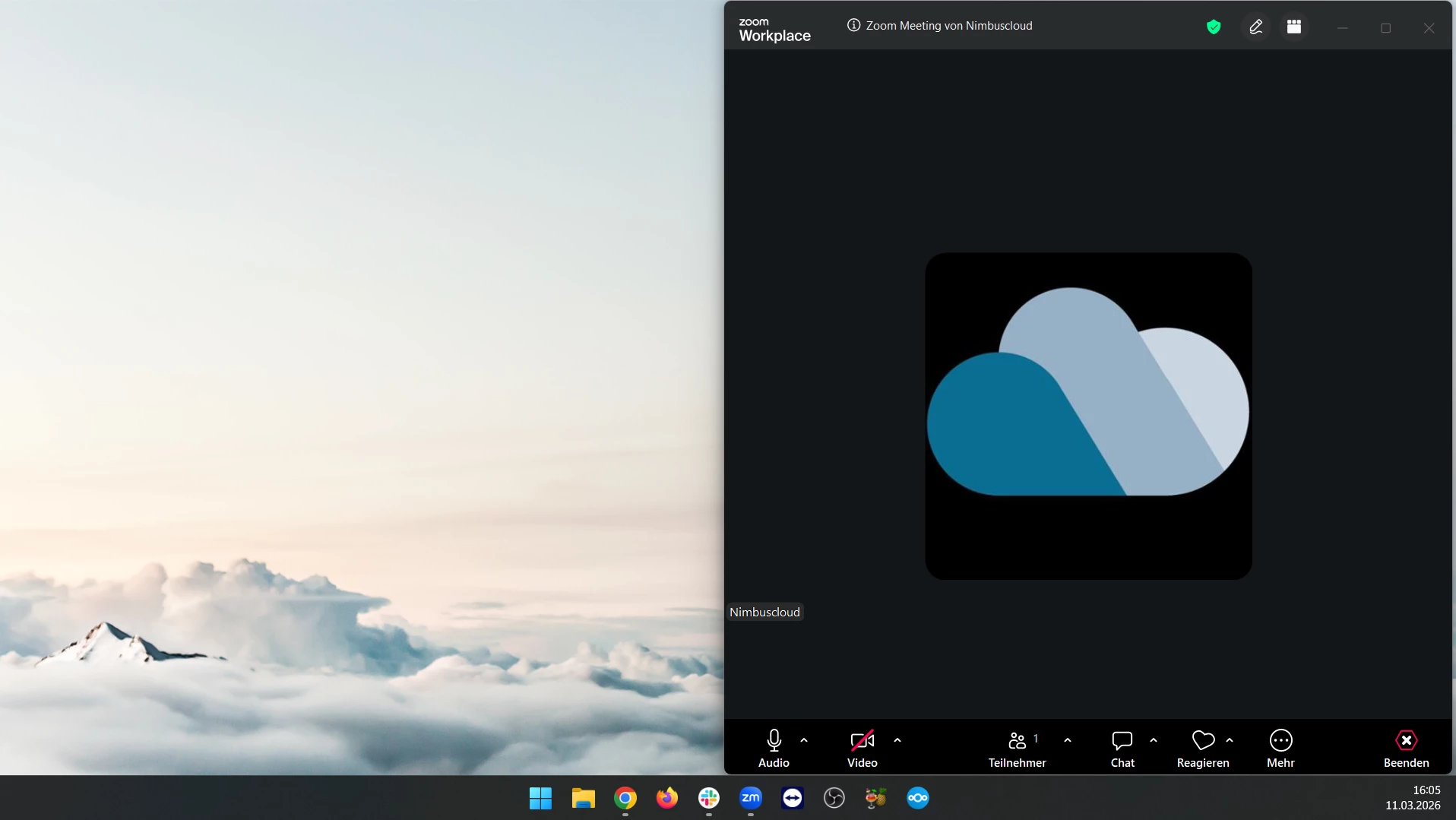
Since the latest update, when i open a new meeting, the meeting windows is just half of my screen, see screenshot. Where can i change that? Is it a Zoom problem or maybe a windows thing?

 

    2 replies

    ExpertswhoJohn
    Community Super Champion | Customer
    Community Super Champion | Customer
    March 12, 2026

    hi ​@Lukas L ,

    Zoom deos remember the previous way it was opened, you can use the maxmimse options, in the top right corner for windows and the left top colour circles on mac

    Please like and mark as the solution if this helps

    All the best


    John Drinkwater

    Zoom Community Super Champion.

    Zoom Developer Champion

    Community Champions are not paid to provide this support and have no access to customer settings or data. I am not personally an employee of Zoom

    https://www.linkedin.com/in/johndrinkwaterlordzoom/
    See my latest content. events, live and prerecorded to showcase features
    https://lordzoom.com/go/hub
    I run many events and upload most on my channel.
    https://www.youtube.com/@boomwithlordzoom
     

    Lukas LAuthor
    Newcomer
    March 12, 2026

    Hey John!

    Sadly it doesnt remember the maximation. It somehow always goes back to this half screen layout. As far as i have researched, windows is responsible for remembering which window was closed in which state and will open it in the same way. There is for example no problem with the main menu of Zoom or the windows explorer. The problem only affects the Zoom meeting window.

    There was a proposed solution of holding Shift while closing the window, but it seems since the X doesnt close the window (the option “Close for all” does), it doesnt help.

    I should probably mention, that i use 3 monitors, and the meeting window always open in the right most monitor on the right most half. The option to remember the positions of the windows based on the monitor is activated thougn, see Screenshot.