

iPadOS 26.5 + Zoom: CallKit overlay blocks entire meeting screen — no video, no toolbar
After updating to iPadOS 26.5 (stable release), joining any Zoom meeting on my iPad results in the iOS CallKit audio screen taking over the entire display. The header reads “Zoom Audio (or video) – [timer]” with a phone icon, and the screen shows only Speaker, Video, Mute, More, End, and Keypad buttons — the native iOS phone call UI, not Zoom’s meeting interface. See screenshots.
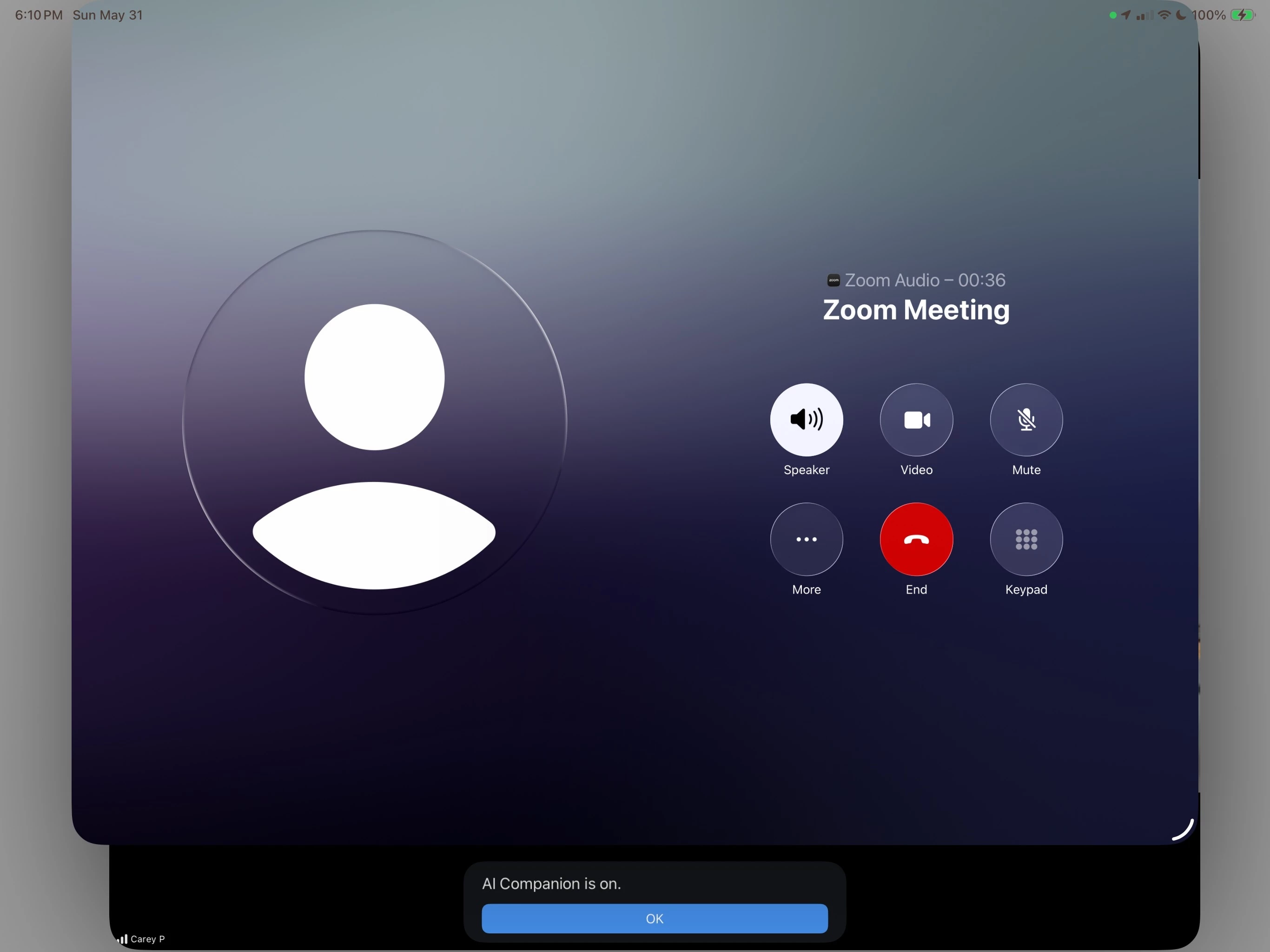
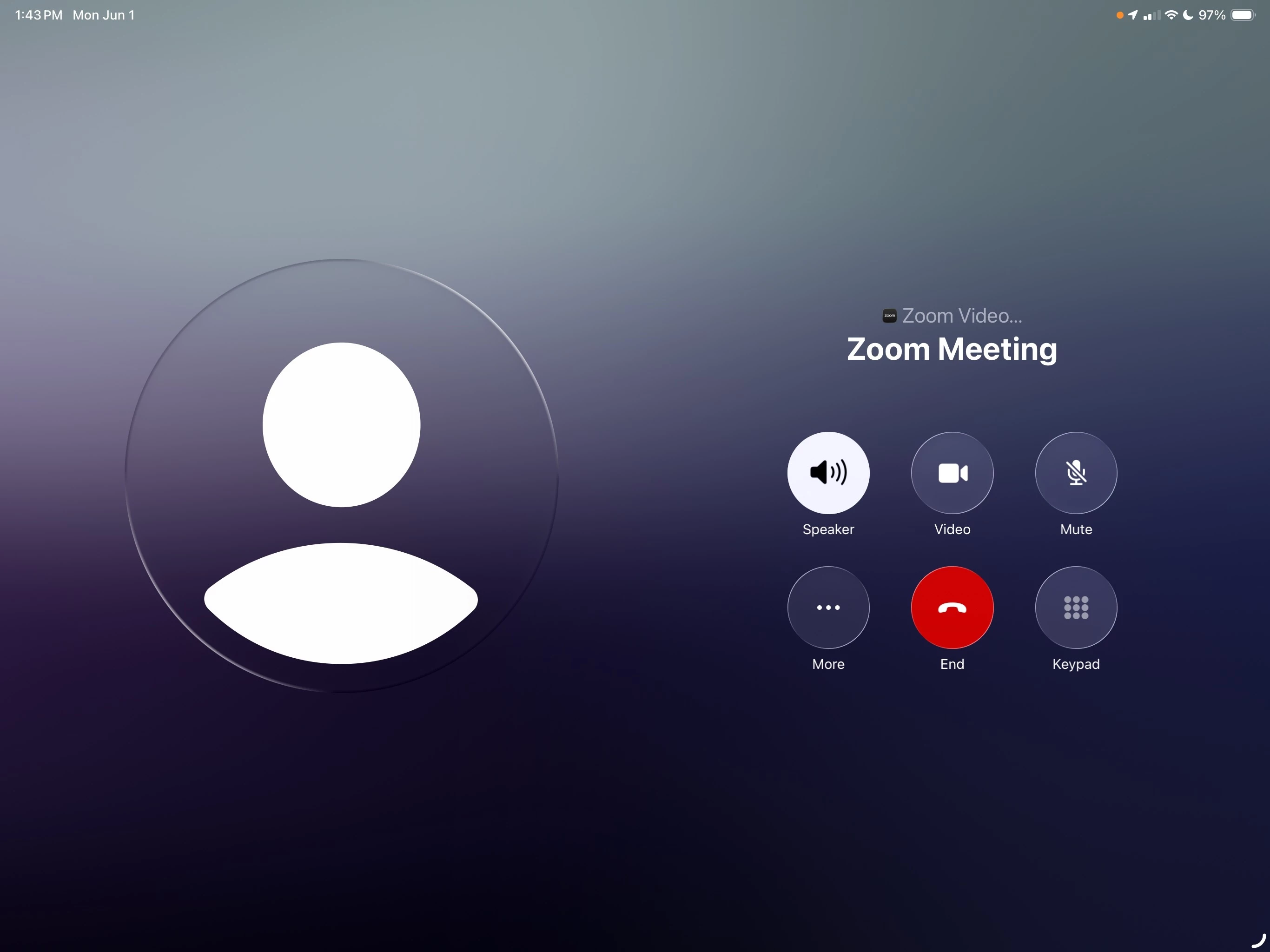
Audio works in both directions, but:
• My video is not transmitted
• I cannot see other participants
• The Zoom meeting toolbar is completely inaccessible
• The screen cannot be dismissed, minimized, or swiped away
• The iPad is essentially unusable for the duration of the meeting
I’ve tried: updating Zoom to the latest version, setting Auto-Connect to Audio to WiFi/Cellular, changing the default calling app to None, and disabling iPhone call handoff. Nothing resolves it.
Based on discussion in the Apple Developer Forums, iOS 26 introduced a change to how CallKit surfaces its UI — it now presents a non-dismissible system overlay when a CallKit call becomes active, which did not occur in prior iOS versions. Any app using CallKit for audio appears to be affected. This is a stable public release, not a beta, so this issue is affecting a broad user base.
Has anyone found a workaround, and is Zoom aware of this?