


iOS Sharing Error Code: 0
I have a user who is attempting to share an iPhone screen in a meeting via a Windows 10 computer. They go into Zoom, then hit Share Screen, then hit iPhone/iPad. This always worked previously, but now has an issue.
Normally, as we all know, this will show instructions for how to begin iOS sharing via the iOS device's control center, and allow the iOS user to broadcast a screen share session into the Zoom meeting. But in the case of my user, it simply says "Screen sharing has failed to start. Please try again later. Error Code: 0" (see screenshot).
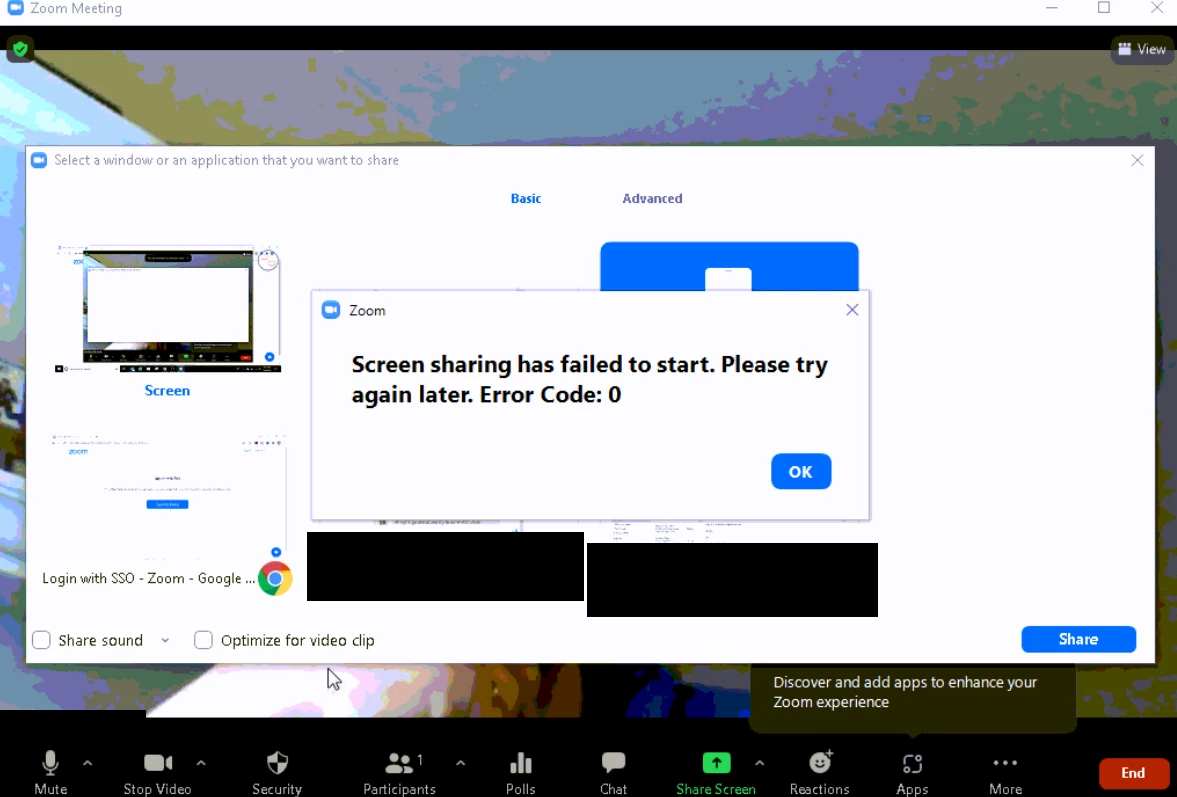
I tried having the user restart, and I also tried uninstalling/reinstalling Zoom for them. They're on Version 5.8.7 (2058) (64-bit). I tried researching Error Code 0 as it relates to screen sharing but couldn't find anything. Several sources indicate that Error Code 0 in Zoom is supposed to indicate an issue with installation, but reinstalling the client for this user didn't help.
iOS sharing works for me and others on my team, so it seems to only be affecting this user.
Anyone have any other ideas?