
Invite Link & Scheduler | Community
Skip to main content
Newcomer
August 24, 2021
Question

Invite Link & Scheduler

  • August 24, 2021
  • 1 reply
  • 4 views

Hi I have invite link

And I'm not the host. My friend gave it to me.


How can I add it to my scheduler?

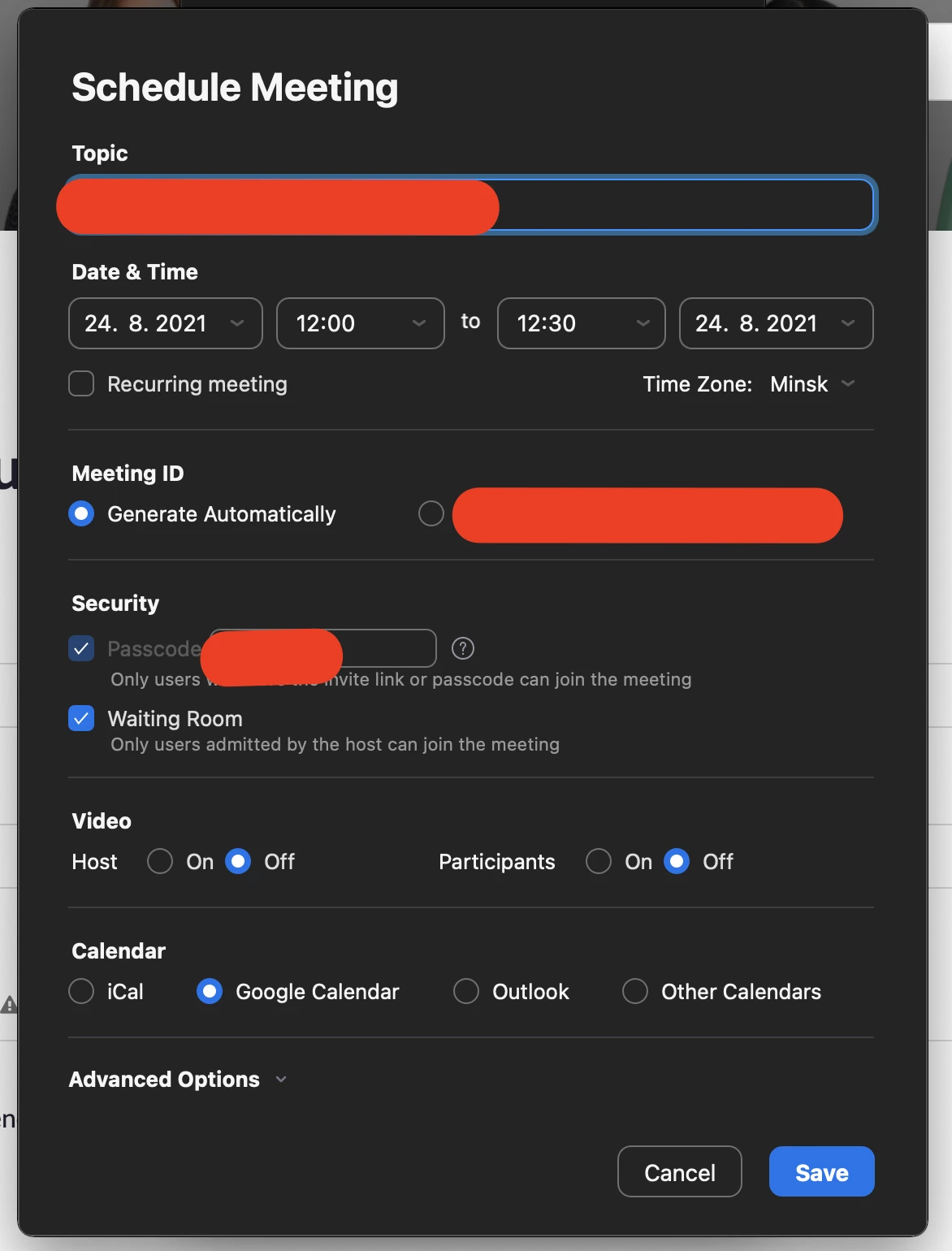
I want to set up a reminder that on weekdays from 5PM I have to join the meeting using the invitation link



    1 reply

    jdott16
    Community Champion | Employee
    Community Champion | Employee
    August 24, 2021

    Hello @Aliaksei 


    You can get your upcoming meetings you are scheduled to attend linked to a calendar by integrating your calendar with Zoom. Zoom can sync Google, Exchange, and O365. You can do this by going into your profile at zoom.us then clicking on the Configure Calendar and Contact button to sync your calendar. Then, when you accept a zoom invitation that is on your Google calendar (for example) the meeting will also show on Zoom, and you can receive notifications as well. You can find out more here: https://support.zoom.us/hc/en-us/articles/360000488243-Setting-up-calendar-and-contacts-integration-for-the-desktop-client I hope this helps!