

How to turn off unnecessary "Join from browser" window | Community
Skip to main content
Newcomer
April 9, 2026
Question

How to turn off unnecessary "Join from browser" window

  • April 9, 2026
  • 1 reply
  • 31 views

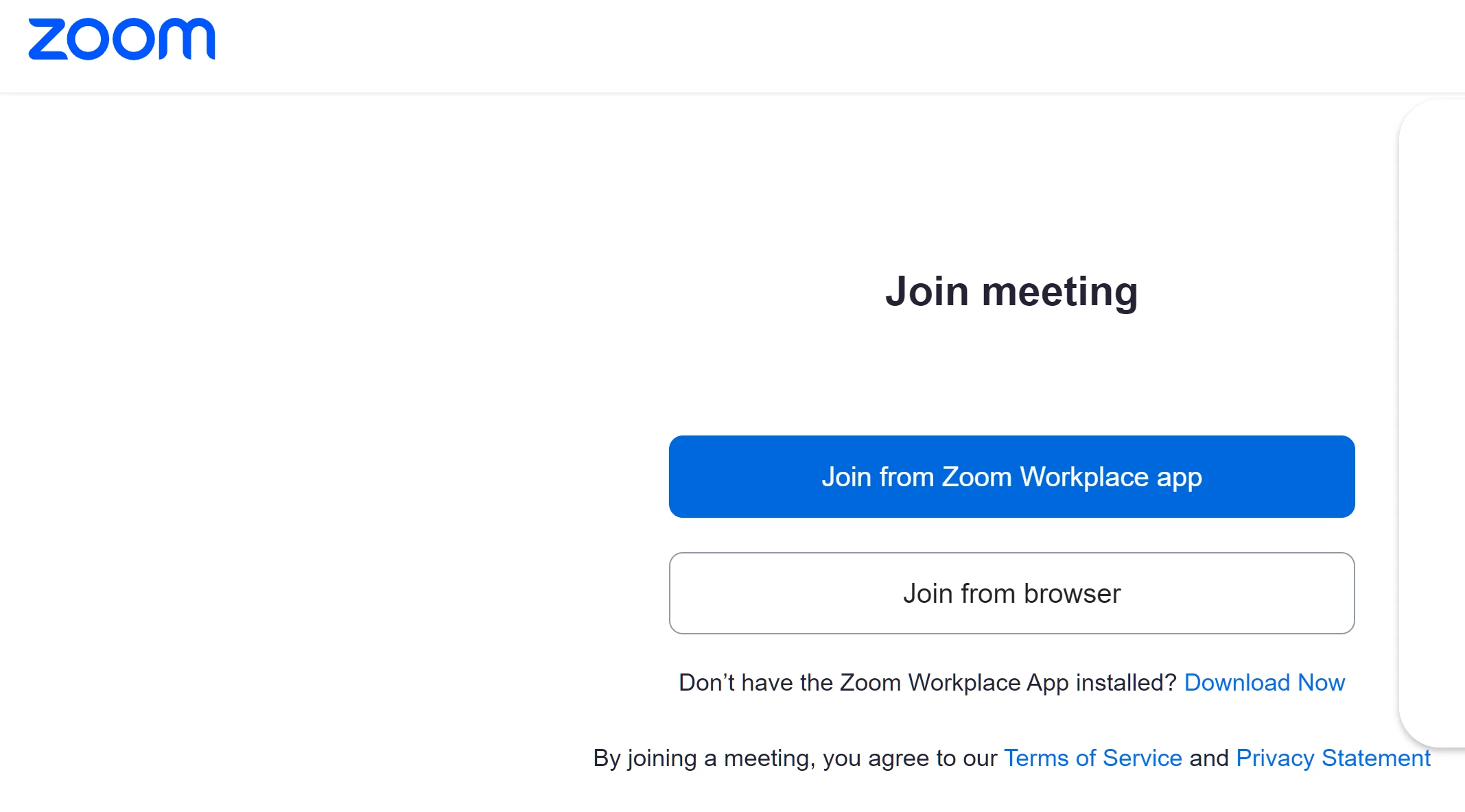
It seems Zoom has a new “feature” that when I click on a Zoom link to join someone else’s Zoom meeting, it takes me to a browser page (see screen shot below).
Where I then have to chose between joining the meeting from the app or a browser.
This is a time waster, because I want to use the app 100% of the time.

Plus, because I have typically have quite a few browser tabs open, sometimes it can be time consuming to find this page.
So it adds extra delay for me to join Zoom meeting.

My question - how can I bypass having to go to this unnecessary browser page?
So I can go back to having “1 click” to join a Zoom meeting
And not waste time.



    1 reply

    aluyun
    Community Manager
    Community Manager
    April 14, 2026

    Hi ​@PaddyPaddy90,

    I apologize for the late reply.
     

    Currently, Zoom requires the browser join page as part of the meeting join process for security and compatibility reasons. When you click a Zoom meeting link, the browser page prompts you to open the Zoom app. There is no official way to bypass this browser step and join meetings with a single click directly from a link.

    However, you can join meetings directly from the Zoom app by:

    • Opening the Zoom app first
    • Clicking "Join" and entering the Meeting ID and passcode

    This avoids the browser step, but you will need to manually enter the meeting details. The browser join page is a standard part of Zoom's workflow and cannot be disabled or bypassed for all links at this time.

    (Optional) you can select the checkbox if you want to always allow Zoom to open links of this type in the associated app.


    Please check out this link to learn more.