
How do I enable participant screen share by default? | Community
Skip to main content
Newcomer
July 27, 2022
Question

How do I enable participant screen share by default?

  • July 27, 2022
  • 2 replies
  • 0 views

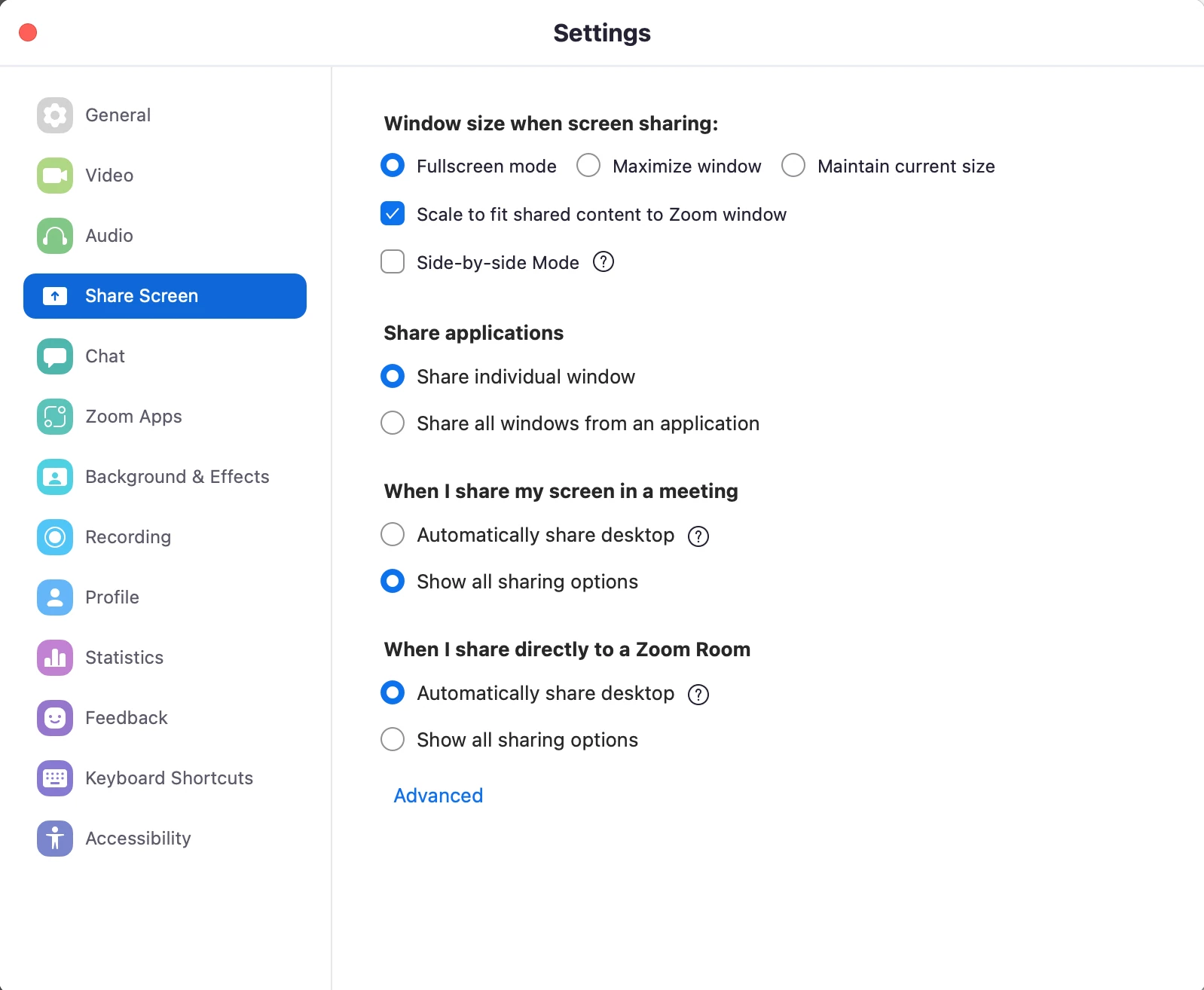
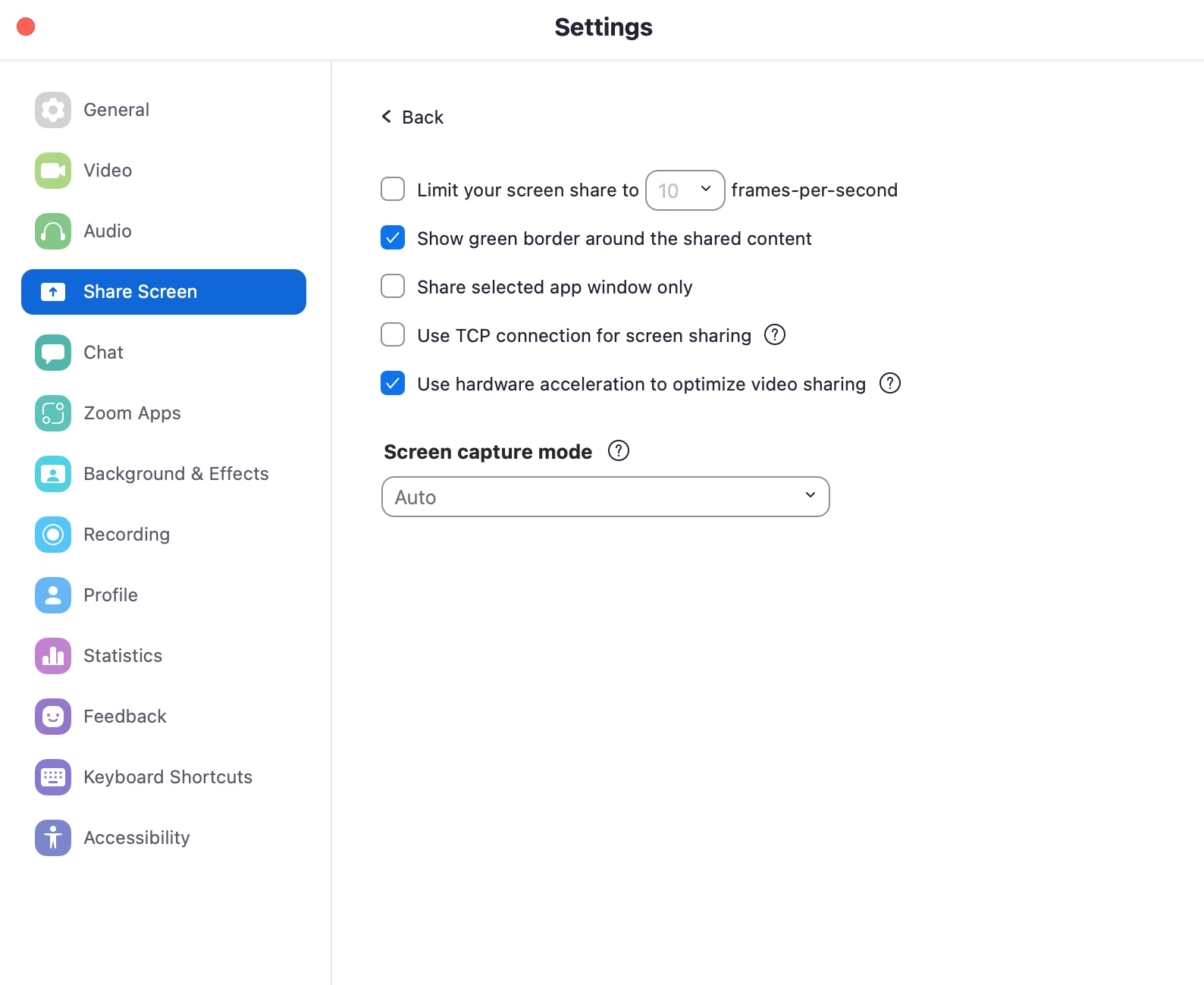
I have to enable this in every meeting, is there a way to enable it by default? I don't see the option in Settings.


    2 replies

    Bort
    Employee
    Employee
    July 27, 2022

    Hi @tstbuilt 

    Yes, there is a way to change the default screen sharing permissions for meetings you host, but it must be done via the web portal Settings page. There you will have essentially the same settings as in your meetings: 


    Hope that helps and please make sure to mark the solution as accepted if this information is what you needed.

    Newcomer
    December 6, 2024

    Hey, I followed these steps and I still need to enable in every single meeting. Additionally, the pop up when someone requests to share and approve is not visible on mobile. This is very poor interface (still in 2024) and it doesn't work. Please fix.

    Explorer
    July 30, 2022

    Sign into Zoom settings .
    Scroll down to In Meeting (Basic)
    Under Screen Sharing, for Who Can Share?, select All Participants.


    Hope this helps,
    J Wick
