

Help to make "+" to work for uploading images for the virtual background | Community
Skip to main content
Newcomer
May 29, 2023
Solved

Help to make "+" to work for uploading images for the virtual background

  • May 29, 2023
  • 1 reply
  • 1 view

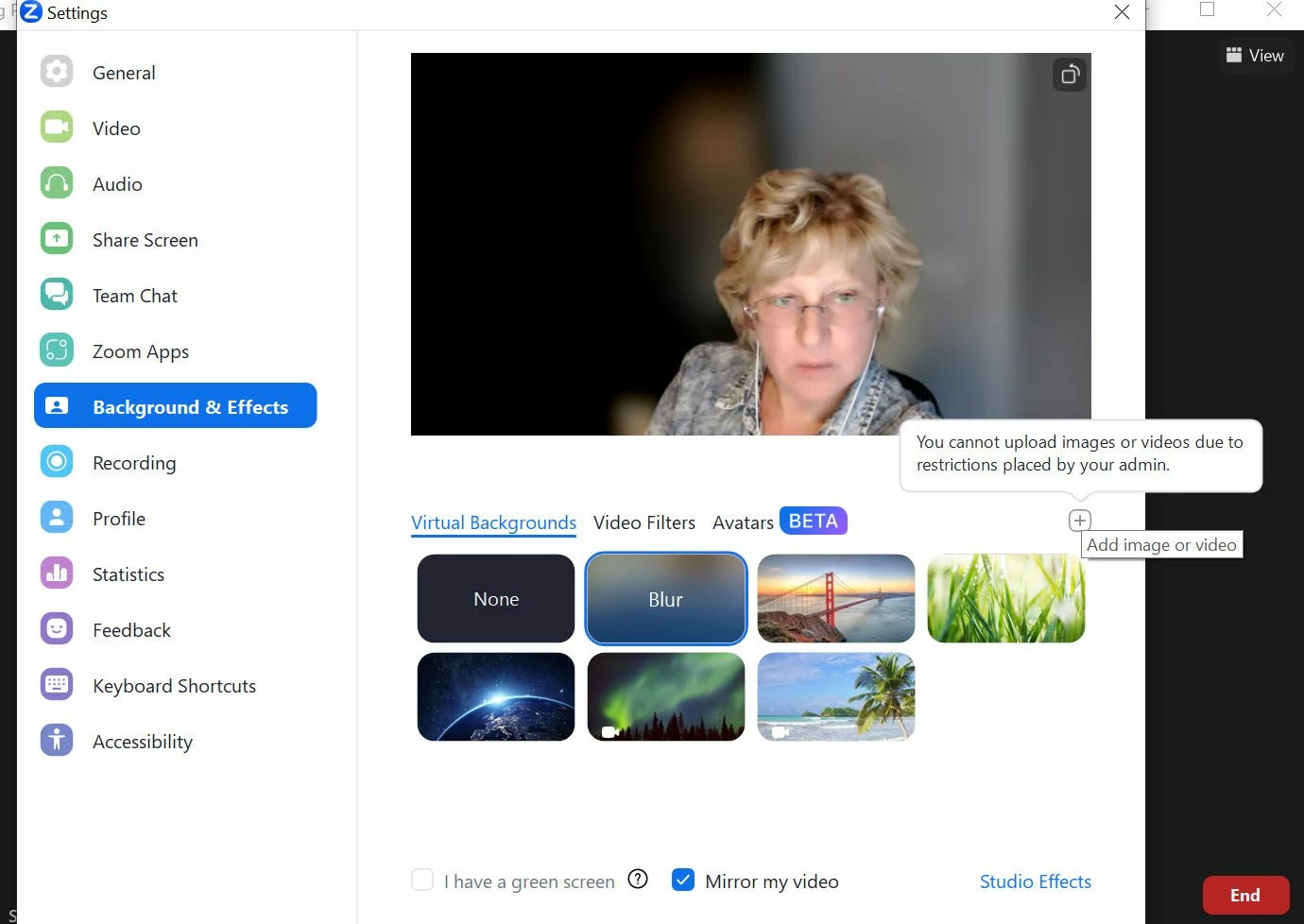
I receive  this note when I click on + to upload images for the background:
"you cannot upload images or videos due to restrictions placed by your admin"

I am the admin and the owner of the account.
I restarted my comp, I changed my email account for zoom, I downloaded the newest version of zoom.
Nothing works.
Please help!
Best answer by Frank_TB

Hello,


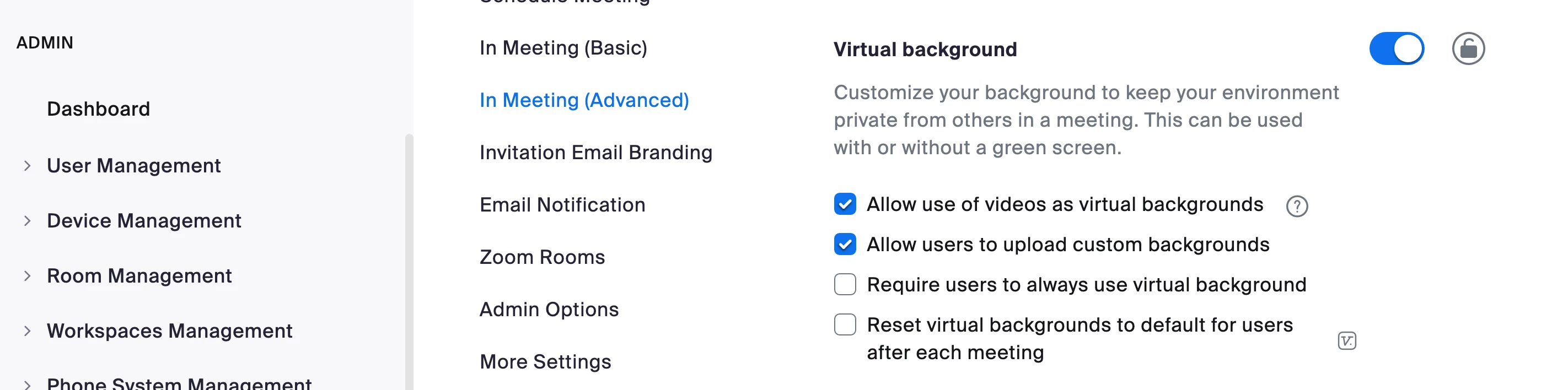
You need to enable it at the account level. Zoom us >Admin>Account management> Account Settings >Virtual backgrounds> Allow users to upload custom Backgrounds


Regards

If my reply helped, don't forget to click the accept as solution button!

1 reply

Frank_TBAnswer
Community Champion | Customer
May 29, 2023

Hello,


You need to enable it at the account level. Zoom us >Admin>Account management> Account Settings >Virtual backgrounds> Allow users to upload custom Backgrounds


Regards

If my reply helped, don't forget to click the accept as solution button!