Finding the saved transcripts | Community
Skip to main content
Newcomer
April 8, 2024
Question

Finding the saved transcripts

  • April 8, 2024
  • 4 replies
  • 357 views

I find the live transcipt feature very useful during our calls. I don't usually make an audio recording of calls.


But when the conversation is finished, I usually have to wait until everybody has signed out and then shuffle about to find the transcript,  then open it, then view it in folder and then save it in a relevant directory on my computer.  If I exit the call myself as the host, there does not seem to be way to find the transcript. 


My method seems clumsy and wasteful. Is there a better/faster way to do this and can I do it after the call is completed. 


TIA


GB

4 replies

Newcomer
July 21, 2025

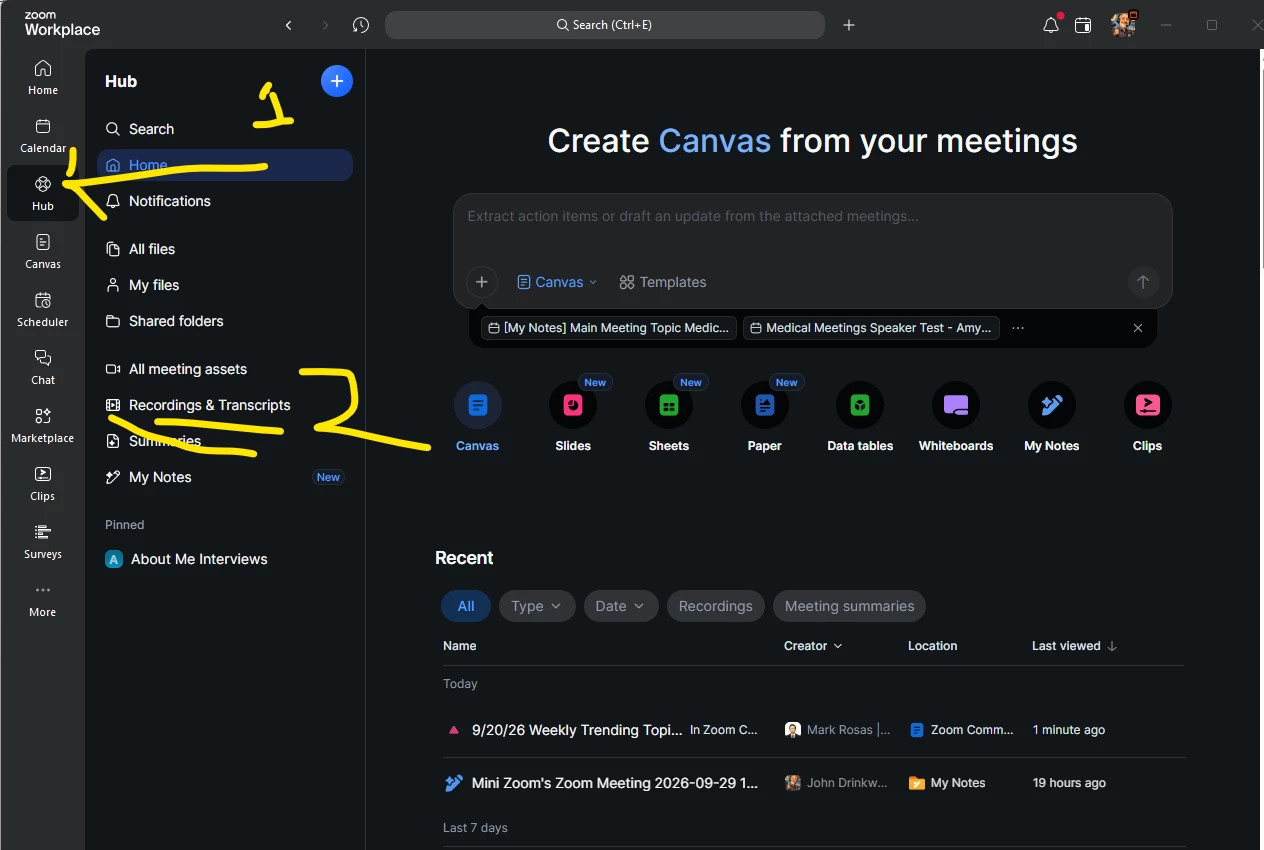
Gary, I'm having the same problem. I was in a 3-day program and clicked "Save Transcript" for each day. Afterwards, I went to look and they weren't in the zoom folder on my hard drive, so I looked in the cloud, and they weren't there. I logged into zoom.us and clicked on recordings and transcripts, and they weren't there. They seem to be nowhere.


So I'm curious -- do they exist?, and if so, where????

Newcomer
August 19, 2025

I've had the same problem... also in a 3-day program and saved the transcript for each day and looked in all the places you looked without luck. What's happening?, where'd they go?, do they even exist?

Newcomer
December 10, 2025

And the answer is??  I'm trying to find the transcript for a call I recorded a couple of weeks ago, but it's not showing up in any place that's obvious on my dashboard...  Can anyone tell me where I can find it?

New Member
January 26, 2026

I am having the same problem - has anyone found the transcripts that were “saved”?  I don’t always video record but I “save transcript” and cannot find them anywhere!


New Member
January 30, 2026

Gemini just helped me on this:

If you did a Manual Save…
 

Where to find "Saved" Local Transcripts (Manual Save)

If you were in a meeting and clicked the "Save Transcript" button in the Closed Caption/Live Transcript window, the file is saved to your local computer:

  • Windows: C:\Users\[Username]\Documents\Zoom
  • Mac: /Users/[Username]/Documents/Zoom
  • Inside the Zoom folder, look for a sub-folder named by the Date and Meeting Name. The transcript will be a simple text file (.txt) inside that folder.