Default avatar shows wrong initial letter (N instead of T) | Community
Skip to main content
Newcomer
July 17, 2026
Question

Default avatar shows wrong initial letter (N instead of T)

  • July 17, 2026
  • 2 replies
  • 86 views

Hello everyone,

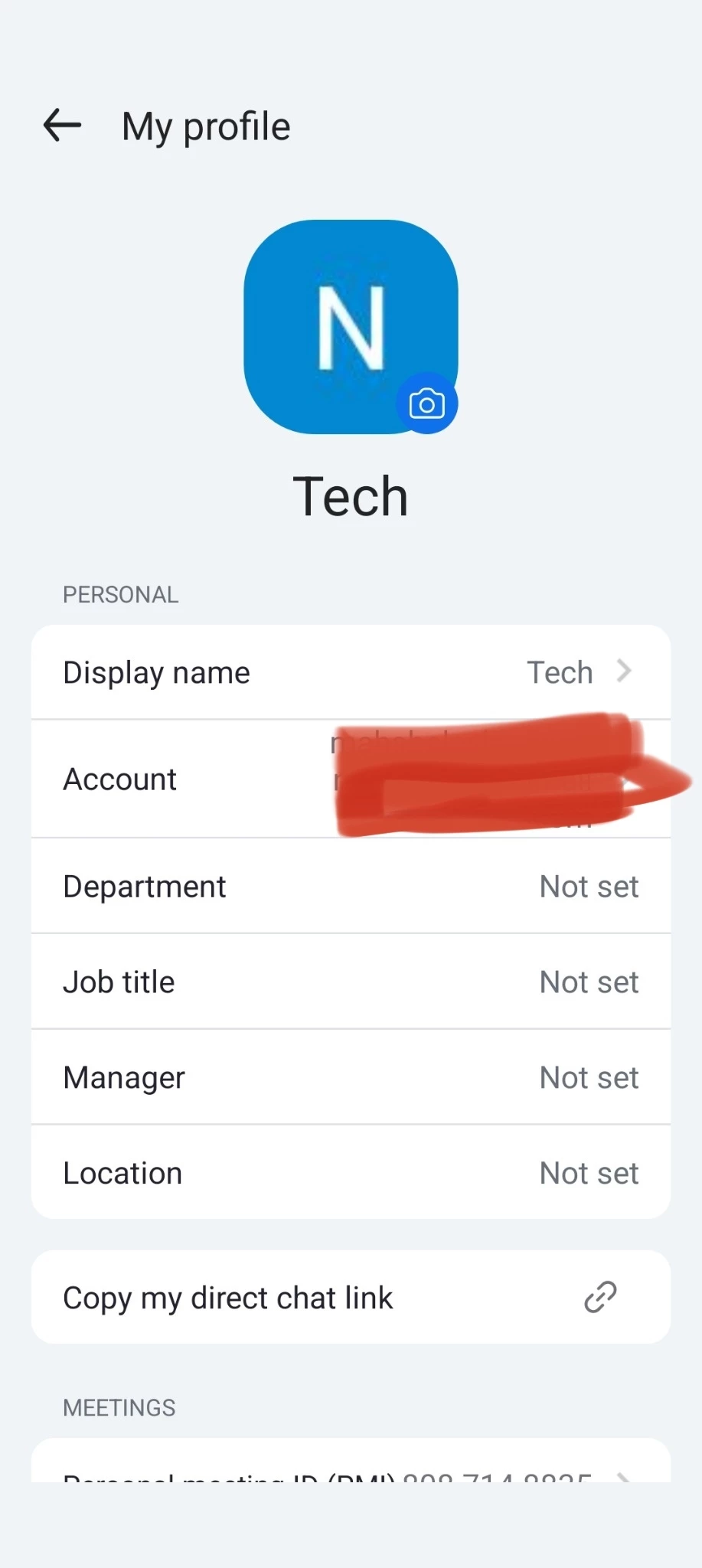
I'm experiencing a strange issue with Zoom's default avatar.

I created a new Zoom account with:

  • First Name: Tech
  • Display Name: Tech
  • No profile picture

However, Zoom displays the default avatar with the letter "N" instead of "T".

I have already tried:

Changing the first name and display name

Signing out and signing in

Reinstalling the Zoom app

Testing on Android, Windows, and the Zoom Web App

Joining meetings to verify what other participants see

The problem is visible everywhere, including during meetings.

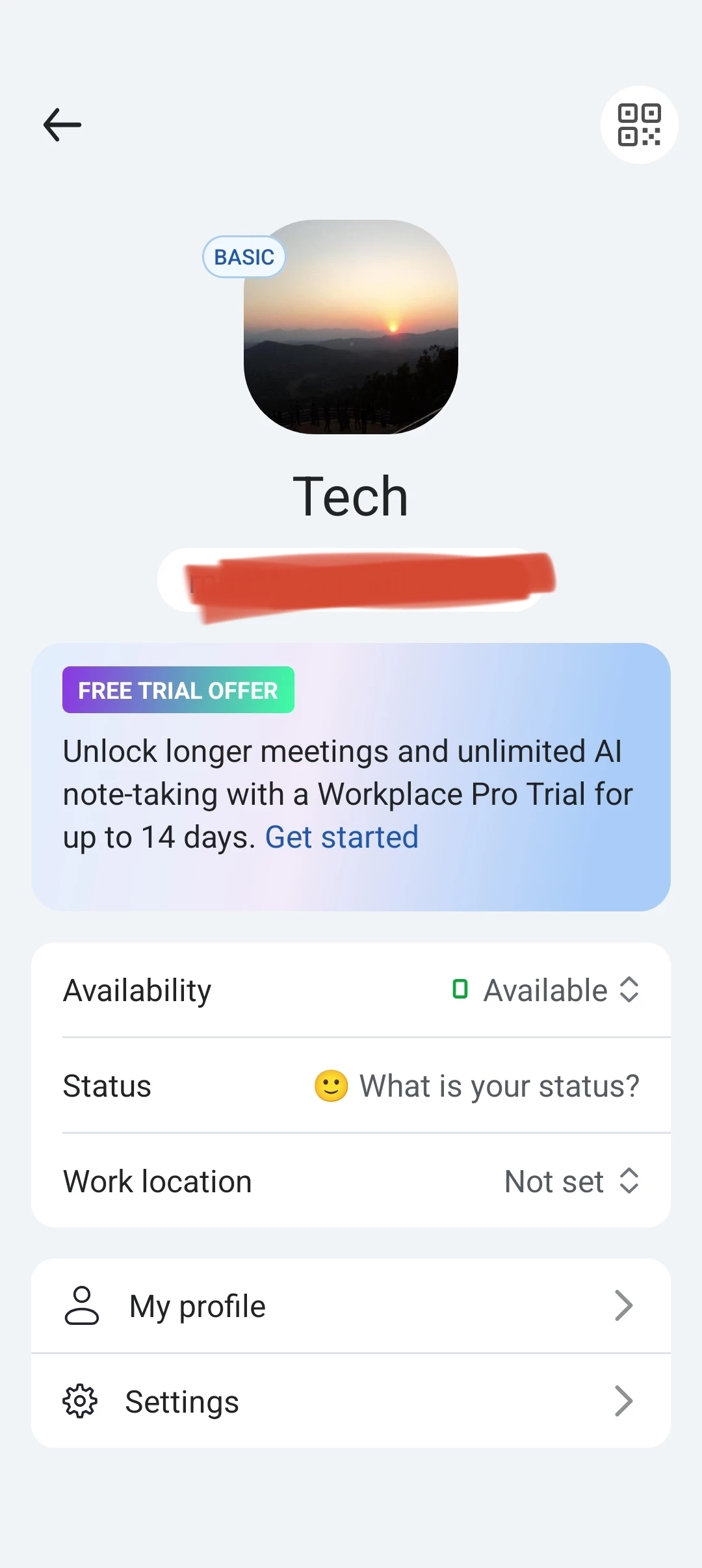
If I upoad a profile picture, it displays correctly. The issue only occurs when Zoom generates the default initial avatar.

Pls refer the screenshots

Has anyone experienced this issue? Is it a known bug, or is there any way to reset the generated avatar?


Thank you.
 

    2 replies

    iambobsat
    Community Champion | Employee
    Community Champion | Employee
    July 26, 2026

    Hi, 

    Thanks for reaching out!

    1. The Avatar Is Pulling from the Account Owner or Original Registration Name

    When the account was first created, the original registration name may have started with "N" (e.g., the name used during the initial sign-up or SSO provisioning). Zoom's default avatar sometimes caches the initial from the original account creation data, not the current display name.

    Fix: Check the Zoom Web Portal → Profile and look at every name field — First Name, Last Name, and Display Name. Also check if there's a username or email alias starting with "N" that Zoom might be referencing.


    2. SSO or Directory Sync Override

    If the account was provisioned through SSO (SAML), SCIM, or a directory sync (like Azure AD, Okta, or Google Workspace), the avatar initial may be pulling from the identity provider's records, not from what's shown in the Zoom profile. The name in the IdP may still have the old value starting with "N."

    Fix: Check the identity provider's user record for this account. If the first name or display name there starts with "N," update it in the IdP and trigger a sync. Zoom profile changes made manually may get overwritten by the directory sync.


    Please let us know if this resolves the issue. 

    Newcomer
    July 26, 2026

    This looks like a Zoom-side profile/avatar caching issue since it happens across all devices. Try changing your name, saving it, and changing it back. If that doesn't work, contact Zoom Support to have them reset the generated avatar data.