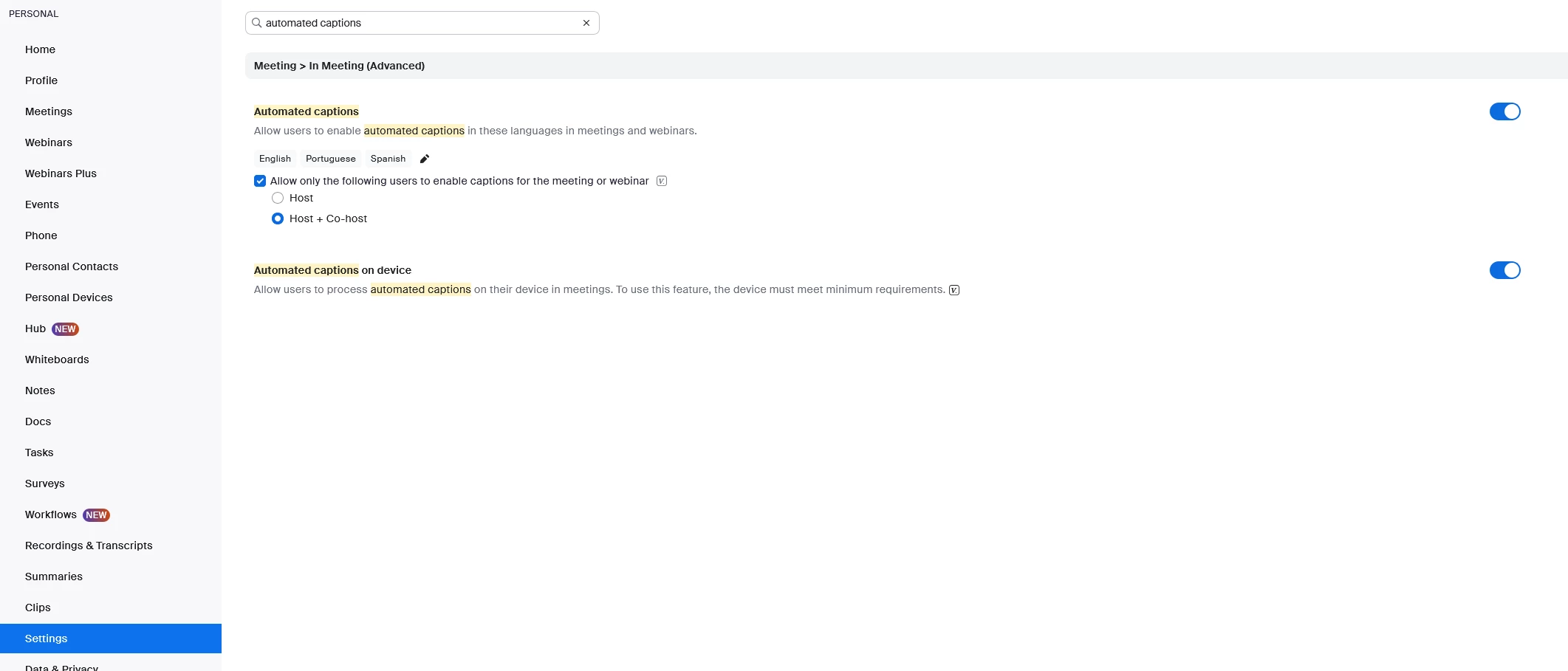
Cannot get Closed Captioning to Work version
Version 6.6.6 and then updated to 6.7.5. I am not able to get closed captioning to work for the meetings I start. I have used the Meetings/Advanced settings on the Host login and it shows Closed Captioning under the Accessibility tab. I can even change the font and placement. I have also enabled closed captioning under the settings. Despite this - Closed captioning does not show up on my zoom screen or any other members screen during the meeting. Most of our members join the meeting using a meeting ID, they are not logged in. As the Host, I am logged in. I also looked on my screen and the screen of another meeting member for the CC symbol on the control line - it is not there. I did look under “More” and it wasn’t there. We had a member try clicking on the green shield on the upper line of the zoom screen, the one next to the time. It shows the meeting information, but there is nothing about closed captioning. We would like to be able to offer closed captioning to people who have hearing challenges. How do we make this work.
Thank you